


Computer Crashed on Illustrator - Overheating, Stuck on Error Screen
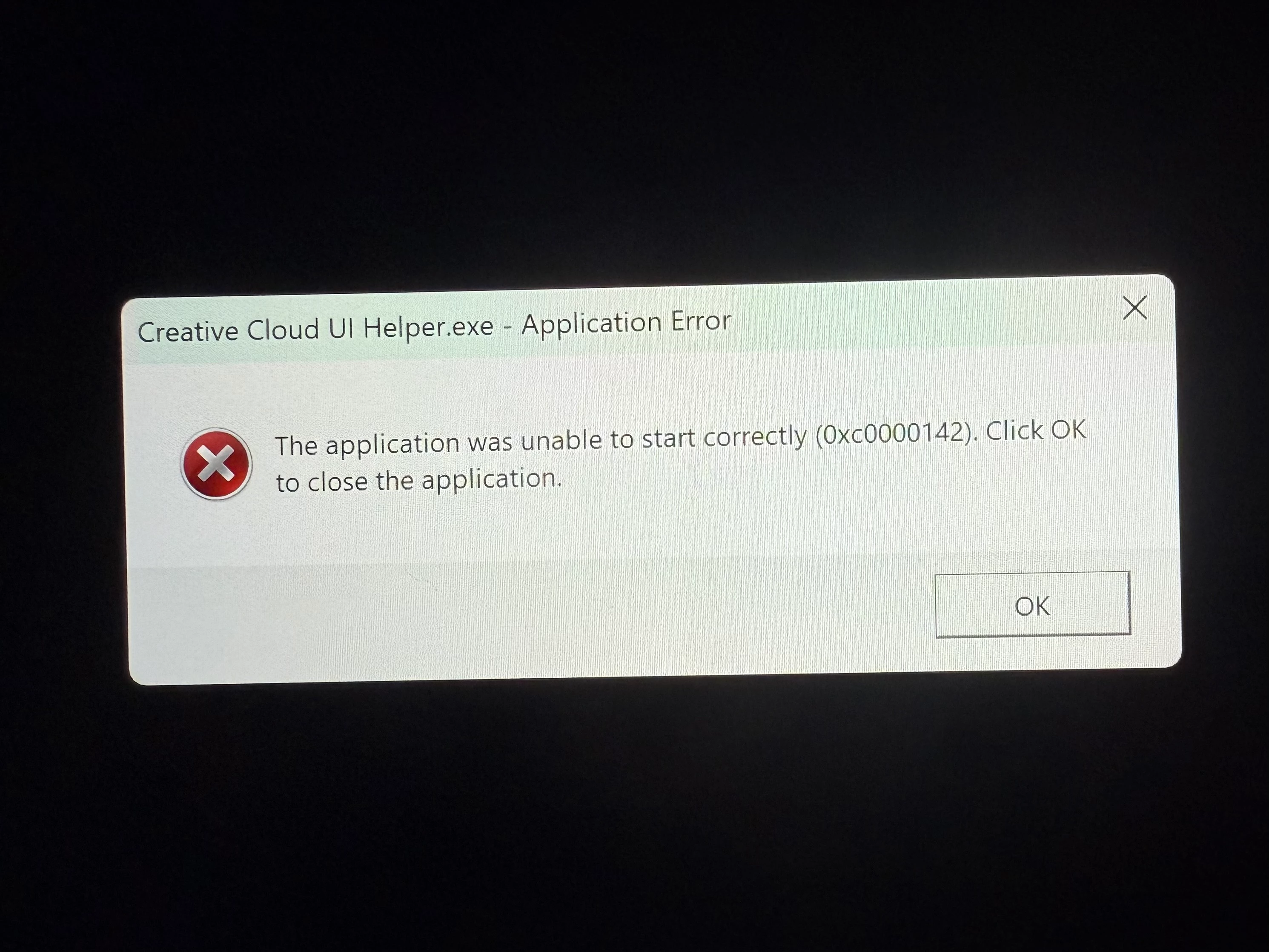
Good day, all! I had a quick question if anyone knows the answer to it.
I have a school assignment due tomorrow using the Adobe Illustrator program on my Microsoft Surface Pro 8 (both software and computer are fully updated to the best of my knowledge). It required using the very heavy tools such as 3D + Materials and Option > Mockup > Create Mockup using decently large SVG files. The final SVG design ended up being 25+ MB despite doing my best to slim it down - I'm on a time crunch and had to prioritize.
Below is the first mock-up I created successfully using the SVG and the jar picture. It took about an hour to load and was on the verge of crashing the whole time.

Unfortunately, the project requires a second mock-up be made using two grouped copies of the SVG lined up together to display the back of the label design. That's where I'm stuck. After loading steadily for about an hour my computer suddenly went black, displayed this error message, and refuses to turn off or otherwise be diverted. The cursor isn't available. My computer is rapidly overheating by the minute and shows no sign of letting me close the application or closing it itself. It's not plugged in or running any other programs to the best of my knowledge, and I have more than enough storage space on both my C:Drive and the Creative Cloud.
I'm worried for both the health if my computer and my health should I fail this class by failing to turn in this very highly weighted assignment. Send help, please?
 AdChoices