Bulgakov
Inspiring
June 20, 2019
Answered

Confused by coordinates

  • June 20, 2019
  • 2 replies
  • 604 views

I'm following a Lynda.com tutorial on Illustrator.

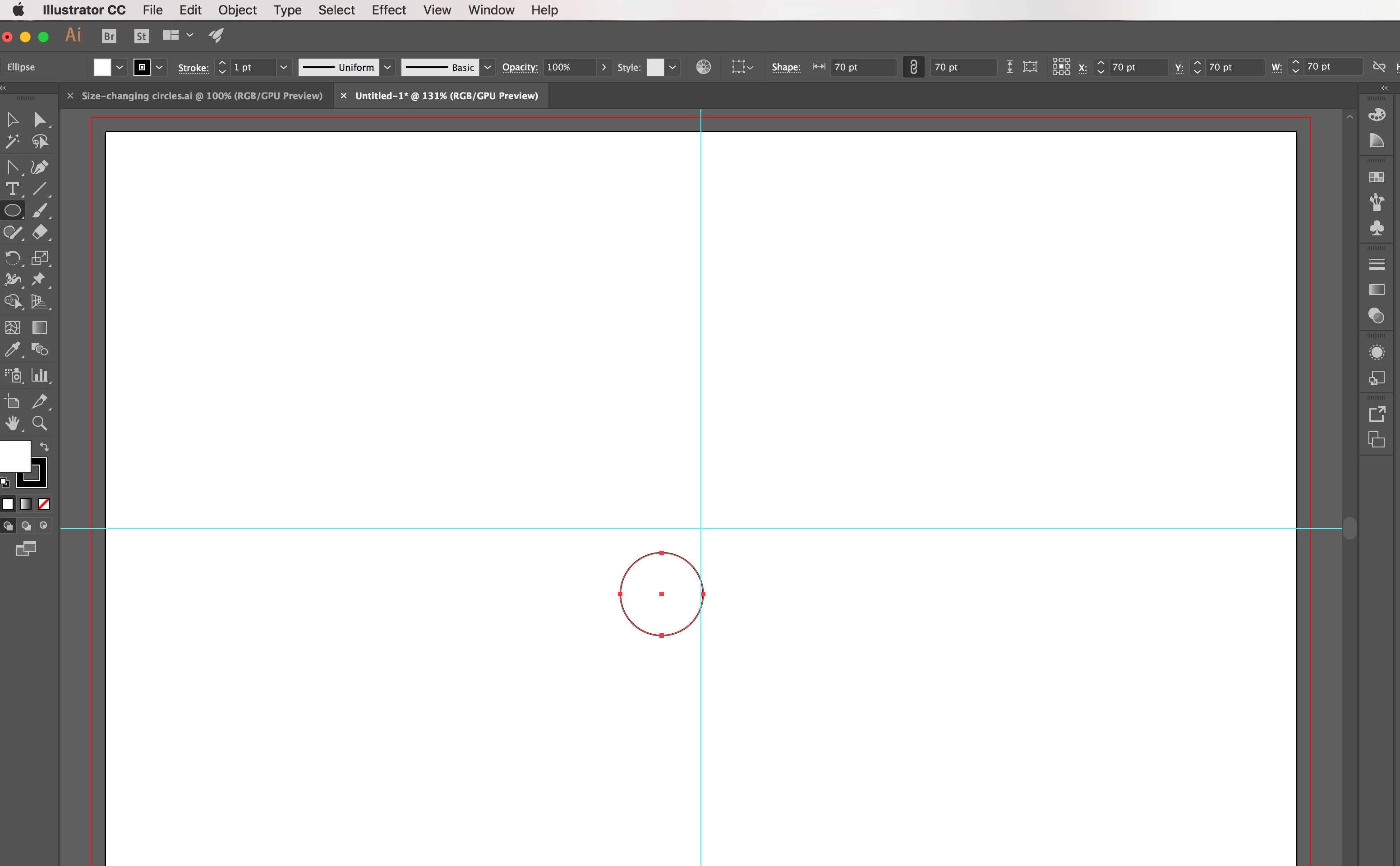
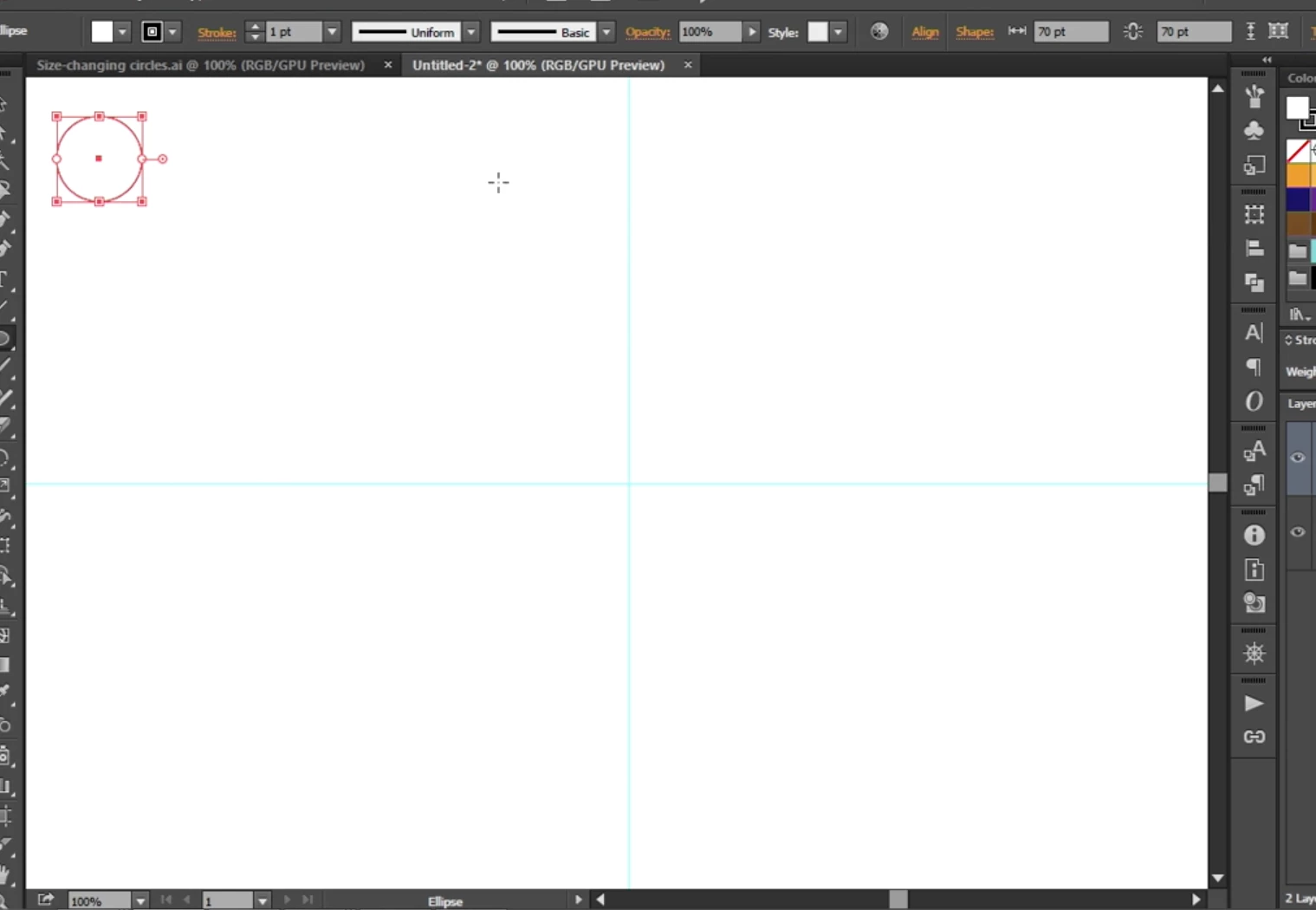
In the lesson, he has us create an ellipse of 70 pt and then has us change the x and y value to 70 as well.  Doing this places the circle in the upper left corner on his artboard, but when I enter in the same values, it places it just down and left of center.  Is there some setting I need to change?  What is going on here?
    This topic has been closed for replies.
    Correct answer Warren Heaton

    Has the origin point of your document changed?  0,0 is usually in the upper left, but perhaps you accidentally moved it when you were drawing your guides.

    If you're not sure how to check this, Show Rulers (command R, Mac; control R, windows), take a screen shot and then post it. 

    To restore the default ruler origin, double-click the upper-left corner where the rulers intersect.

    You could also be using Artboard Rulers instead of Global Rulers.  You can read up on all this here:

    https://helpx.adobe.com/in/illustrator/using/rulers-grids-guides-crop-marks.html

    -Warren

    2 replies

    Warren Heaton
    Community Expert
    Warren HeatonCommunity ExpertCorrect answer
    Community Expert
    June 21, 2019

    Has the origin point of your document changed?  0,0 is usually in the upper left, but perhaps you accidentally moved it when you were drawing your guides.

    If you're not sure how to check this, Show Rulers (command R, Mac; control R, windows), take a screen shot and then post it. 

    To restore the default ruler origin, double-click the upper-left corner where the rulers intersect.

    You could also be using Artboard Rulers instead of Global Rulers.  You can read up on all this here:

    https://helpx.adobe.com/in/illustrator/using/rulers-grids-guides-crop-marks.html

    -Warren

    Bulgakov
    BulgakovAuthor
    Inspiring
    July 3, 2019

    I think this was the issue. Sorry it took me so long to say thank you...

    Steve Werner
    Community Expert
    Community Expert
    June 20, 2019

    To see the position of your ellipse and how it's controlled, you need to open the Transform panel (Window > Transform), or click the Transform link on the Control panel.

    A nine-pointed widget controls what position of an object by which point is selected. It shows the Reference Point. If the upper left reference point is selected (as shown below), then X and Y shows the horizontal and vertical location of the upper left corner of the ellipse. If the center reference point is selected, then it shows the position of the center of the ellipse. (And so on...)

    Bulgakov
    BulgakovAuthor
    Inspiring
    July 3, 2019

    Thanks for the assistance, but this was not the issue. I think Warren Heaton has the answer below.