
Confused by "Layers
Hey guys, I am a beginner with Illustrator and this got me very confused. I will give you guys a simple example of what is going on:
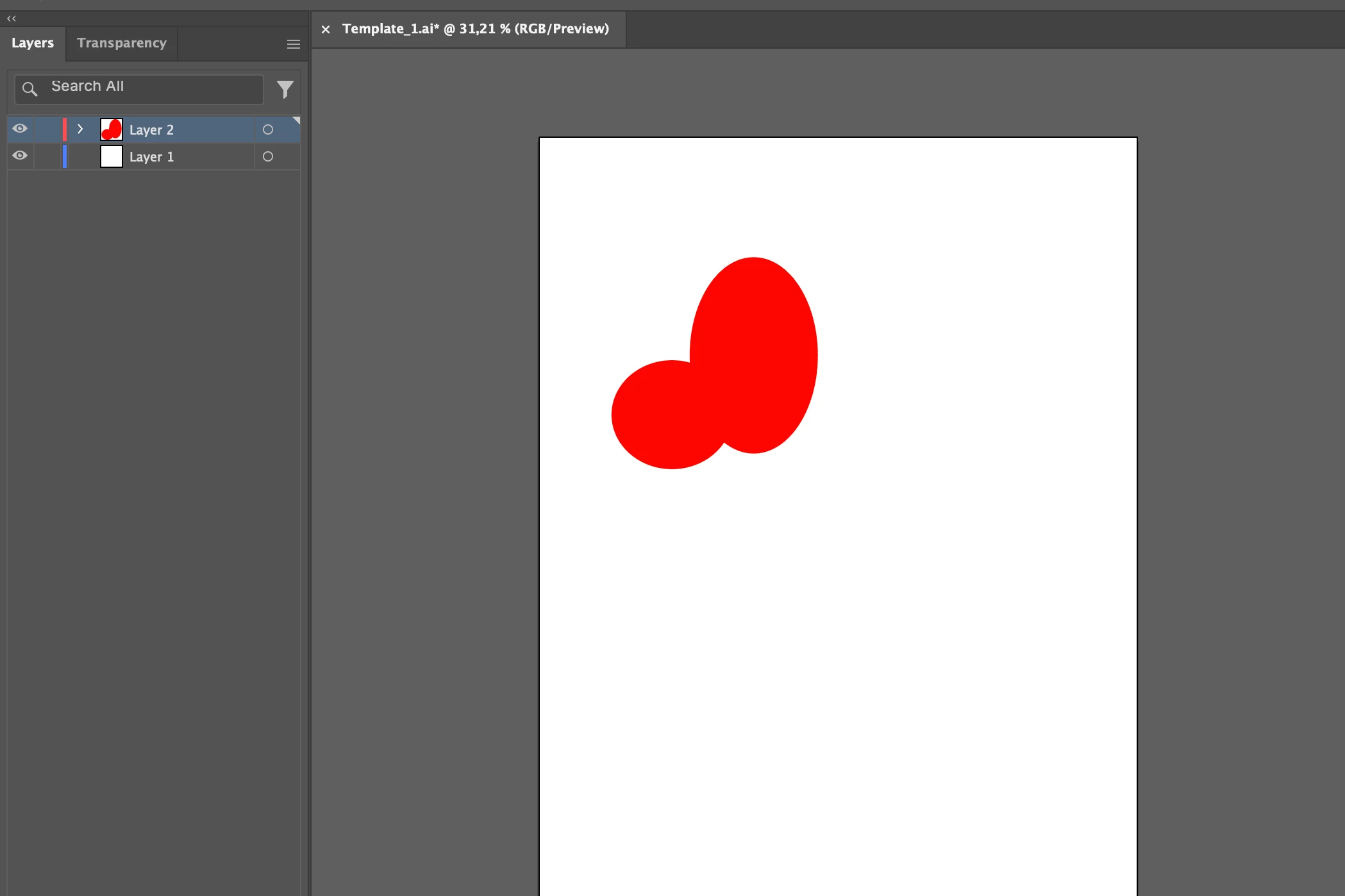
1) I have these 2 objects (2 red circles) placed on 2 separate layers, and wanted to create a mask for just one of them. So I selected its corresponding layer and used the Transparency menu to create a mask for it.
2) Mask is created:
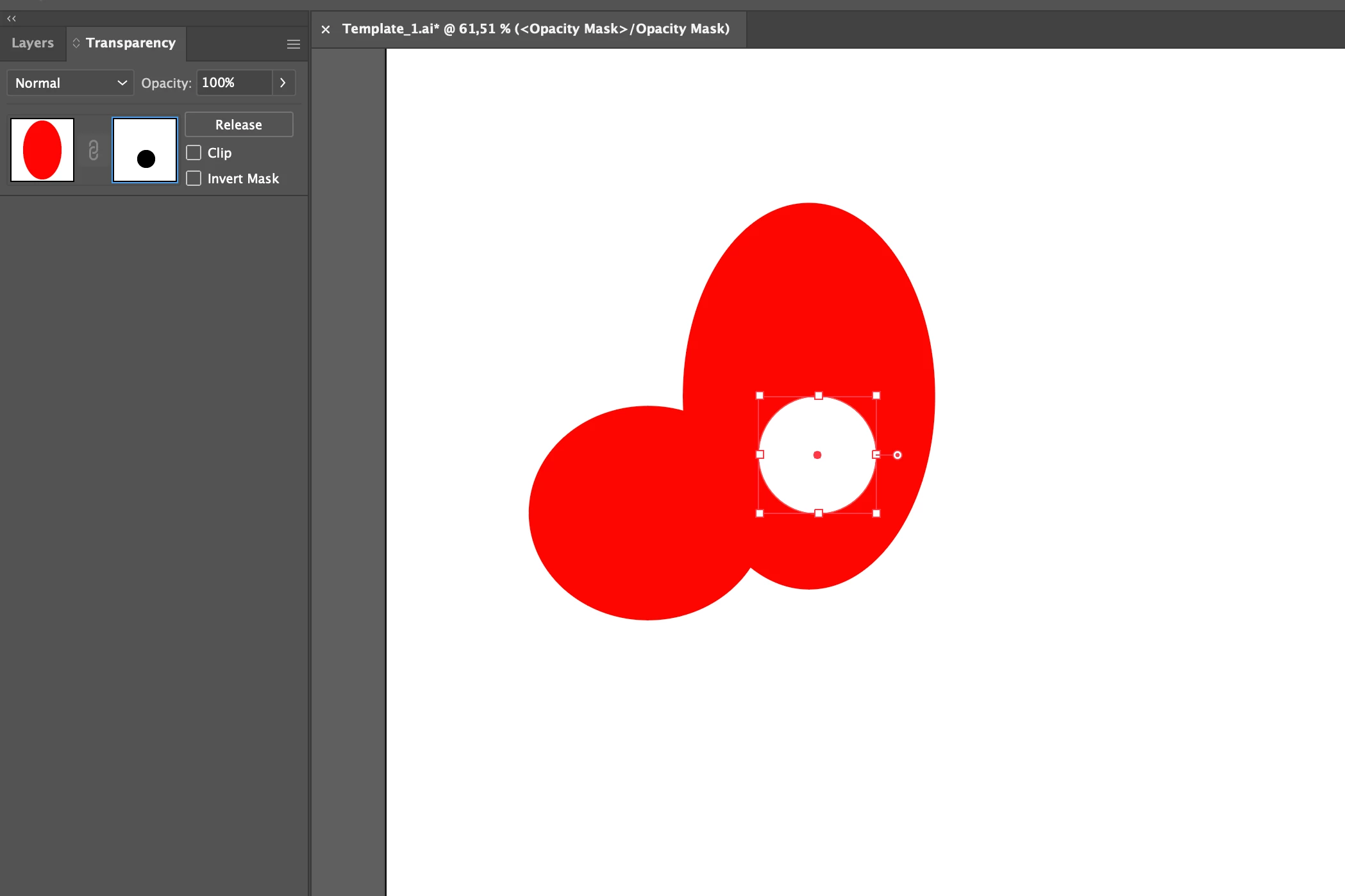
3) As soon as the mask is created and I try to go back to my layers menu I see that it is gone and it is now called "Layers (Opacity Mask)". I cannot access the regular layers menu that contains all of the layers unless I release the mask I created, which is very confusing to me.
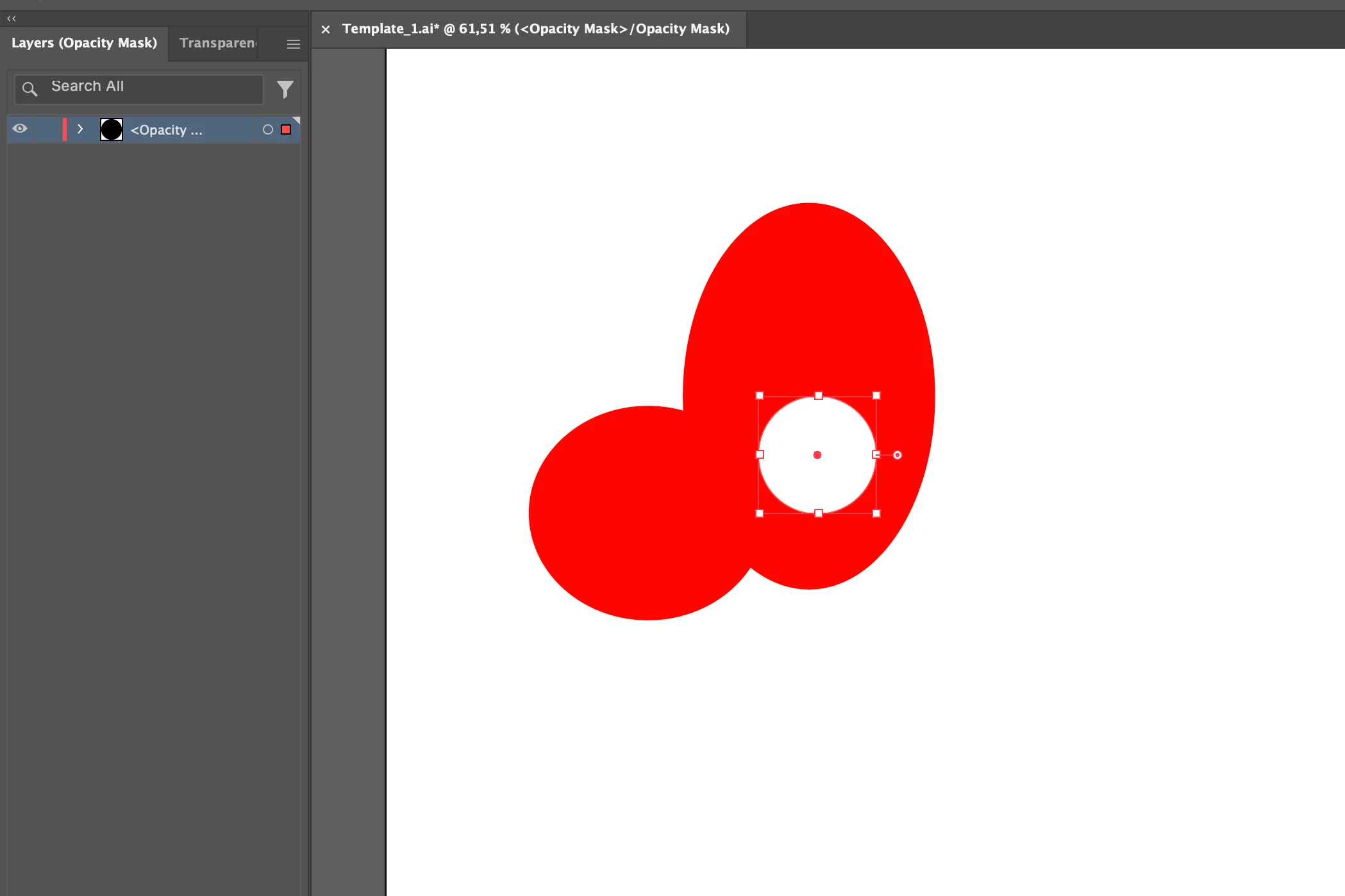
Questions are:
- Why does this action replaces the regular layer menu?
- Why does the menu go back to normal once I release the mask?
- What is the purpose of this "Layers (Opacity Mask)" menu?
- How do I avoid this? (I'm used to Photoshop, so this is even more annoying).
Thanks in advance guys!
 AdChoices