

Servs
Participating Frequently
August 22, 2024
Answered

Contour map effect lines disappear after image trace. What am I doing wrong?

  • August 22, 2024
  • 2 replies
  • 939 views

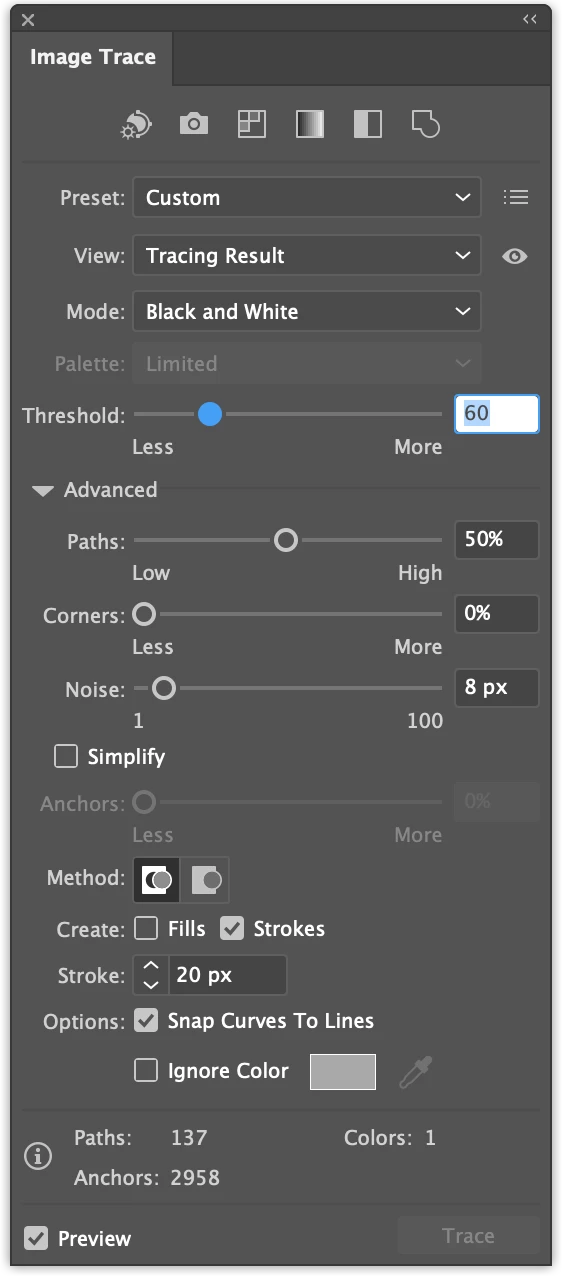
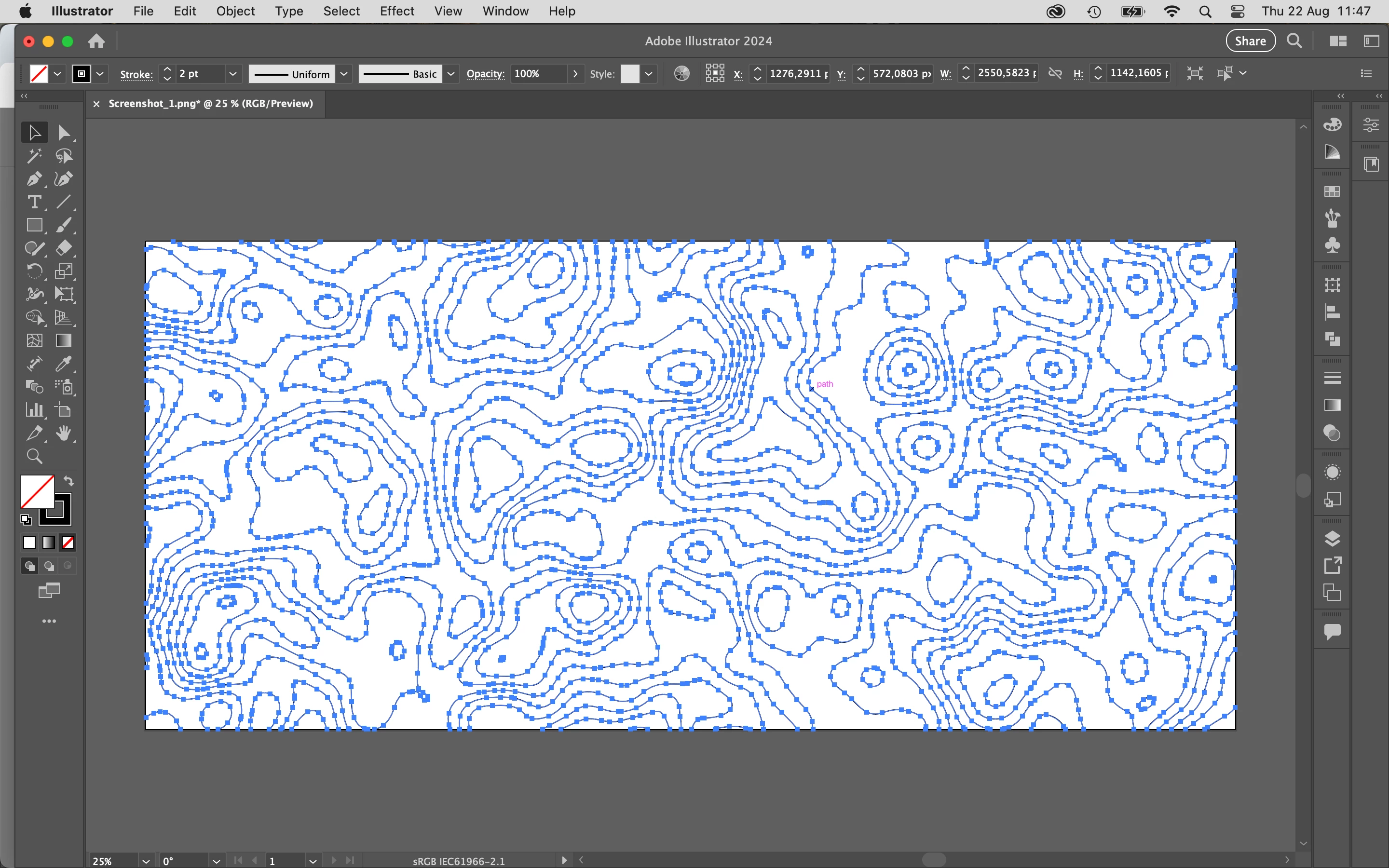
I am trying to create a contour map using Illustrator. I am image tracing an image and when it finishes tracing the lines dissappear. I got it to work once, and now it just wont work again. Ive tried lowering the threshhold from 255 all the way to 248 with no luck. I also tried installing an older version of illustrator to see if somethign was just bugged with the latest version and no luck. Am I doing something wrong here?
This topic has been closed for replies.
Correct answer Ton Frederiks

10630px x 4724px at 300ppi

Preset: Custom
View: Tracing Result
Mode: Black and White

Threshold: 248

Paths: 1%

Corners: 0%

Noise: 1%

Create: Strokes
Options:
- Snap Curves to Lines (Off)

- Ignore White (On)


Thanks, I did not know about strokes only.

I resampled your screendump to get a 10630 px image (I know resampling is not the same as using your file), and I somehow got it to work. It maybe the stroke settings that made it work.

2 replies

Ton Frederiks
Community Expert
Community Expert
August 22, 2024

Did you use the default trace preset setting?

Restart your machine? Reset Preferences?

Servs
ServsAuthor
Participating Frequently
August 22, 2024

I just tried restarting machine and resetting all AI prefs. My image is quite large (900mm x 400mm), and I am getting the popup warning me it might take a while, but the progress bar is finishing in no time and the image is turning invisible.

Servs
ServsAuthor
Participating Frequently
August 22, 2024

Using default works, but im not sure which setting is triggering the invisibility. 

Ton Frederiks
Community Expert
Community Expert
August 22, 2024

Does the default 128 threshold not work?

Servs
ServsAuthor
Participating Frequently
August 22, 2024

It appears that no matter what threshhold i use, the lines vanish.