Answered
contrast or vibrance changes automatically after import on illustrator
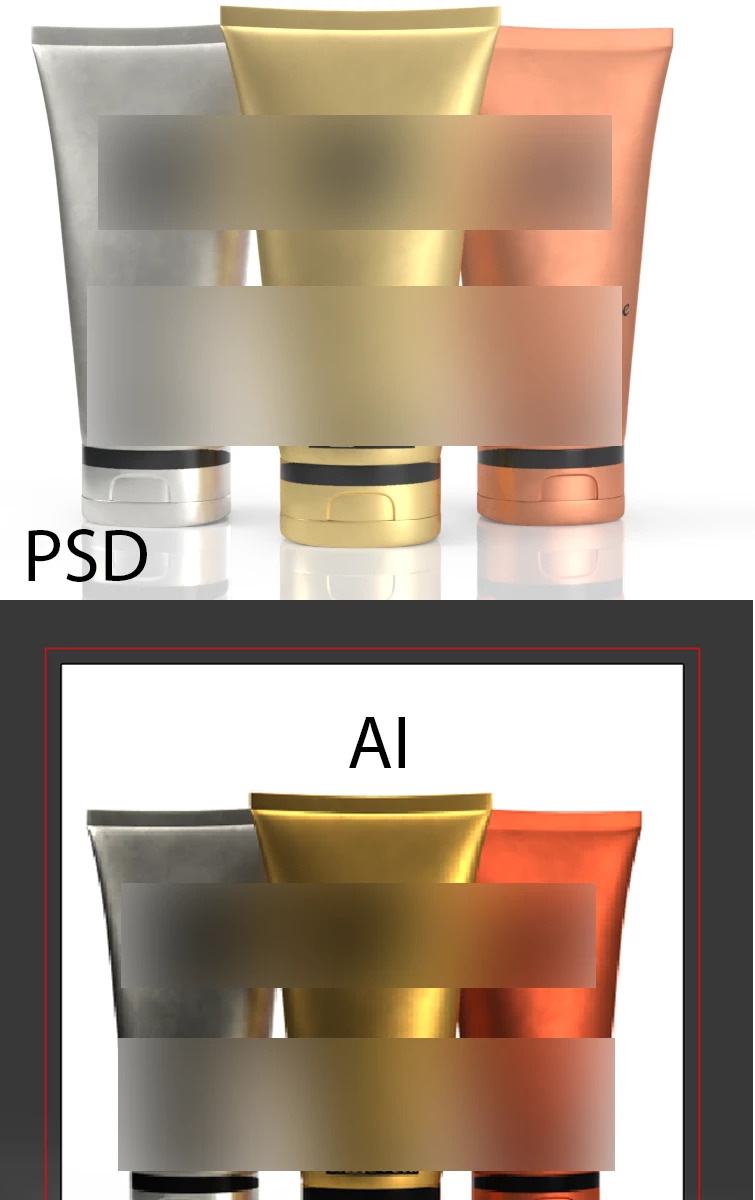
I have a 3d render exported to PSD from dimensions and then PSD to PNG, the colors are fine. but when I import the png to illustrator the color changes. the color setting are set automatically to NORTH AMERICA GENERAL PURPOSE 2 on both AI and PSD. yet the color changes.
it is not CMYK and RGB conversion I've looked into that.
it looks like vibrance and contrast increase after import.
I have found that the difference is PSD Assign profile tab has an sRGB linear set. but AI is set to RGB IEC.
there is no sRGB linear on AI. and changing to RGB IEC changes colors
 AdChoices