Michael-Allen
Participant
March 26, 2018
Answered

Converting brush work done in Photoshop into a vector in Illustrator

  • March 26, 2018
  • 3 replies
  • 3800 views

Is it possible to take brushwork done in Photoshop, drop it into Illustrator, and then convert it into a vector?  I've tried doing just this, but the vector I created still had blurry edges.

Thank you in advance!
    This topic has been closed for replies.
    Correct answer iBabs2

    Hello,

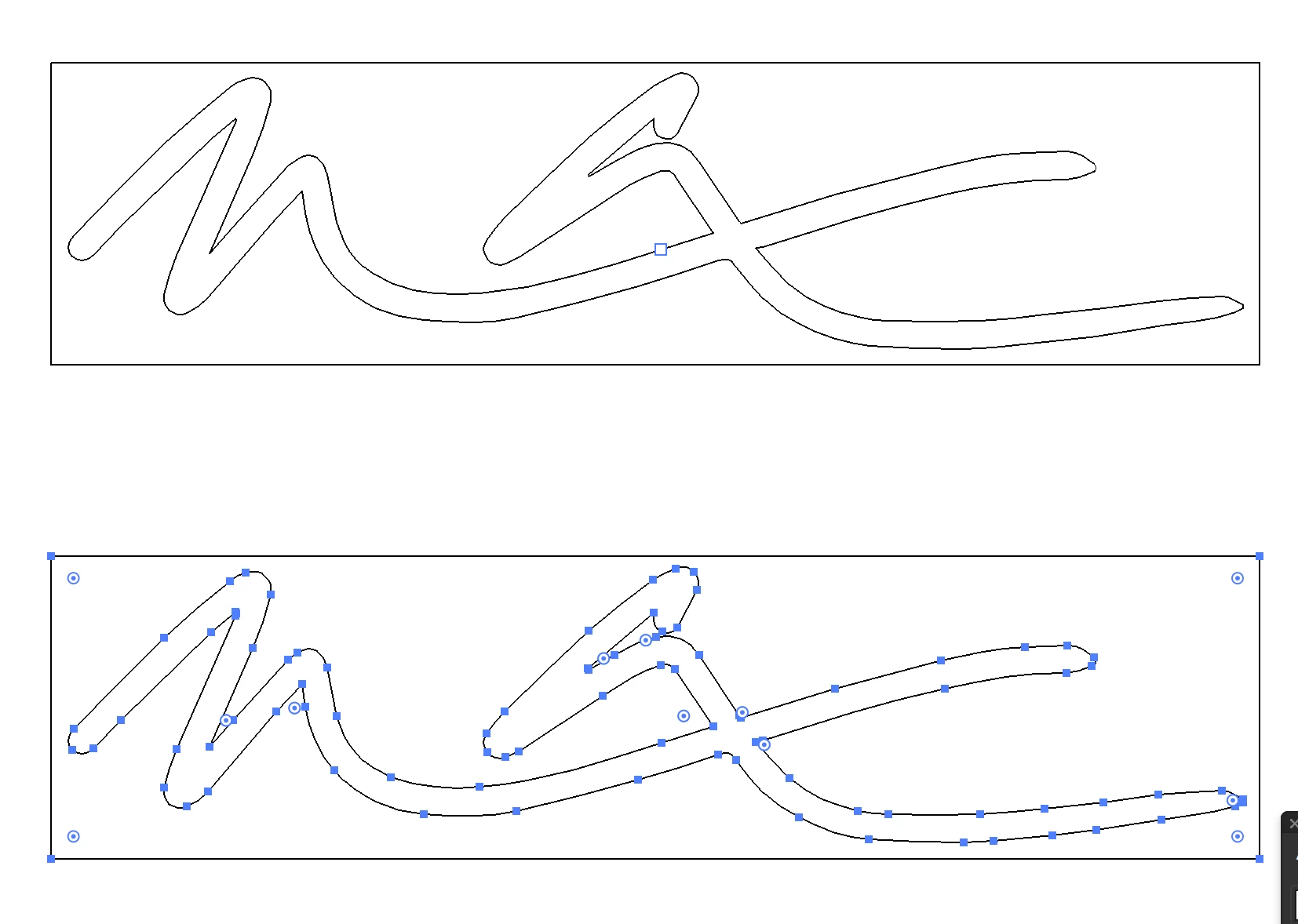
    I brought your file into Illustrator and did a standard Live Trace and then Expanded the results.
    See attached and see if this works for you? I just used the standard default settings and it looked good.

    Best,

    Babs

    3 replies

    chanaart
    Community Expert
    Community Expert
    March 28, 2018

    You can also copy a brush strok and paste it as a smart object and than creat a brush !

    So many ways to work with pixel and make it into vector!

    https://spark.adobe.com/page/d4XhyajktTb0h/

    iBabs2
    iBabs2Correct answer
    Inspiring
    March 26, 2018

    Hello,

    I brought your file into Illustrator and did a standard Live Trace and then Expanded the results.
    See attached and see if this works for you? I just used the standard default settings and it looked good.

    Best,

    Babs

    Michael-Allen
    Participant
    March 27, 2018

    Babs,

    Thank you so much for going out of your to help me with this!!!  Now I can finally get my new business cards printed with confidence.

    iBabs2
    Inspiring
    March 27, 2018

    Hi!

    So glad I could be of help.

    I get a lot of help here on the forums, nice to give back when I can
    Best,
    Babs

    Monika Gause
    Community Expert
    Community Expert
    March 26, 2018

    Please show the artwork.

    Michael-Allen
    Participant
    March 26, 2018

    Monika Gause
    Community Expert
    Community Expert
    March 26, 2018

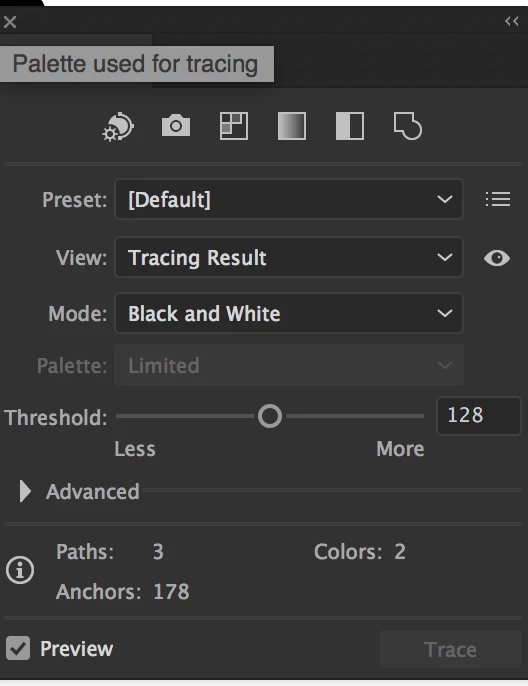
    You could trace them in black and white.