



Answered
Converting complex image trace to just outer path
This seems like it should be easy enough, but don't know enough Illustrator to do it.
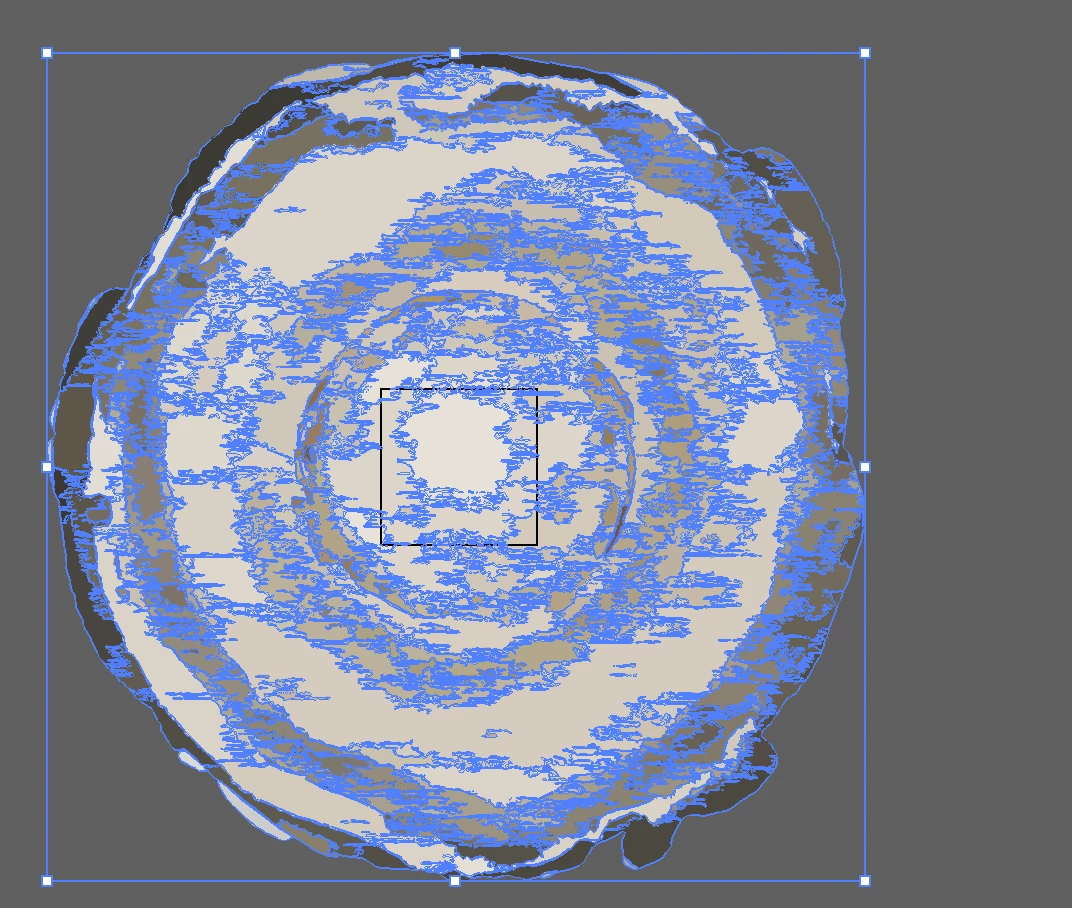
I am using Image Trace on a transparent placed png. Used the Low Quality Photo preset. Then I expanded it. I get this grouping after deleting the bottom path item (original white background).
Edit: Added new post below with new explanation of the issue I'm facing --
I would like to stroke just the outer edge of this path (around the stump). What's the operation to merge all of these paths into one? I tried making a compound path but it still stroked the inside pieces. Or is there a better Image Trace preset I should use to just get the exterior.
Thanks.


 AdChoices