
Converting image to texture issues
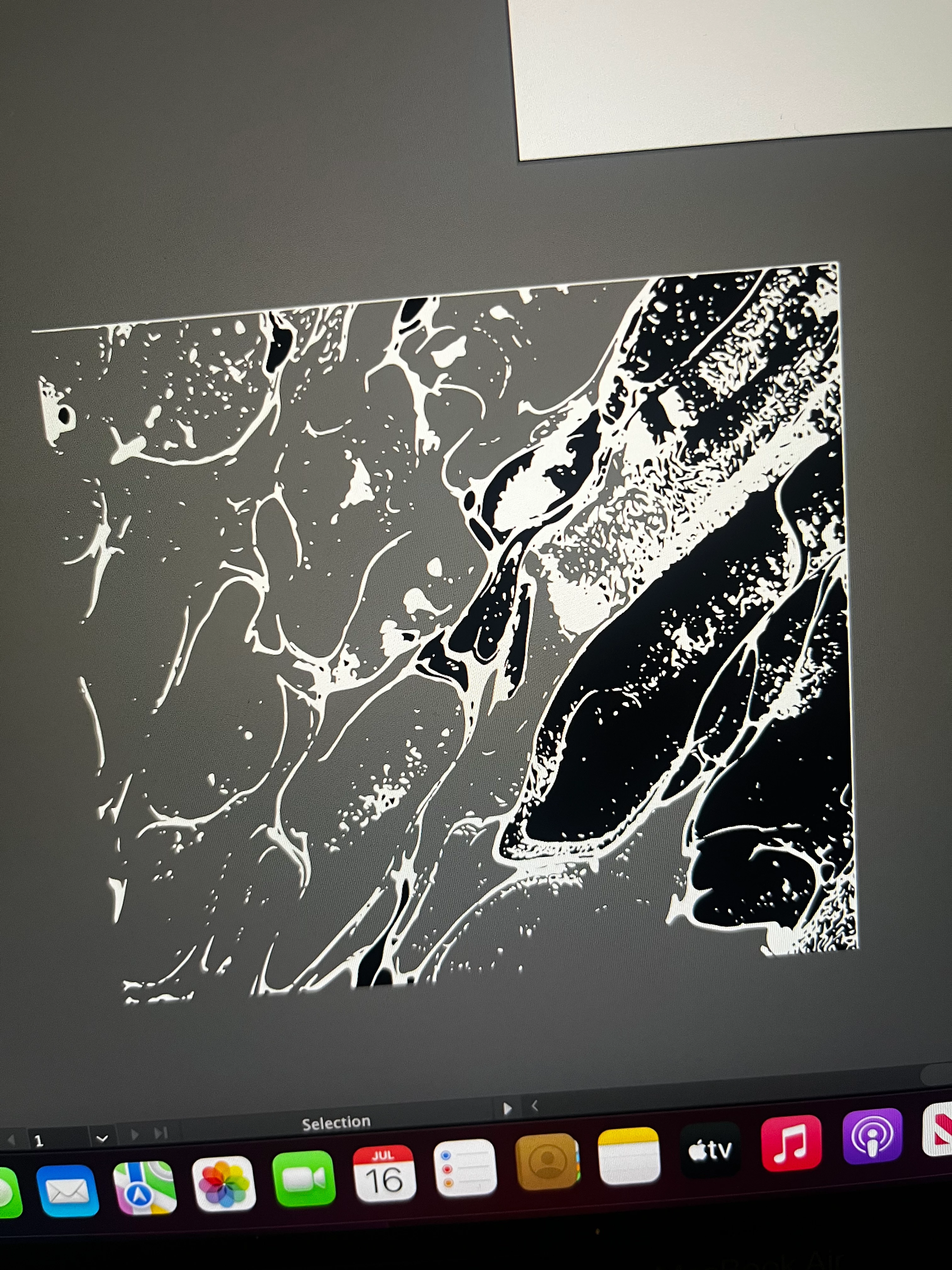
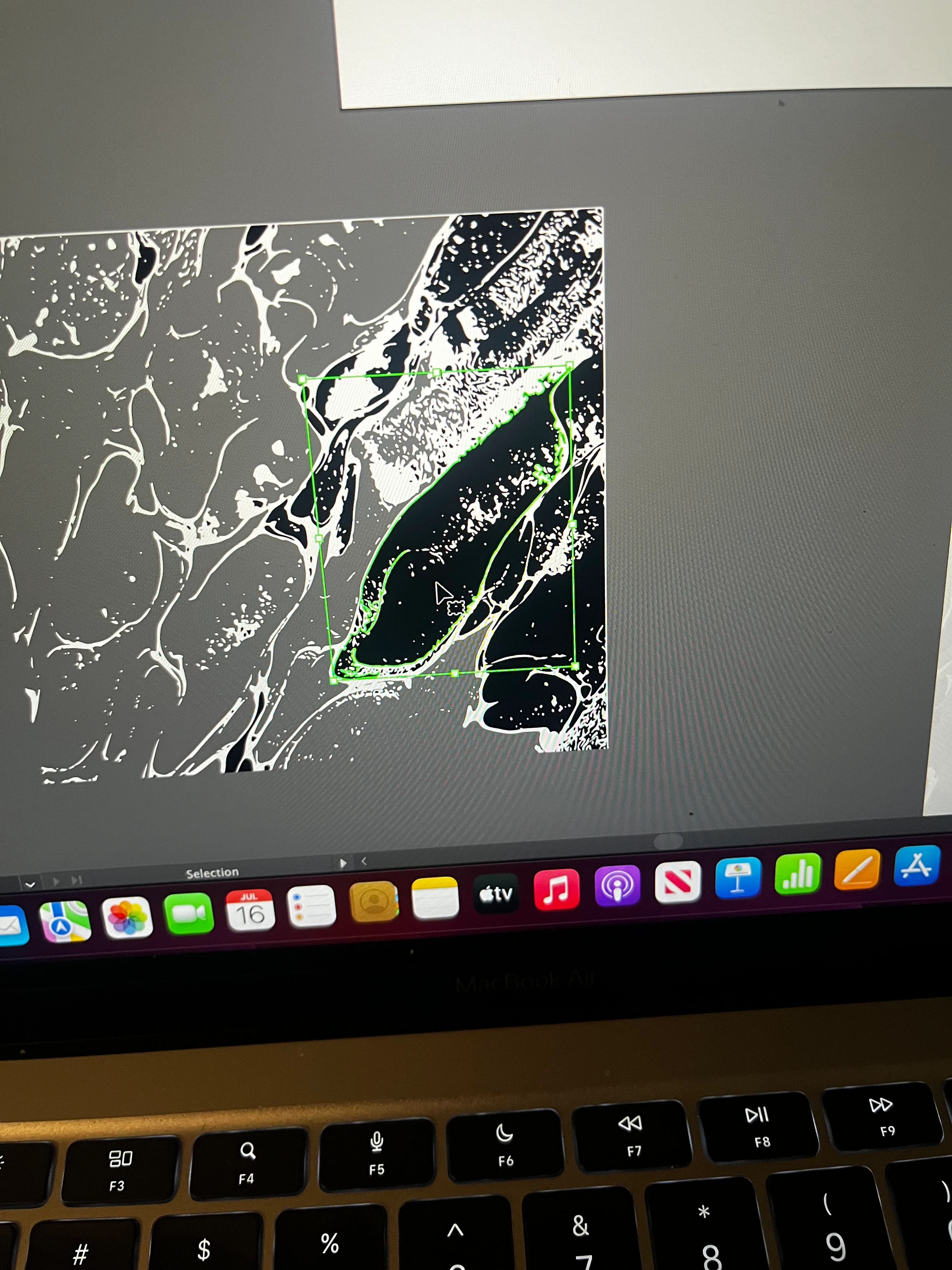
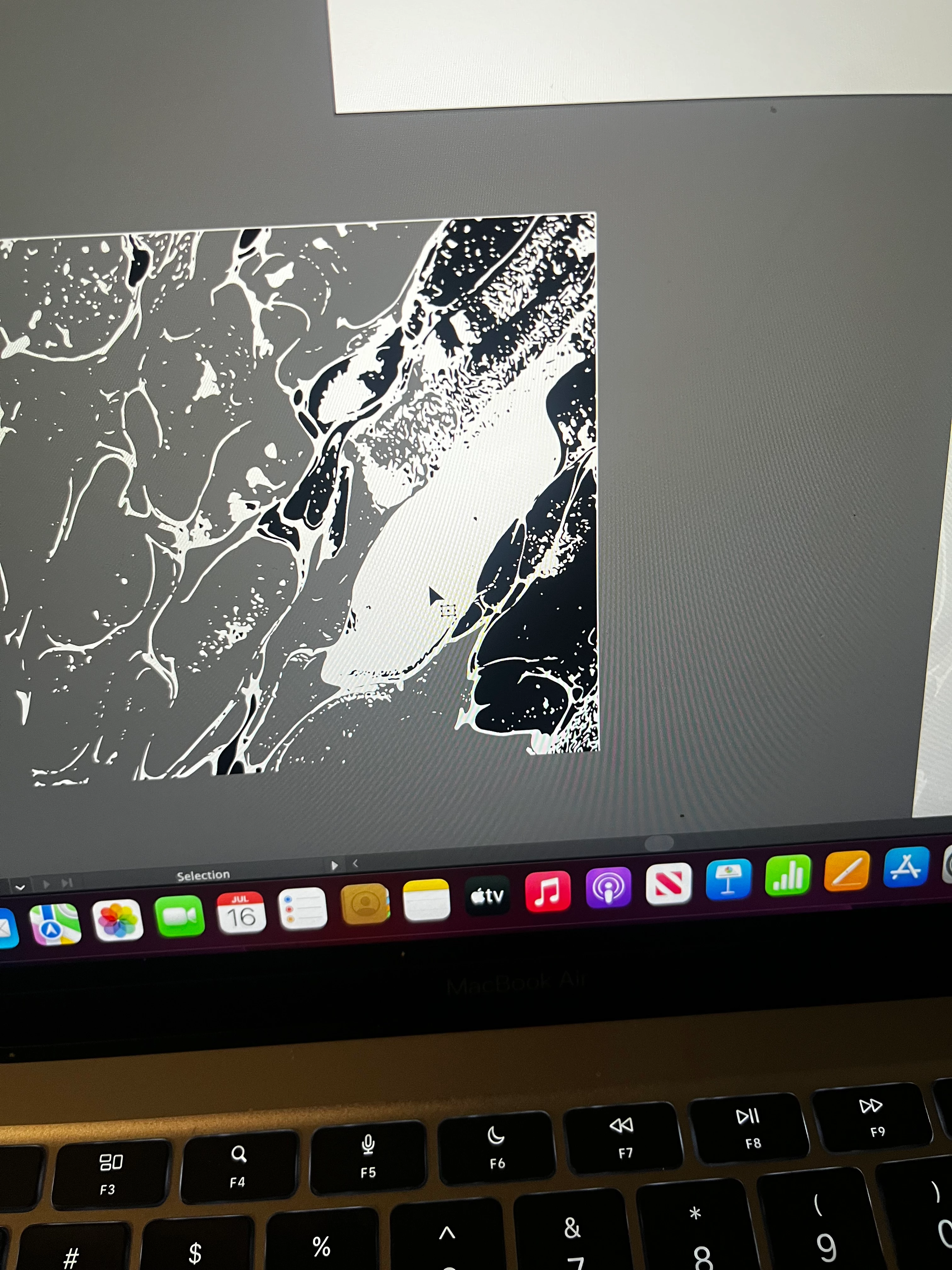
Hi everyone! I'm new to using illustrator and I'm trying to add texture from this image I found online. I've looked at multiple videos and nothing seems to give the effect I'm looking for or the texture doesn't apply only to the design and is included in the background which is not what I want. But this one video I'm following has me create an image trace, use the black and white setting, expanding the image trace, then deleting the black or white aspect of my trace, which I'm deleting the black part because the white is actually following the texture pattern I want. However when I delete certain black parts of the image, it leaves a white background where the black parts were, which isn't what I want and completely ruins the texture I want to apply. I noticed when I delete the black parts on the left side of the image, it doesn't replace the black with white which is what I want (it shows the grey which is just the background so I'm assuming it's transparent there). Can anybody help me with this issue? I can't seem to be able to find help anywhere else online so I'm trying to ask experienced illustrator users if you guys know any solutions. I've attached some photos to show what happens.
 AdChoices