
Question
Converting paths to a single stroke
Hi there, this may have already been asked but I have a PNG vector icon that I want to convert to a single stroke image.
The process that I am doing at the moment is:
- Open the PNG file in Illustrator (current version 29.2) > select the image > Object > Image Trace > Make & Expand.
- I then open my layers and remove any white paths (because I don’t need them) and I’m left with a compound path (see below image).
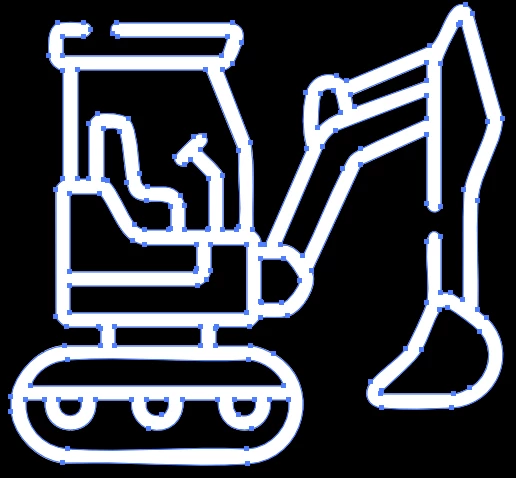
For my project, I want there to be no fill and the outline to be a single line outline. I want my final image to look exactly like the compound path image but a single line.
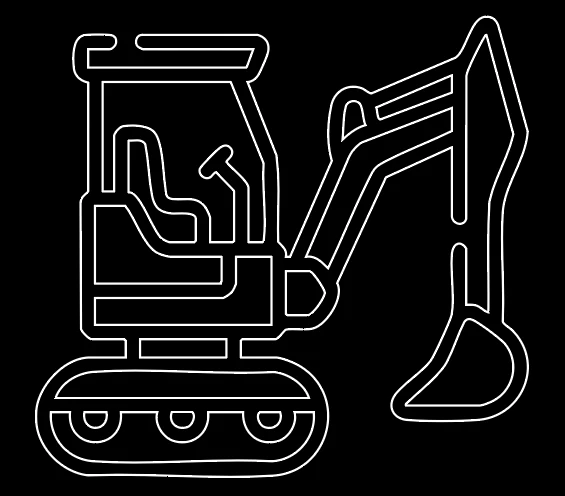
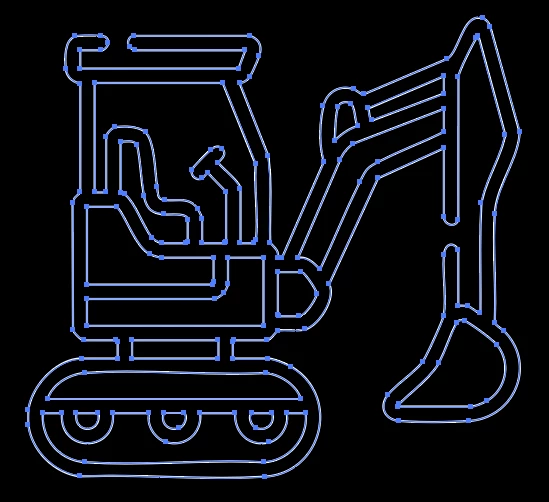
If I swap the fill and outline it gives me the outline of the compound path (see below) – which I don’t want. I want just one line to create the image – Can this be done in Illustrator? I’m trying to avoid drawing the shape manually if I can.


 AdChoices