

Answered
Converting pattern fill to objects without clipping mask
Hello, I'm (AI 27.0.1, OS 12.6) looking for the simplest method to convert an object with a basic pattern fill to a non-clipped, non-pattern object. For example, I'd like this fill to be paths that end at the border of the object:
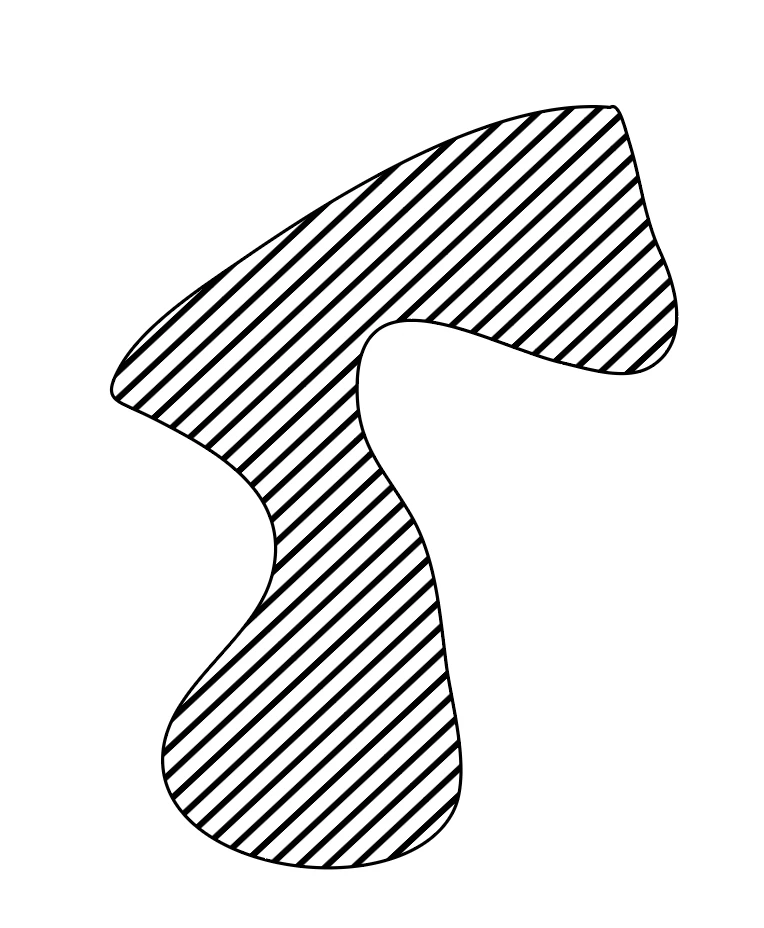
I know some combination of expanding, flattening transparency and pathfinder are involved but I can't seem to get it to work. Any help appreciated (also this seems like it would be a really useful script to include with the default set!).


 AdChoices