
Inspiring
November 1, 2019
Question

Copied & pasted objects won't align to the grid

  • November 1, 2019
  • 1 reply
  • 660 views

Hi, 


I've been searching for a while and I can't find what's wrong, but I have the latest Illustrator on OS X (23.1.1.) and I have turned on everything in the "Pixel snapping options" panel: 
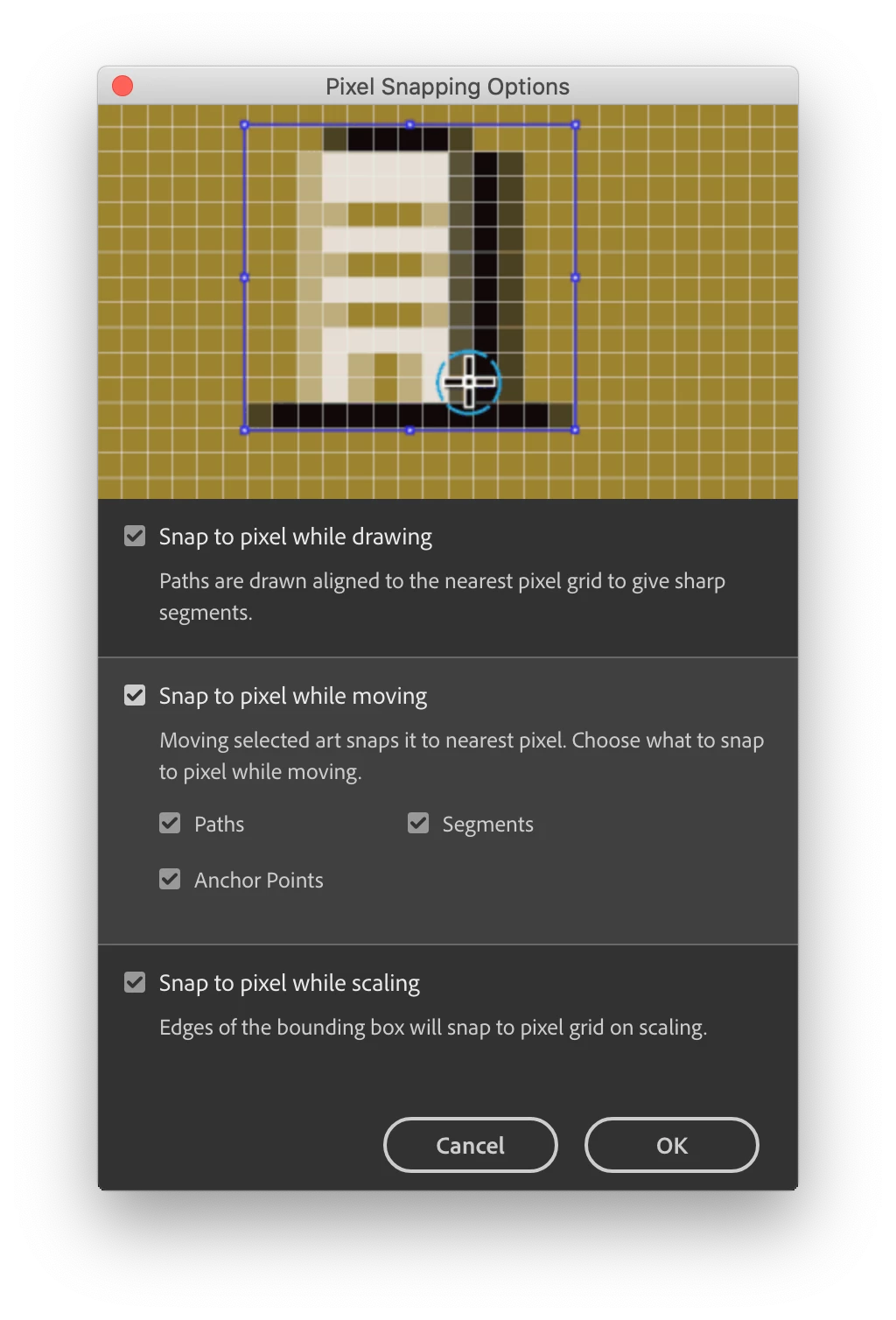
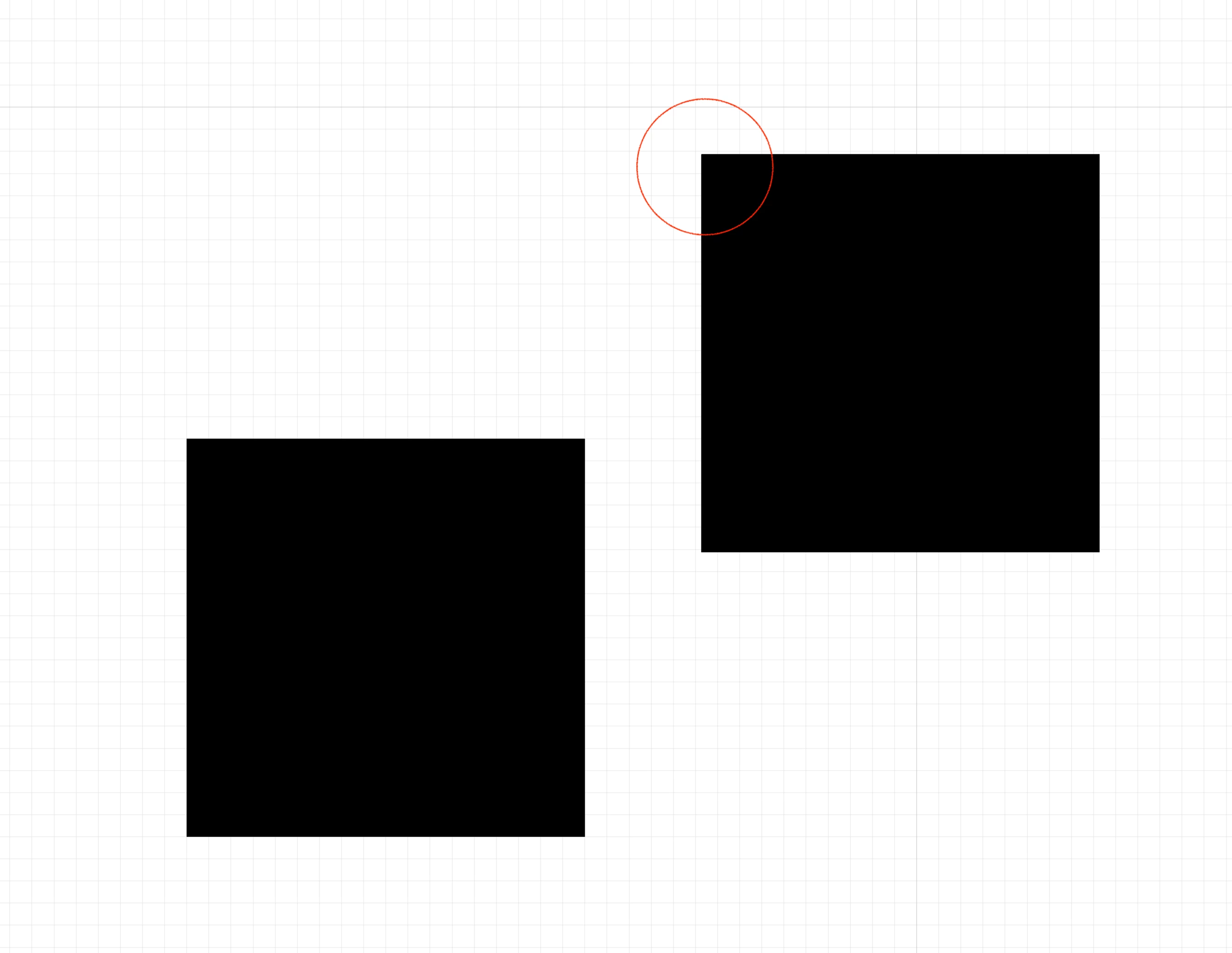
Yet, everytime I tried to copy and paste any object (which is already aligned to the grid), it's been placed like this (off the grid): 
Thanks for any help or ideas!

This topic has been closed for replies.

1 reply

meganchi
Legend
November 1, 2019

Does it happen if you choose paste in place?

Inspiring
November 1, 2019

No it doesn't, "Paste in place" and either "Paste in front" works like you've expected, it place the object on exactly the same spot as the original, but issue is, that I need to copy objects in other parts of the artboard or even other documents where I can't use any of these above.