
Participant
May 11, 2022
Answered
Copy/paste appearance function not working
- May 11, 2022
- 3 replies
- 1928 views
Hi
I'm trying to copy/paste a simple drop shadow effect from one shape to another.
When I select the effect in the Appearance panel and begin to drag-drop a hand icon displays, when I move the hand icon to the artboard the icon changes to the 'Clear Appearance' circle with a line stopping me from pasting the effect to the new shape.
Does anyone know where I'm going wrong? Any help would be appreciated as this function would be super helpful if I can get it to work.
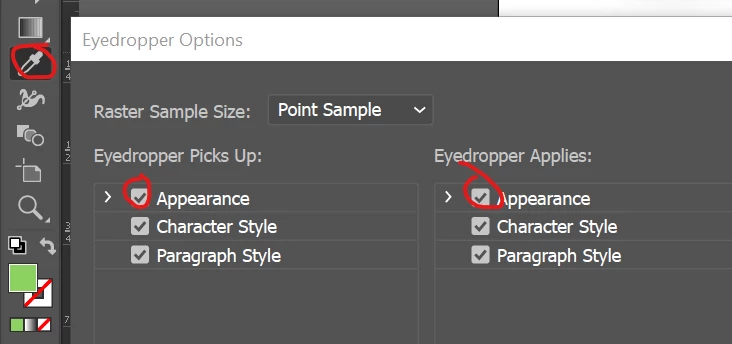
Screengrabs show what's happening.
All the best
Rob


 AdChoices