June 1, 2021
Answered

Copy & Paste Path from illustrator to Photoshop isn't working

  • June 1, 2021
  • 2 replies
  • 1771 views

Hi there, 


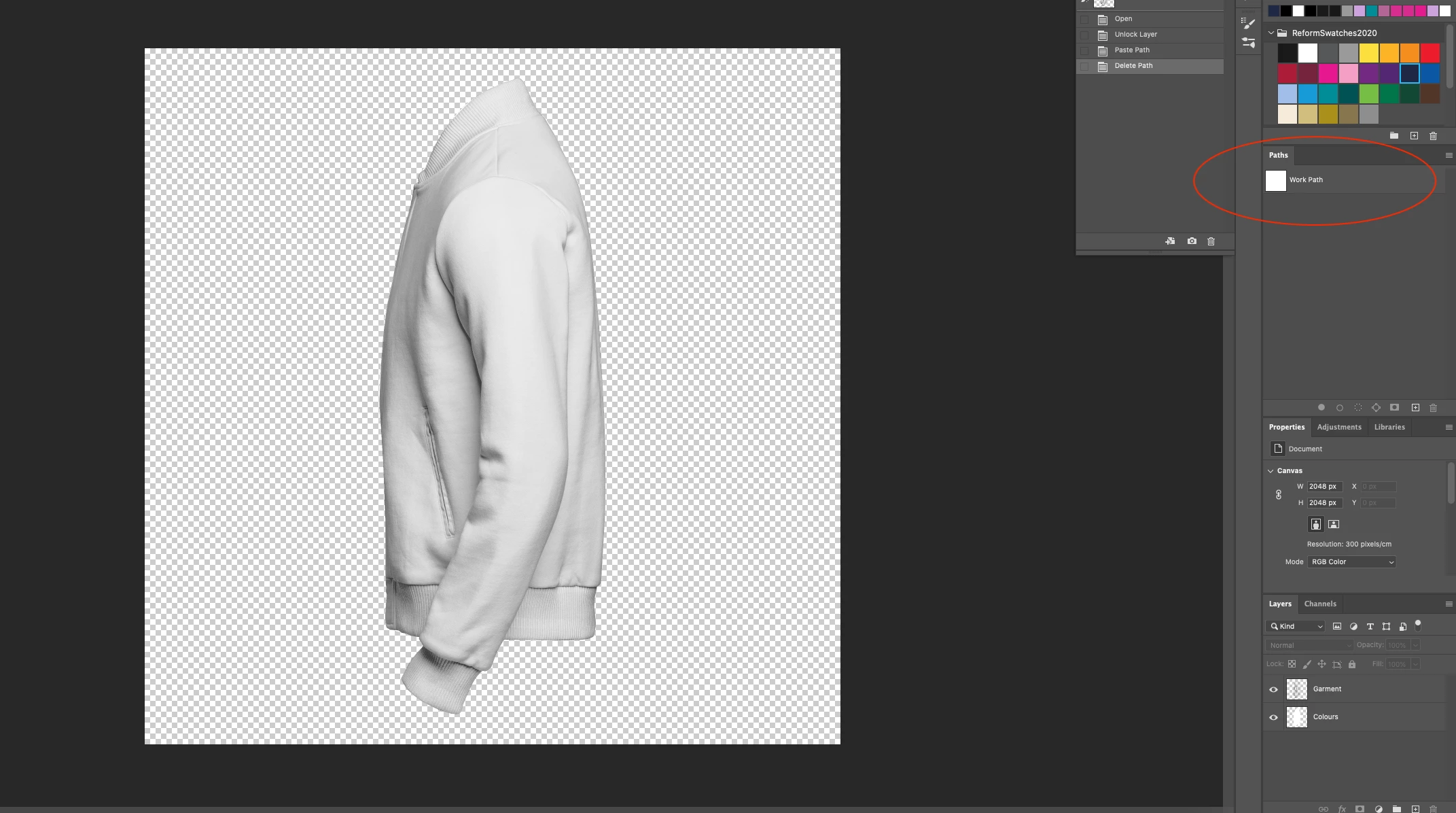
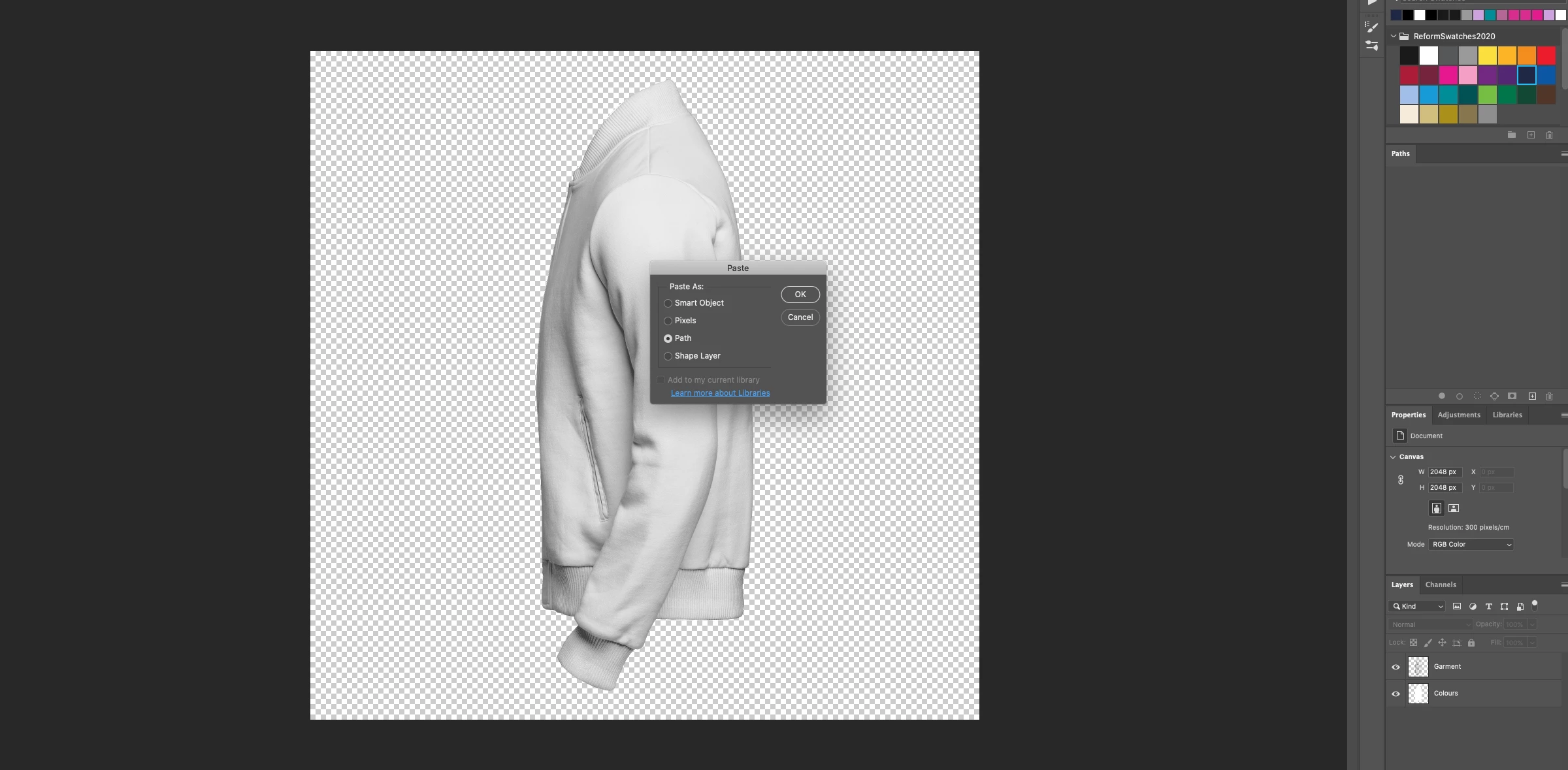
I have had no luck with copying a simple path from illustrator into photoshop. I need to create the same working path in photoshop. I have the ultimately the same image in both AI and PS and when I use the copy/paste feature, the prompt to select how to import e.g. smart object, path, pixel pops up, when I select PATH, the path doesn't copy over. It's just an empty work path. What am I doing wrong? Any help would be much apprecaited!
 

This topic has been closed for replies.
Correct answer Monika Gause

I am on mac os 10.15.7


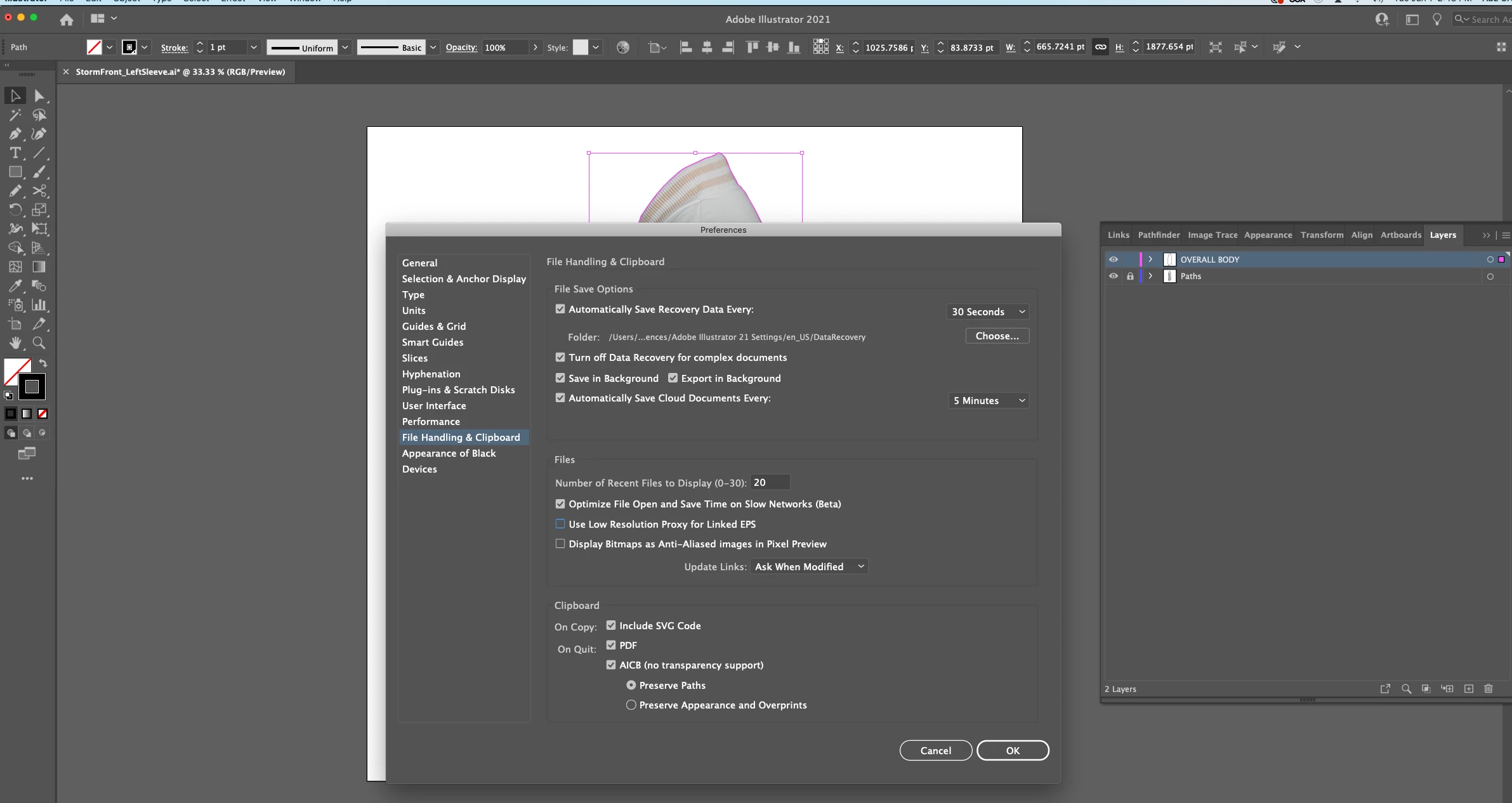
Clipboard settings : 


You could try and deactivate the PDF and the SVG. I don't know if it changes anything.


You might ask in the Photoshop forum if there are any known issues with pasting as path.

2 replies

Participant
July 15, 2023

Windows solution - Select the path in Illustrator that you wish to paste to Photoshop. Then select Pathfinder tool > Outline.

Then copy in Illustrator and paste (select path option).

Note - if you wish to paste the path as a mask then select the layer in Photoshop you want it pasted to.

If you wish to paste it simply as a path, then make sure sure no Layers in Photoshop are selected before you paste.

Worked for me! Hope this helps.

Monika Gause
Community Expert
Community Expert
June 1, 2021

So you are copying just the path from Illustrator? Or the path with the image?

Is it really just one path? Or multiple?


Which version and system is it?

Do you have any extensions in your system that "enhance" the clipboard?

June 1, 2021

Hi Monika,


Thanks for your reply!


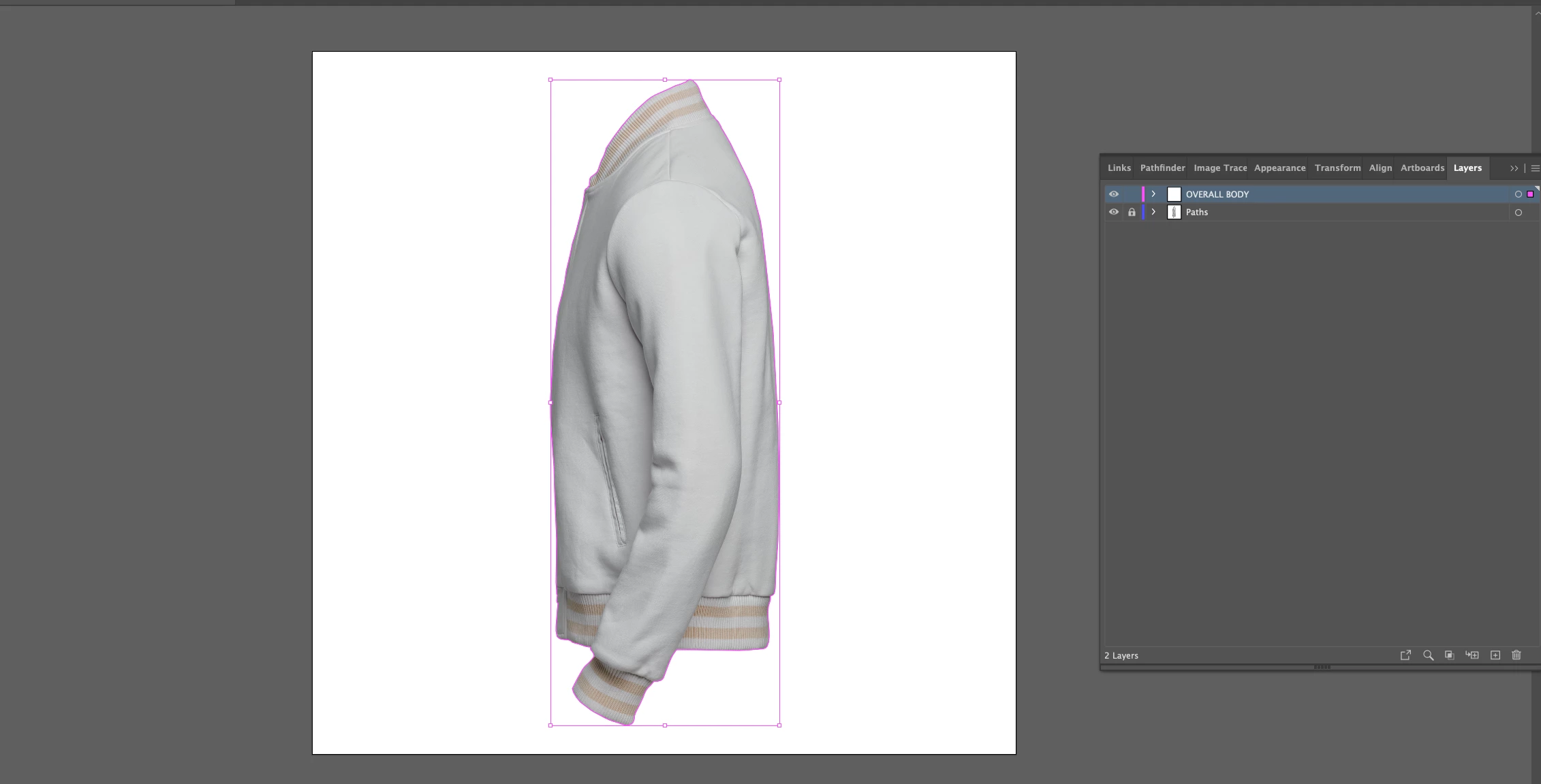
I am only copying just the path from illustrator. The image is in a locked layer.


Working on a Mac desktop and in the latest cloud version 23.2.3 and no special extentions have been added. 

June 1, 2021

Sorry correction 

quote

Hi Monika,


Thanks for your reply!


I am only copying just the path from illustrator. The image is in a locked layer.


Working on a Mac desktop and in the latest cloud version 23.2.3 and no special extentions have been added. 


By @56329

sorry correction 25.2.3