

jpc6000
Participant
May 11, 2020
Answered

corner rounding widgets

  • May 11, 2020
  • 1 reply
  • 1297 views

I am making a T with two rectangles and I combine the two to one shape

then I want make some corners round, but the round corner widgets do not appear!
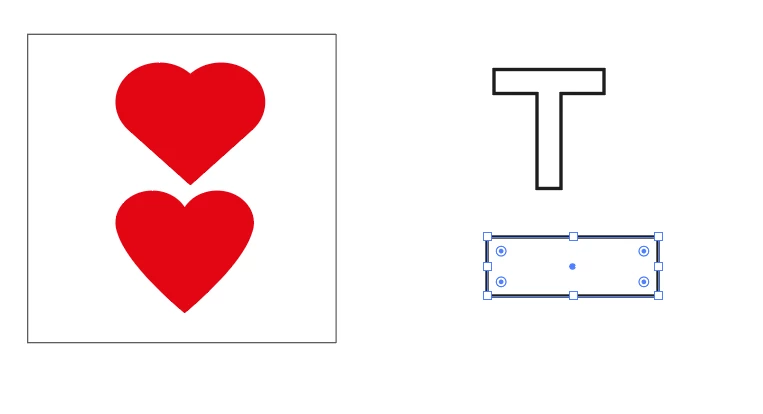
in the rectangle you see the corner widgets

but NOT in the T
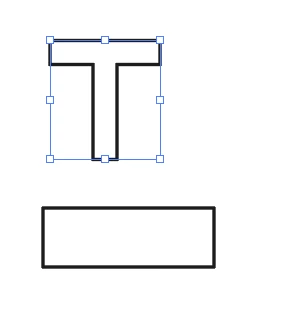
I press CTRL but the corner widgets DO NOT APPEAR and all the blue lines are gone

In new other drawing it worked?
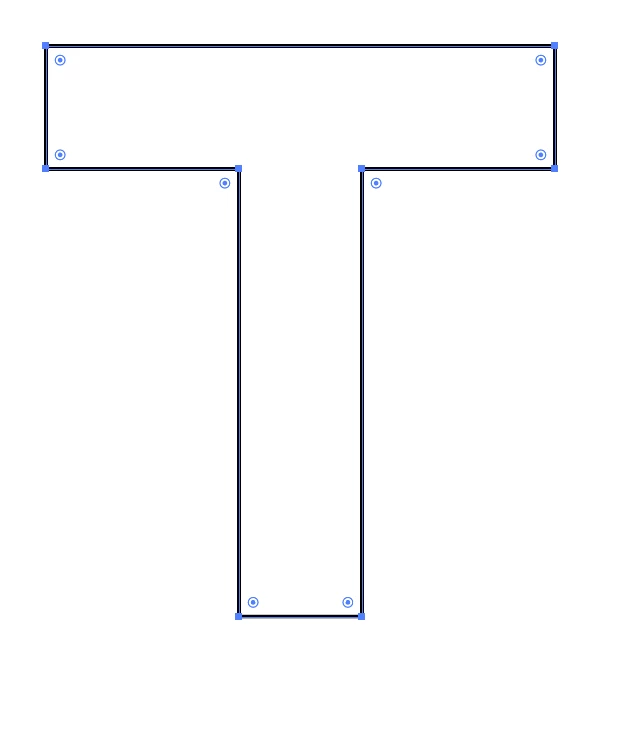
 

this corner widget appear only when I press CTRL key

I am working in windows

In a new drawing it works, but in the drawing I am working not?


This topic has been closed for replies.
Correct answer Ton Frederiks

View > Show Edges?

1 reply

Ton Frederiks
Community Expert
Community Expert
May 11, 2020

And if you select it with the Direct Selection tool (A)?

jpc6000
jpc6000Author
Participant
May 11, 2020

No it stays the same

Without CTRL it looked like this

when I copy the not working T to a new page it works

when I copy the T to mine working page it d'ont works! 

Ton Frederiks
Community Expert
Ton FrederiksCommunity ExpertCorrect answer
Community Expert
May 11, 2020

View > Show Edges?