


thaleas76694366
Participant
July 24, 2018
Resuelto

Corner widget not visible on every corner

  • July 24, 2018
  • 16 respuestas
  • 109325 visualizaciones

hi all,

although the interactive corner feature is really useful, unfortunately i cannot use it anymore. My problem is, that i can't see the corner-widget for all corners anymore. "Not anymore" because everthing worked fine and probably i made some changes in the settings or changed my workflow, and now i can't figure out where the issue is.

So you can see in the screenshot, that for some corners the widget is visible, for some not.
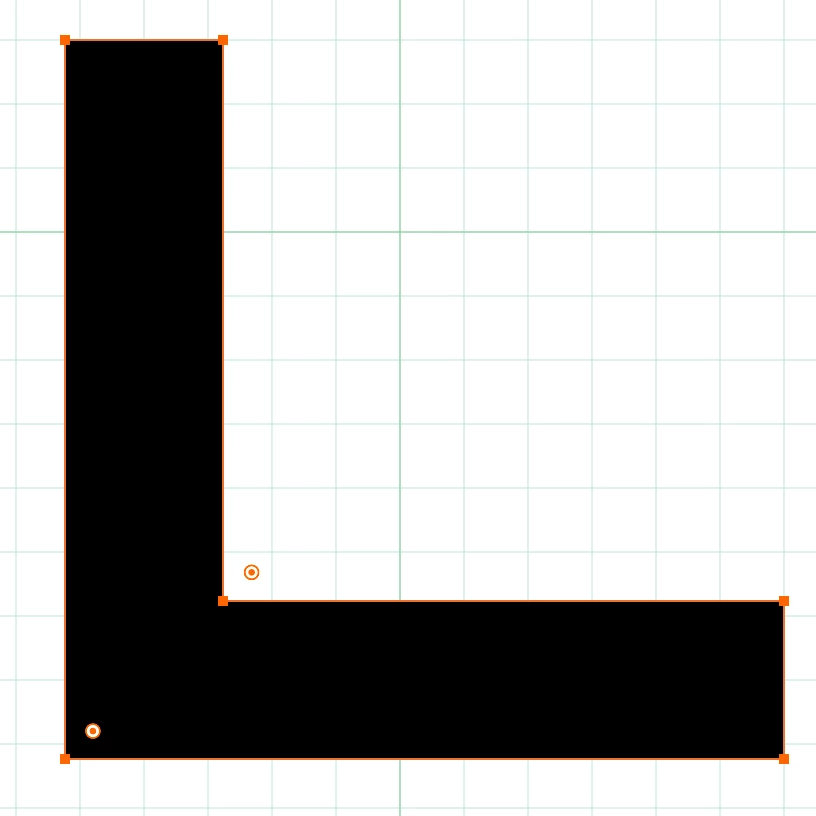
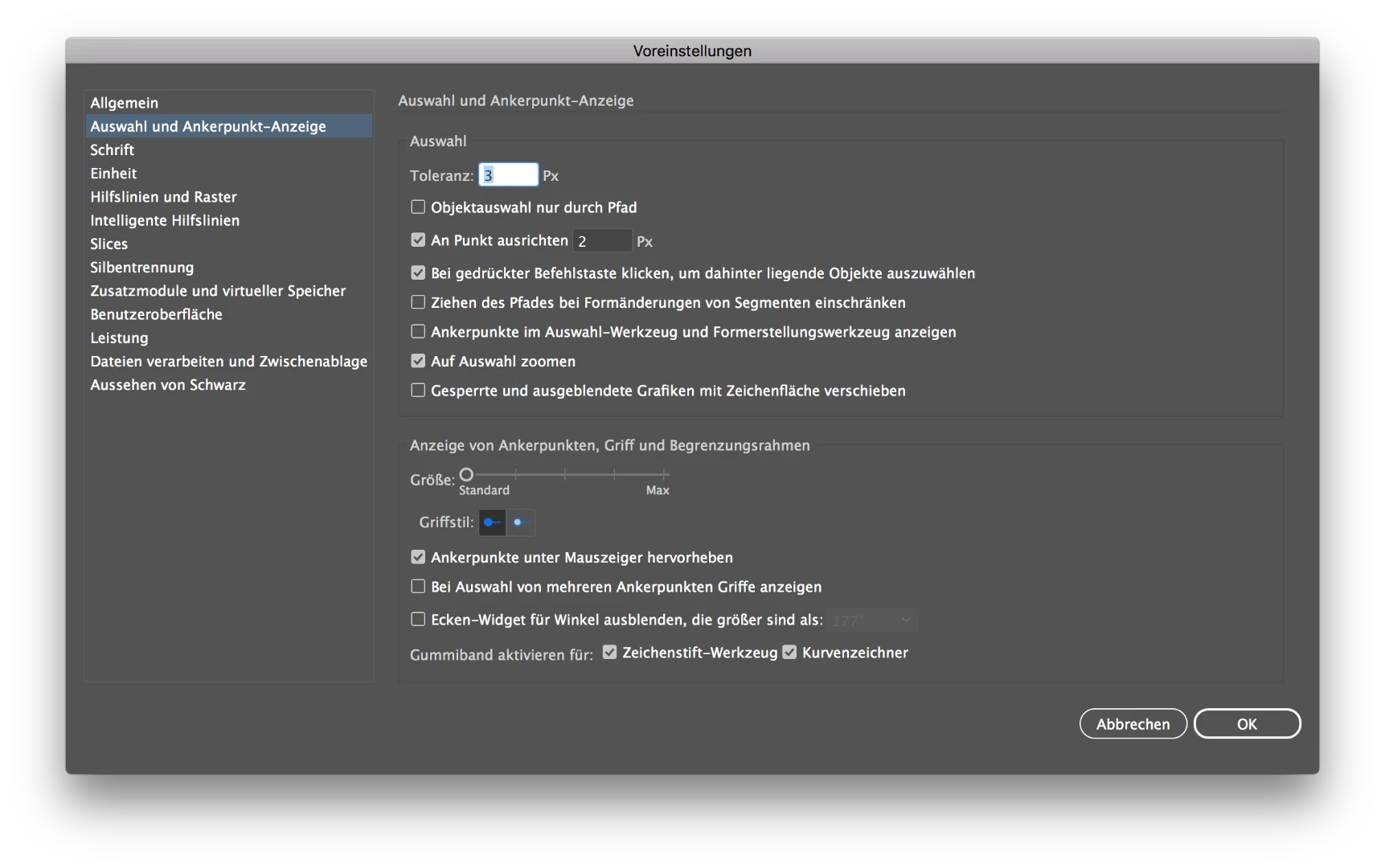
I already tried to play with the settings for corner-widget and also tried to convert the object into shape - nothing worked.
What is also interesting: sometimes when i try to convert an object into shapes i just get a message "object was not converted".

The issue mainly appears on objects wich i converted before (object -> path -> outline stroke). Objects which are created out of the rectangle tool, show all corner widgets.

This one is created via pen tool -> object -> path -> outline stroke:
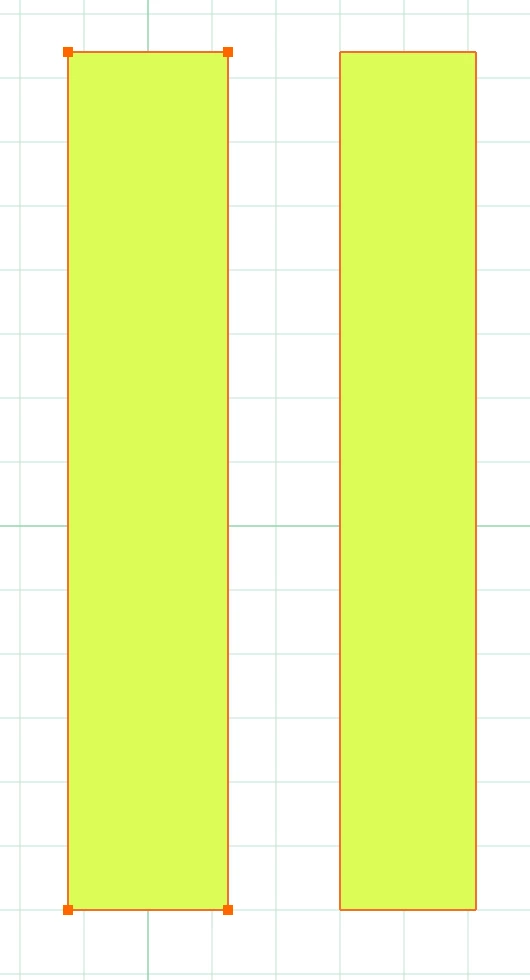
This one is created via rectangle tool:
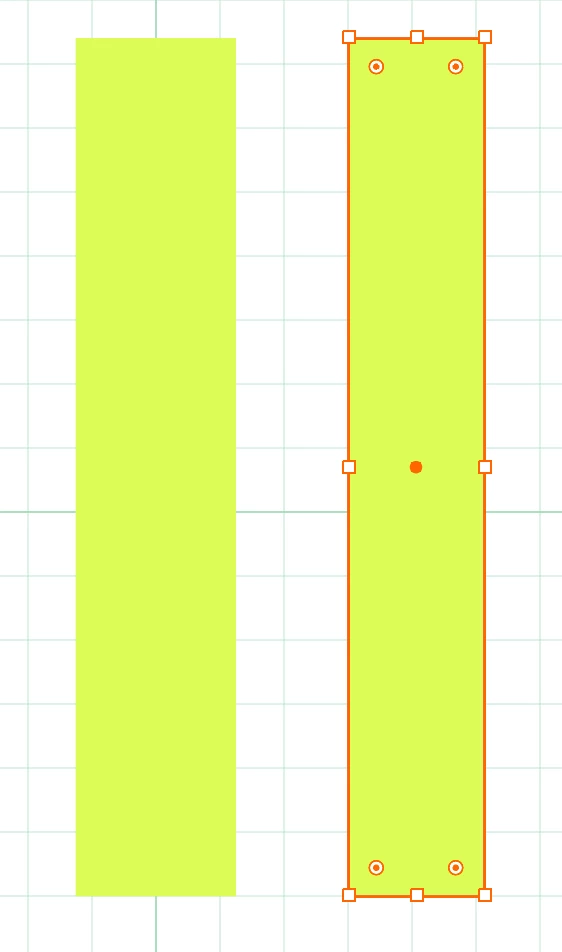
So, does anyone have an idea where my issue is?

Thanks for your help!

Mejor respuesta de Aeraf

i have had the same issue with my version CC 2022.  go to View >> Show edges.  this should solve the problem. did for me. thanks.

16 respuestas

Participant
August 6, 2019

go to view ...click show edged and your widgets for the corner will appear.

Participant
July 24, 2021

This one solved the issue for me! Have been scratching my head over this for years now!
Thanks a lot@christines23152332 for the way out! 

danielh33905635
Participant
August 15, 2018

i have the same problem and its not solved

this is my option

no corner widget.. onlly if i made a shape and didnt distort it.

Mike_Gondek10189183
Community Expert
Community Expert
August 15, 2018

Thanks very much for the screenshots, they are so very helpful and wish posters would do that more often. Adobe disables corner widgets when the item is too small of which your view at 400% suggests is the issue.

Move towards max

and as likely already mentioned you should see view >> hide corner widget. If not choose on view >> show corner widget to show.

Participant
November 20, 2019

That worked for me! Thanks!

thaleas76694366
Participant
July 25, 2018

All of your answers are correct, but my problem still wasnn't solved..
But good news, i finally figured out where my problem is: the objects are too small.
As you can see in the screenshot, if i scale the object a tiny little bit (difference is something like 0.5px), all widgets are visible.

So if anyone else has such a problem with widgets, just check all answers here, one of them will probably solve it.

Thanks for your help!

GreoMain
Participant
October 9, 2018

I've had this issue for years and could never find a working solution. The scaling "trick" seems to fix it every time now, I cannot believe it was that simple. Thank you so much for this.

Mike_Gondek10189183
Community Expert
Community Expert
July 24, 2018

I would recommend using the hollow arrow tool, when you are having difficulty

For outlined strokes, try switching to the hollow arrow tool and  select only one shape. and you should be able to get to them.

I was able to recreate.

by pulling handles out of a point so that the top right point is no longer a corner point. Which can be fixed by using he corner point tool or clicking here.

Bill Silbert
Community Expert
Community Expert
July 24, 2018

I tried to reproduce what is happening and I saw that when I draw a single shape such as a square that the widgets show up no matter what selection tool I used. However, when either drawing or combining two or more shapes to create a more complex shape—such as the one you showed at the beginning of your post—that getting all of the widgets to show is a bit trickier. If I selected using the Regular Selection Tool (Black Arrow) the widgets do not show. But if, while the object is still selected, I click on the Direct Selection Tool in the toolbar or type the letter "A" that all of the widgets do show up. I also noticed that if I click on the outer edge of the object with the Direct Selection tool that the widgets don't show up but if I click inside the object they do. I tend to think that this is the way that the program is written. Just make sure to click inside with the Direct Selection Tool and, hopefully, that's all it will take.

Monika Gause
Community Expert
Community Expert
July 24, 2018

Which tool is active when you don't see the widgets?