December 11, 2018
Answered

Corners in a scatter/pattern brush

  • December 11, 2018
  • 2 replies
  • 720 views

Hi,

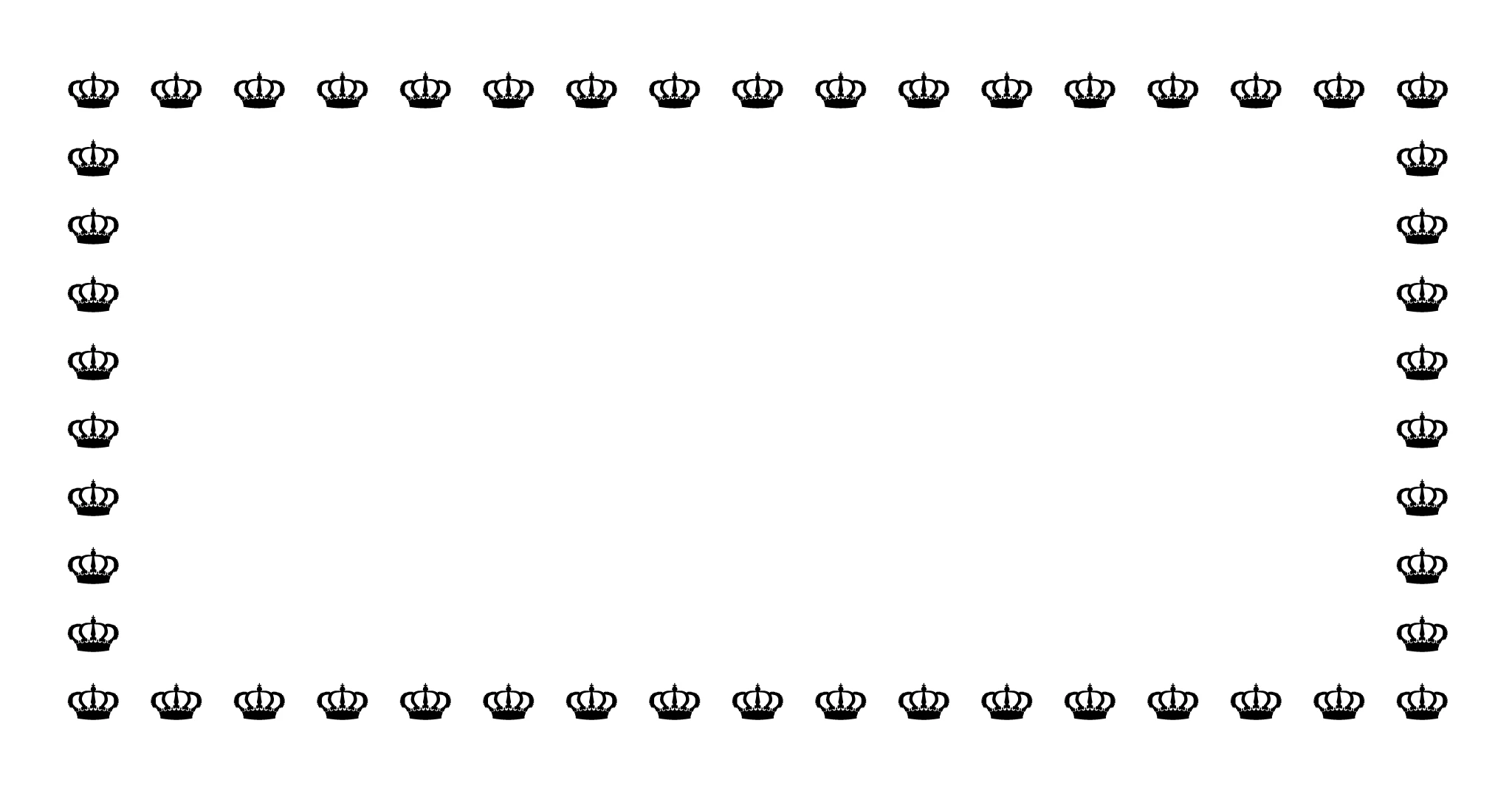
Trying to create a brush in illustrator to achieve a string of objects. (See picture below) But the corners keep flipping around or mirroring is weird ways. How do i do this? I want to be able to draw squares in different dimensions without manually repositioning the crowns. Thanks!
    This topic has been closed for replies.
    Correct answer Monika Gause

    Scatter brushes might be difficult to control for this. You could try pattern brushes with custom designed corners, but set them to adjust gaps instead of distorting. Pattern brushes will only work well with squares.

    You could also try blends instead of brushes.

    2 replies

    c.pfaffenbichler
    Community Expert
    Community Expert
    December 11, 2018

    Scatter and Pattern Brushes are very different, in latter case you could create specifically designed corners.

    Could you post screenshots of the problems you complain about with the pertinent Panels visible?

    In any case I think you should be able to get your intended result by using a scatter brush on four distinct lines instead of one rectangle.

    Monika Gause
    Community Expert
    Monika GauseCommunity ExpertCorrect answer
    Community Expert
    December 11, 2018

    Scatter brushes might be difficult to control for this. You could try pattern brushes with custom designed corners, but set them to adjust gaps instead of distorting. Pattern brushes will only work well with squares.

    You could also try blends instead of brushes.

    Monika Gause
    Community Expert
    Community Expert
    December 11, 2018

    And while I was focusing on the corners and the distortion I totally overlooked that the sides will be rotated in a pattern brush.