


Participant
September 29, 2026
Question

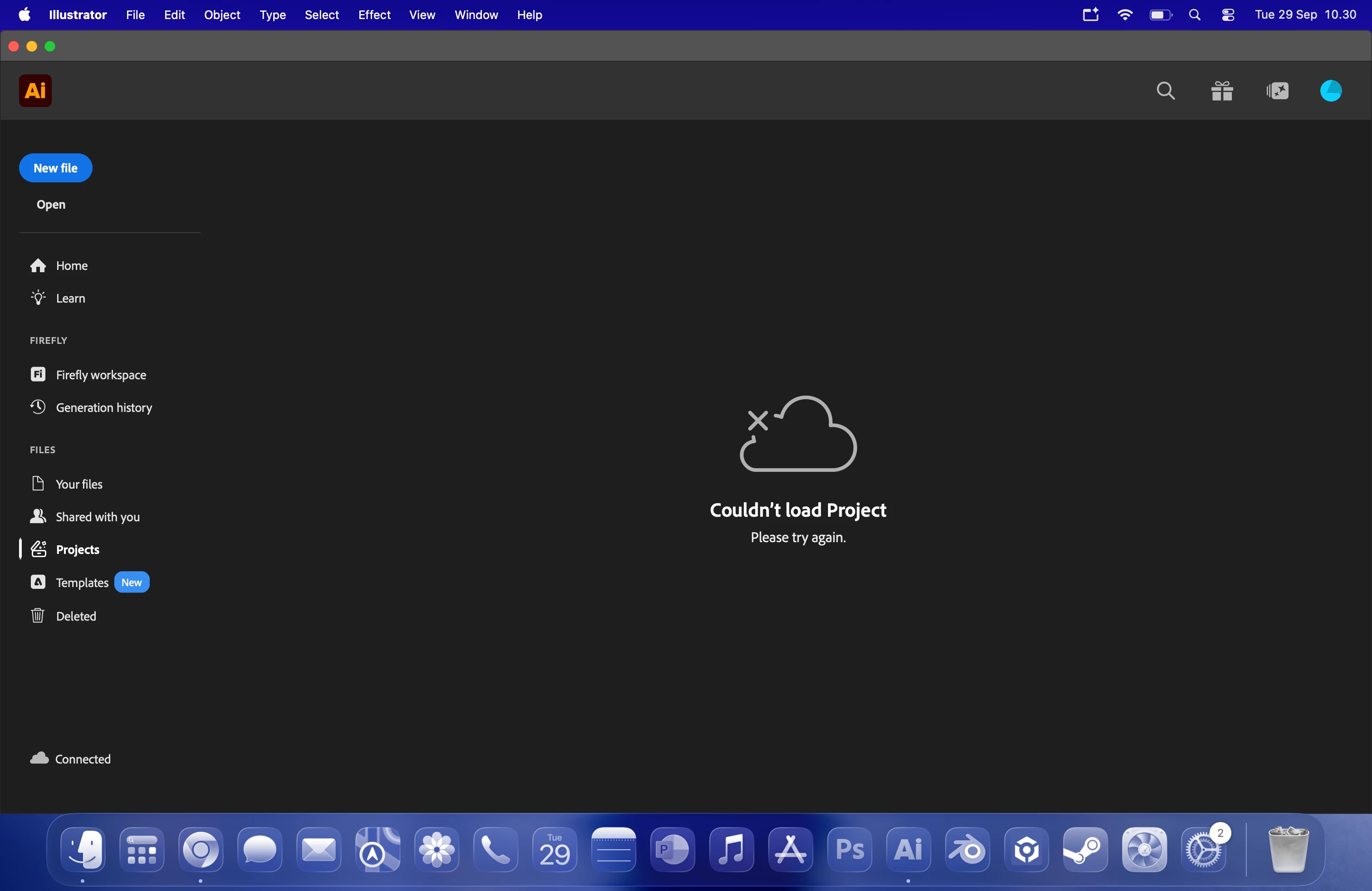
Couldn't Load Project, Please Try Again

  • September 29, 2026
  • 1 reply
  • 10 views

I have my account subscribed recently this month, a student subscription package. recently i made a couple of projects with my colleagues, for past few weeks i can access or edit our project. today i couldn’t access it at all, every time i try to open the project it says “couldn’t load projects, try again”


is there anyway to resolve this? i’m in desperate need to access my projects, i have my deadline on going.


thank you
 

    1 reply

    Abhishek Rao
    Community Manager
    Community Manager
    September 29, 2026

    Hi @Adhi29718521kkq8,


    Sorry to hear about the trouble, especially with an ongoing deadline.

    As a first check, could you please sign in to Adobe Home with the same Adobe account and go to Files > Projects to see whether your projects are accessible there?

    https://adobe.ly/47oC2GN

    Please also ask one of your collaborators to confirm whether they can still access the project and whether your account is still listed as a collaborator.

    If the projects work on the web but not in Illustrator, please quit Illustrator, open Activity Monitor, locate Creative Cloud Libraries Synchronizer, force quit that process, wait about 10 seconds, and then reopen Illustrator. Illustrator should restart the synchronization process automatically.

    Reference:
    https://adobe.ly/4AyKyAB


    Please let us know the results of these tests.

    Thanks,
    Abhishek