
Question
Create a color palette in RGB and CMYK
Hey there!
I want to create a simple color palette for a logo in illustrator.
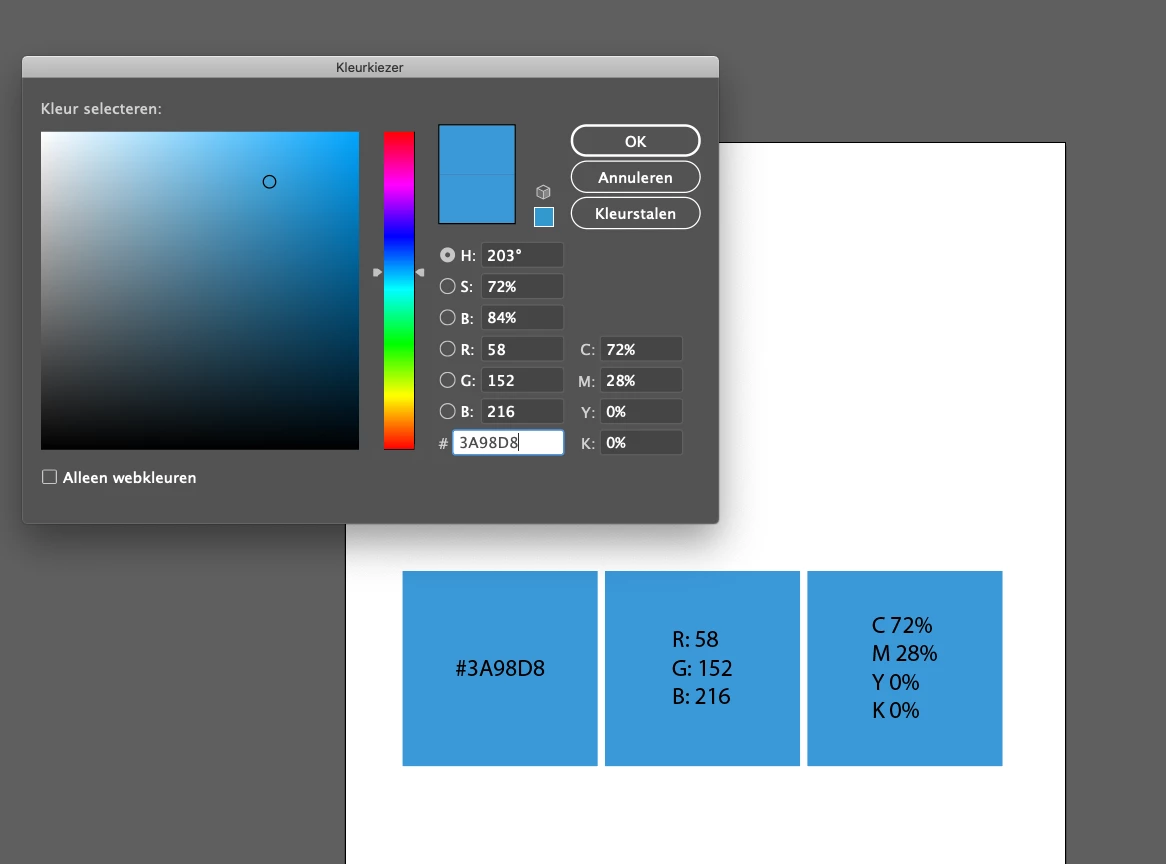
I picked a nice color, working in de RGB mode. I use the color picker to write down the color hex code RGB and CMYK code.
1. Would you suggest to use the color picker in illustrator for writing down the color codes? Or are there better ways? Attached is a screenshot. I just copied the codes for the palette, but I'm not sure if this is the right way?
2. When finding the right CMYK color, could I just write down the CMYK values from the color picker, or should I first convert the document to CMYK, and then use to color picker and write down the color values?
Hope you can help 🙂


 AdChoices