Participant
March 14, 2025
Answered

Create a vector halftone effect from different shapes

  • March 14, 2025
  • 2 replies
  • 1563 views

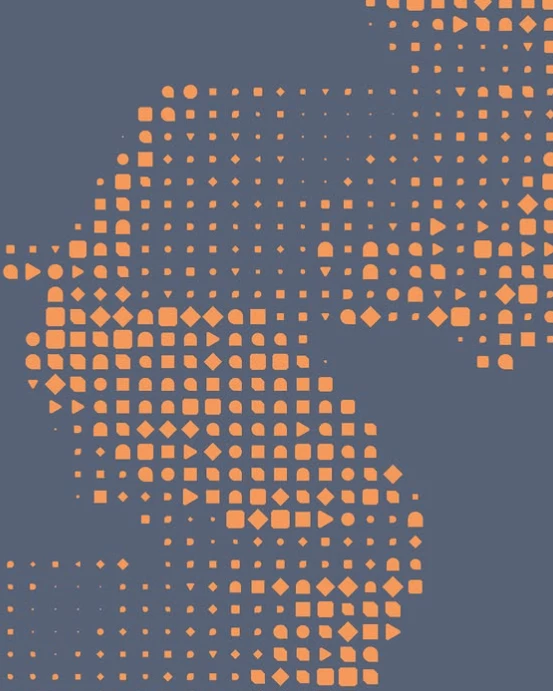
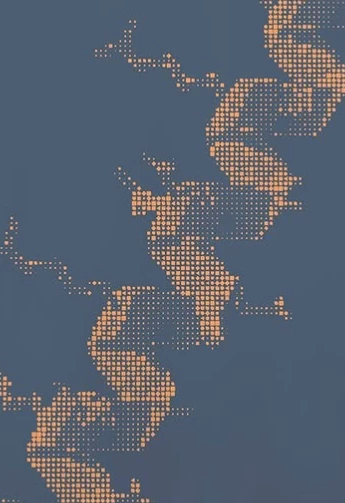
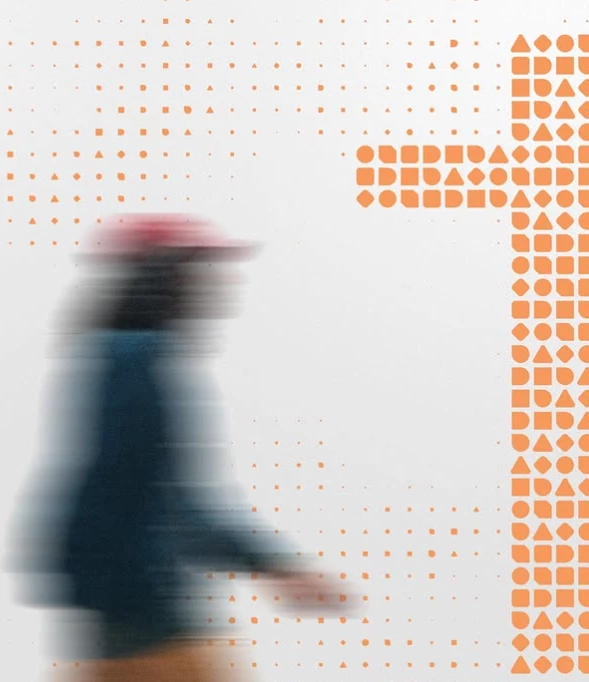
I hope someone can help me. I'd like to create a halftone effect that consists of different shapes, like in this example. I can find information on how to modify one shape—from a circle to a specific shape—but not on how to incorporate various shapes randomly into the halftone effect. Hopefully, someone knows the solution. 
Correct answer Ton Frederiks

Maybe do it in steps. If you have 6 different shapes use a script to randomly fill dots with 6 colors.

Then select objects with the same color and use a script to replace it with one of your shapes. Repeat for the remaining colors.

2 replies

Ton Frederiks
Community Expert
Ton FrederiksCommunity ExpertCorrect answer
Community Expert
March 14, 2025

Maybe do it in steps. If you have 6 different shapes use a script to randomly fill dots with 6 colors.

Then select objects with the same color and use a script to replace it with one of your shapes. Repeat for the remaining colors.

Participant
March 14, 2025

Hi Ton, that sounds like a good workaround, where can i get these kind of scripts?

Ton Frederiks
Community Expert
Community Expert
March 14, 2025
Monika Gause
Community Expert
Community Expert
March 14, 2025

You could do it with Inkscape (it's free), but it would need a little preparation and math. Here's a video when you create it from the object that has all the elements in it at once: https://youtu.be/xeeAhsSwbx8


When you instead do the 9 objects one by one, you should get what you want.

Participant
March 14, 2025

Hi Monika, thanks you for your answer, it looks like you can only add one shape not multiple shapes

Monika Gause
Community Expert
Community Expert
March 14, 2025

If you group them you can do it with multiple. But as I already wrote, in your case the position of those 9 elements should not change, only their size and that is where it gets tricky.