

Create halo effect with svg filters
Hoping a kind stranger can help me with this and that the solution is simpler than my stoner brain realizes. I'd like to create this glowing ring in Illustrator—is it possible to do so with some customization of the SVG filter?
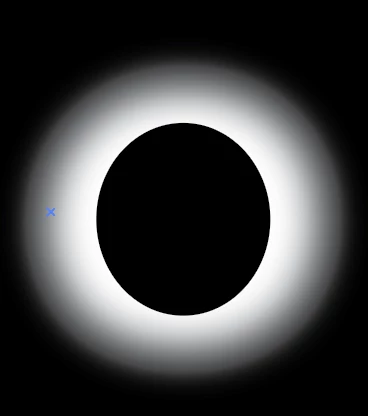
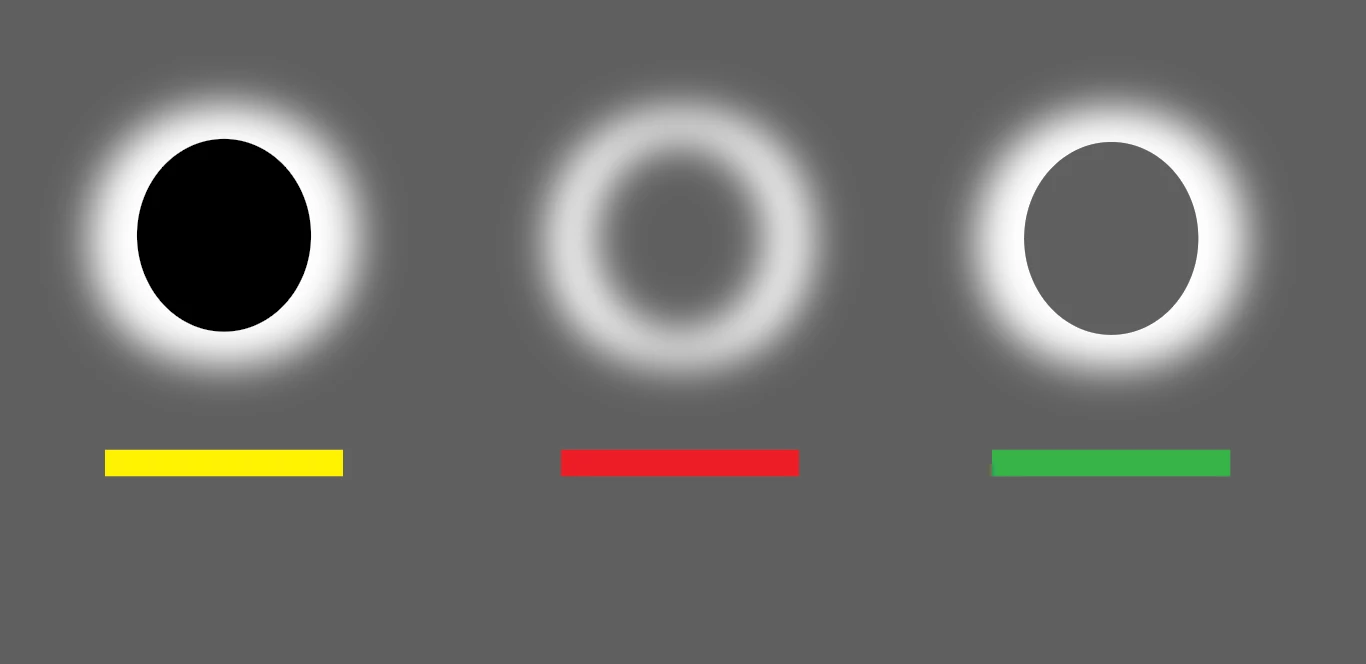
Initially I created this using the gaussian blur, but in order to get the hard edge on the inside I had to cheat by placing a circle within. However, I need the shape to be transparent in the center. Yellow bar indicates how the artwork file is currently built. The red bar indicates what happens when I use the pathfinder to cut out the circle, and the green bar is what I want to achieve as the final.
After scouring several forums to look for solutions, it seems like SVG filters are the best way to execute this, but I imagine I would have to understand a bit of coding to execute. I'm happy to learn if someone can provide links to tutorials. Eventually this graphic will animate like this glowing circle.
Thanks in advance for responses!



 AdChoices