
Participant
January 13, 2021
Answered

Create new object from visible art

  • January 13, 2021
  • 1 reply
  • 830 views

Hello. I have received an art that is black/white only. Since it is very complex and there are no compound paths (instead of that there are only white shaped layer that cover some parts), I was wondering if there is any quick way that I can export everything that is visible (not white) and create new object from it?
This topic has been closed for replies.
Correct answer Doug A Roberts

You can download it here (don't know how to upload it directly). Anyway, I'm on my way to make it step-by-step (I need this for print contour), no harm feelings. If you could solve this, I will appreciate it for future problems. It's not the first time I will see this usefull but it is first time that I get more complex file.


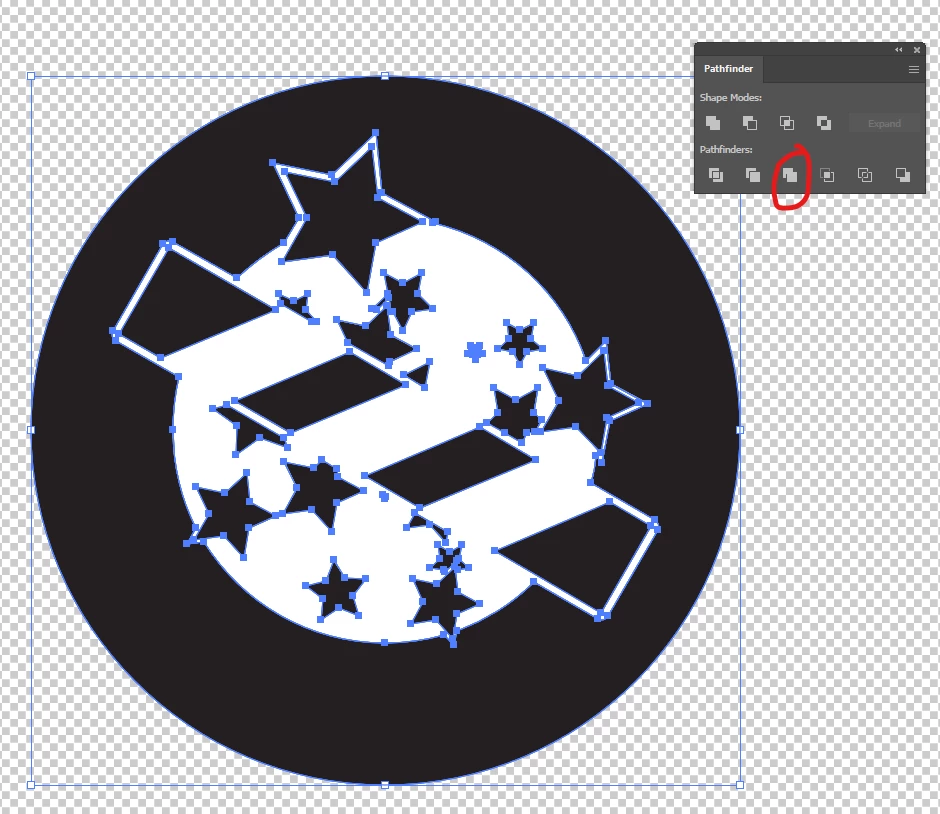
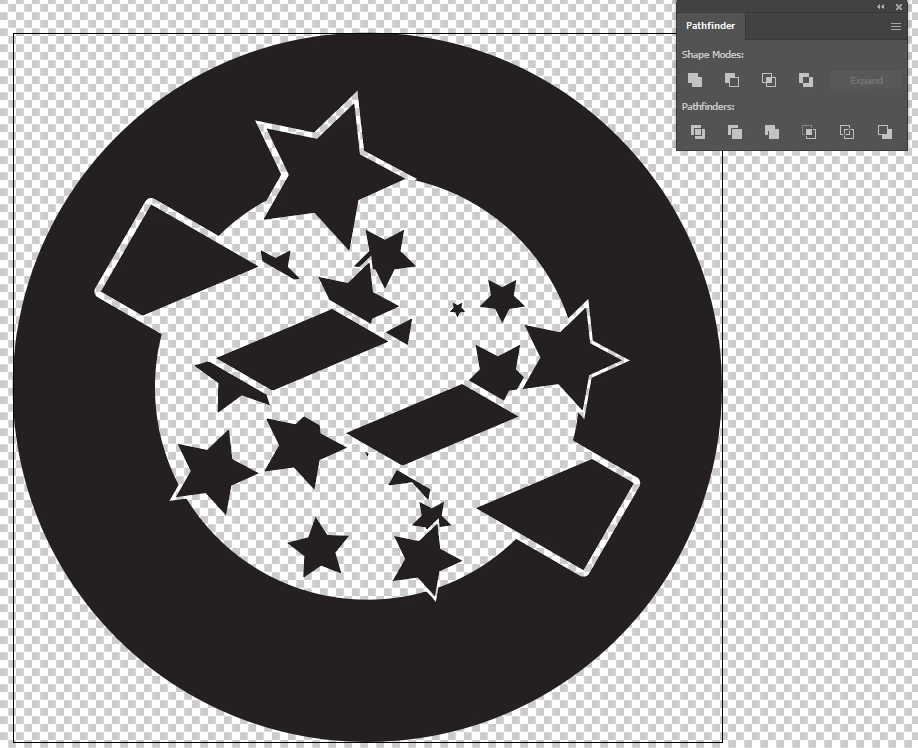
I'm not sure what you were doing differently, or if this is perhaps not the outcome you wanted, but Pathfinder > Merge, then delete the white:

1 reply

Monika Gause
Community Expert
Community Expert
January 13, 2021

Please show.

Aleš5EE6Author
Participant
January 14, 2021

I cannot show you the exact artwork since there is not published yet, but there is something I create as a test which is made the same way. There is a black circle, on top is white circle, then black stars, some white stars and black stars again, white rounded rectangle, black rectangle on top and then white rhombus on top.

So, is there any easy way to just make compound path (or a group of paths) of everything that is visible black?

Doug A Roberts
Community Expert
Community Expert
January 14, 2021

Select all, then Object > Path > Outline Stroke

Pathfinder > Merge

Select white area, then Select > Same > Fill Colour

Delete.