Participant
April 29, 2022
Answered

Create Outline for Object

  • April 29, 2022
  • 1 reply
  • 537 views

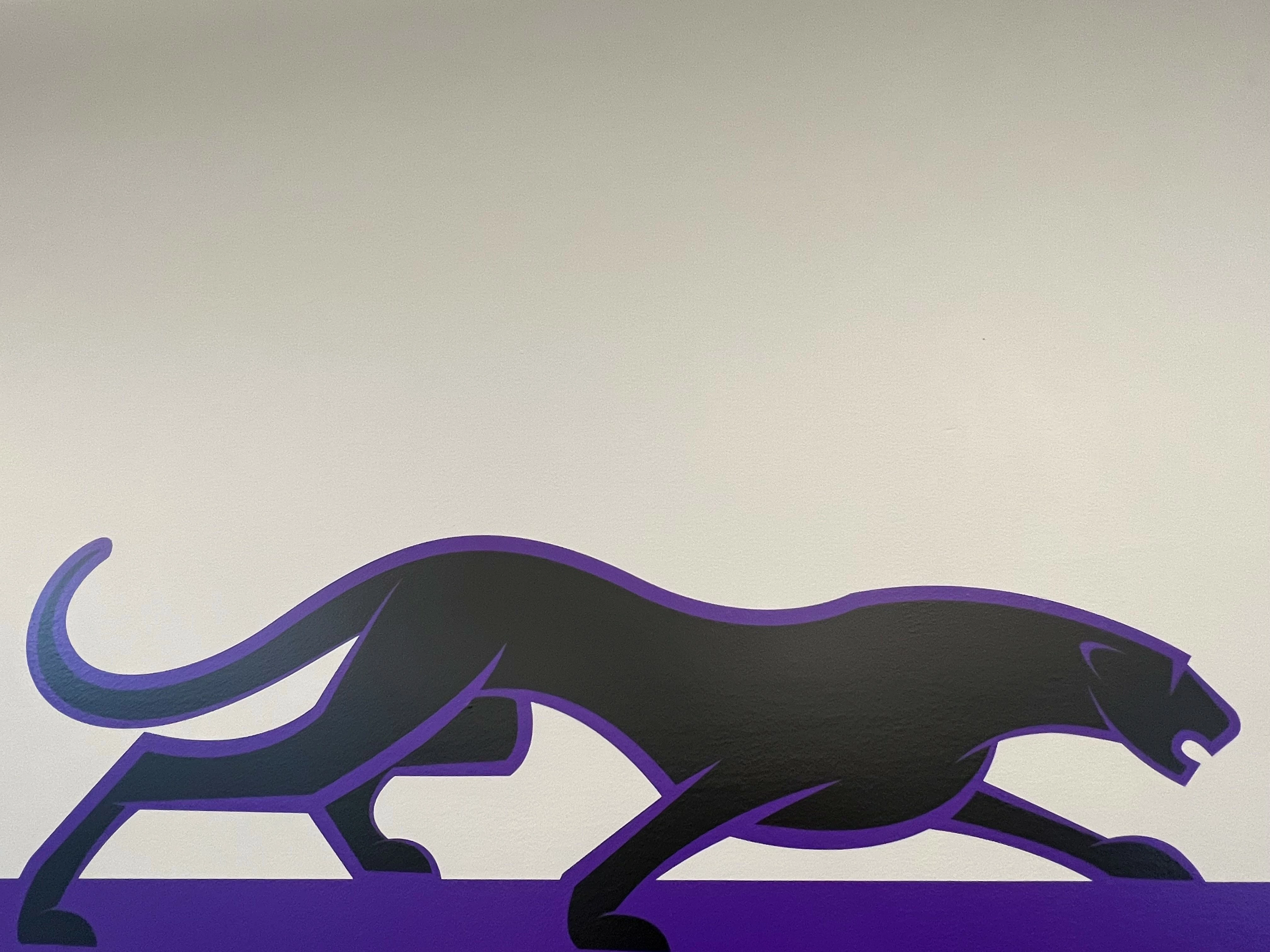
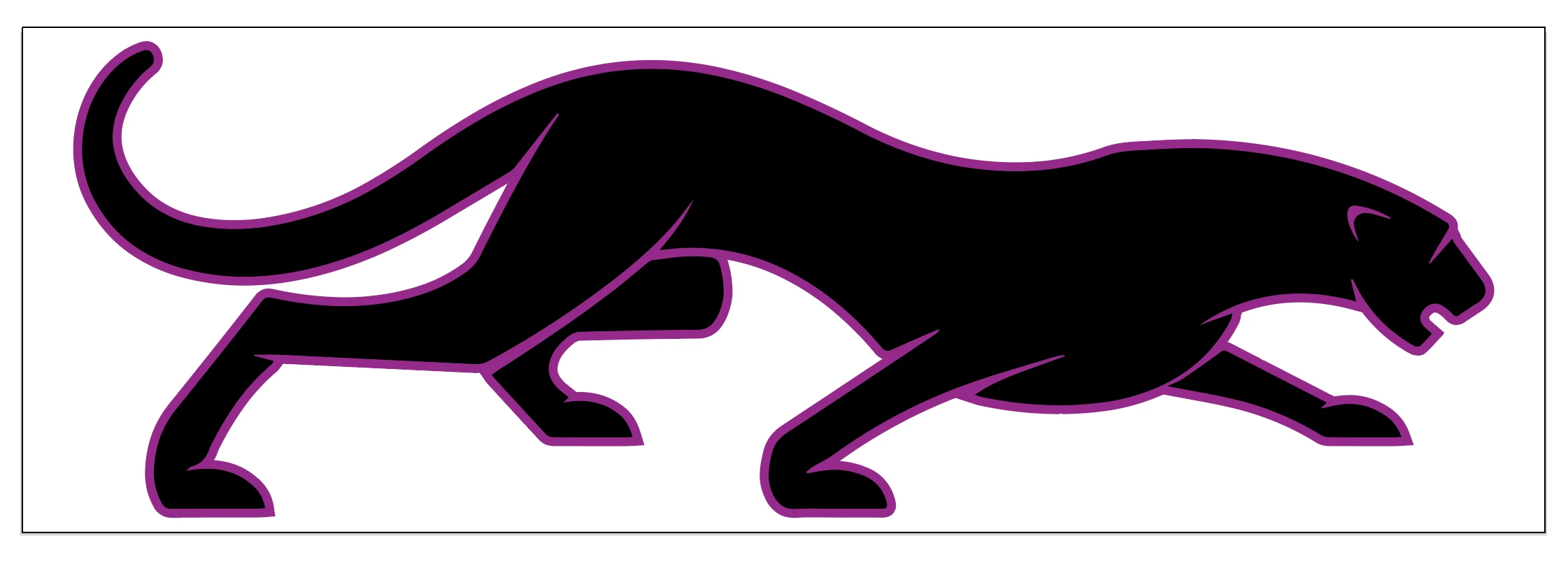
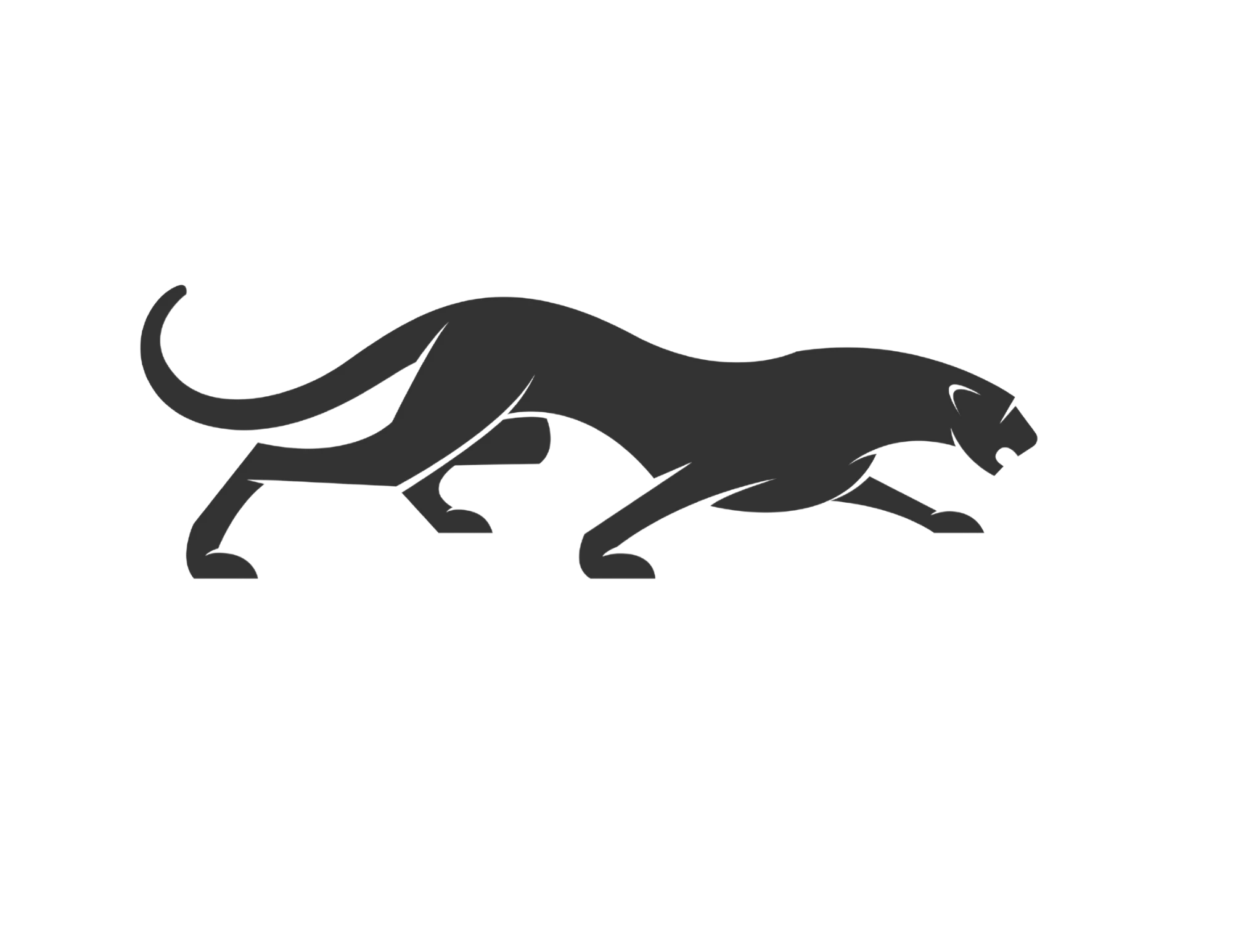
I'm just wondering what I need to do to create an outline on this image so that it looks like the one with the purple outline. Every option I've tried that's been suggested does not seem to work. Unless I'm doing something wrong somewhere along the way. If anyone could help that would be much appreciated! 
This topic has been closed for replies.
Correct answer Kevin Stohlmeyer

First, start with the Image Trace panel.

Adjust your image using the Black and White preset to start,  then Expand to convert to paths.

(I would ignore white in advanced settings first).

Next copy and paste behind the image and go to your stroke panel/properties.

Select a purple stroke, set alignment to center and increase weight.

The purple stroke will show from behind and the transparent black jaguar will overlay.


1 reply

Kevin Stohlmeyer
Community Expert
Kevin StohlmeyerCommunity ExpertCorrect answer
Community Expert
May 2, 2022

First, start with the Image Trace panel.

Adjust your image using the Black and White preset to start,  then Expand to convert to paths.

(I would ignore white in advanced settings first).

Next copy and paste behind the image and go to your stroke panel/properties.

Select a purple stroke, set alignment to center and increase weight.

The purple stroke will show from behind and the transparent black jaguar will overlay.