Known Participant
May 24, 2022
Answered

Create Template option is not available?

  • May 24, 2022
  • 1 reply
  • 1129 views

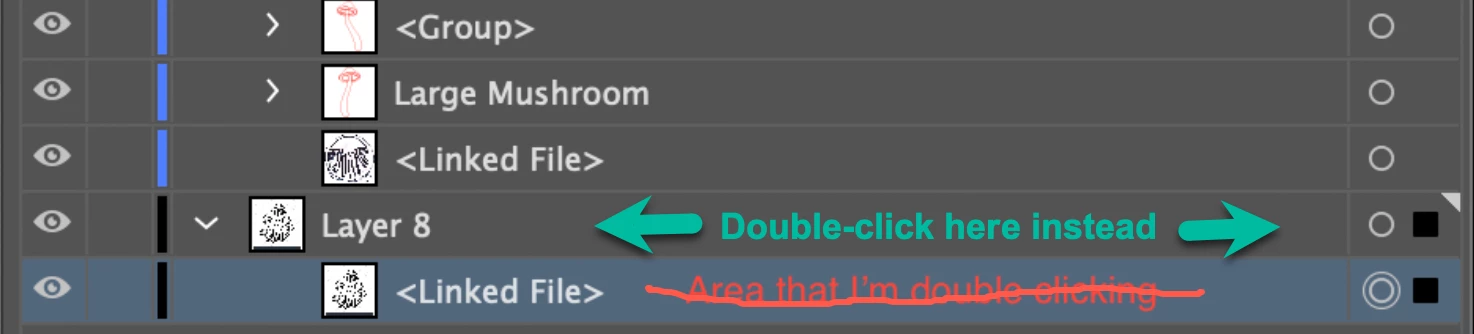
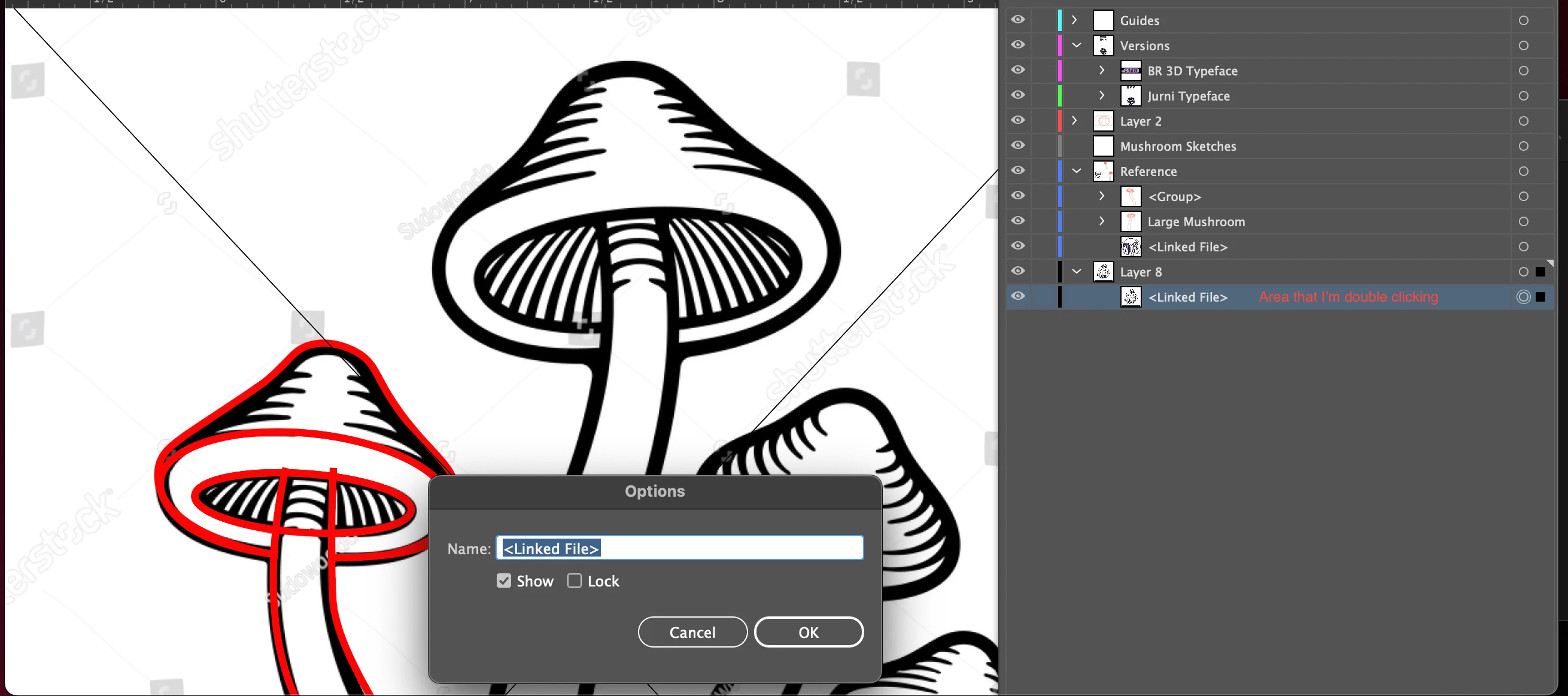
I tried to double click the layer to make my sketches and other jpg files into templates and reduce their values to make it easier to work over them but the only option I get are to chage their name or this pop up:
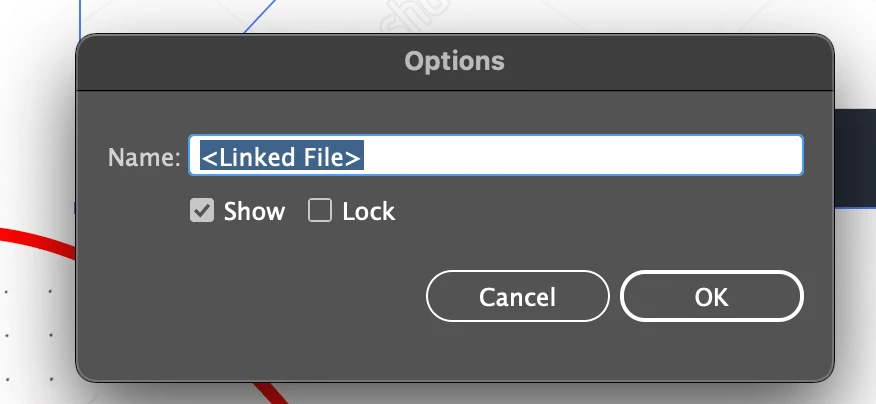


I don't know why this happens.
This topic has been closed for replies.
Correct answer tromboniator

I tried but I am still getting the same results. It's suppoused to be a simple double click, correct?

I've captioned the area that I'm clicking but I'm still getting the same result.


1 reply

Ton Frederiks
Community Expert
Community Expert
May 24, 2022

Looks like Isolation Mode. 

Try hitting Escape (or the back arrow in the Control bar) and double click the layer again.

Known Participant
May 24, 2022

To my knowledge this isn't Isolation mode, correct me if I'm wrong, but for whatever reason I can't seem to make this work.

Larry G. Schneider
Community Expert
Community Expert
May 25, 2022

It looks to me like everything is on a single layer. Try moving the linked files to a layer below the red paths and then double click that layer to make it a template.