

Answered
Creating a clipping mask from a shape and an image?
Hi There,
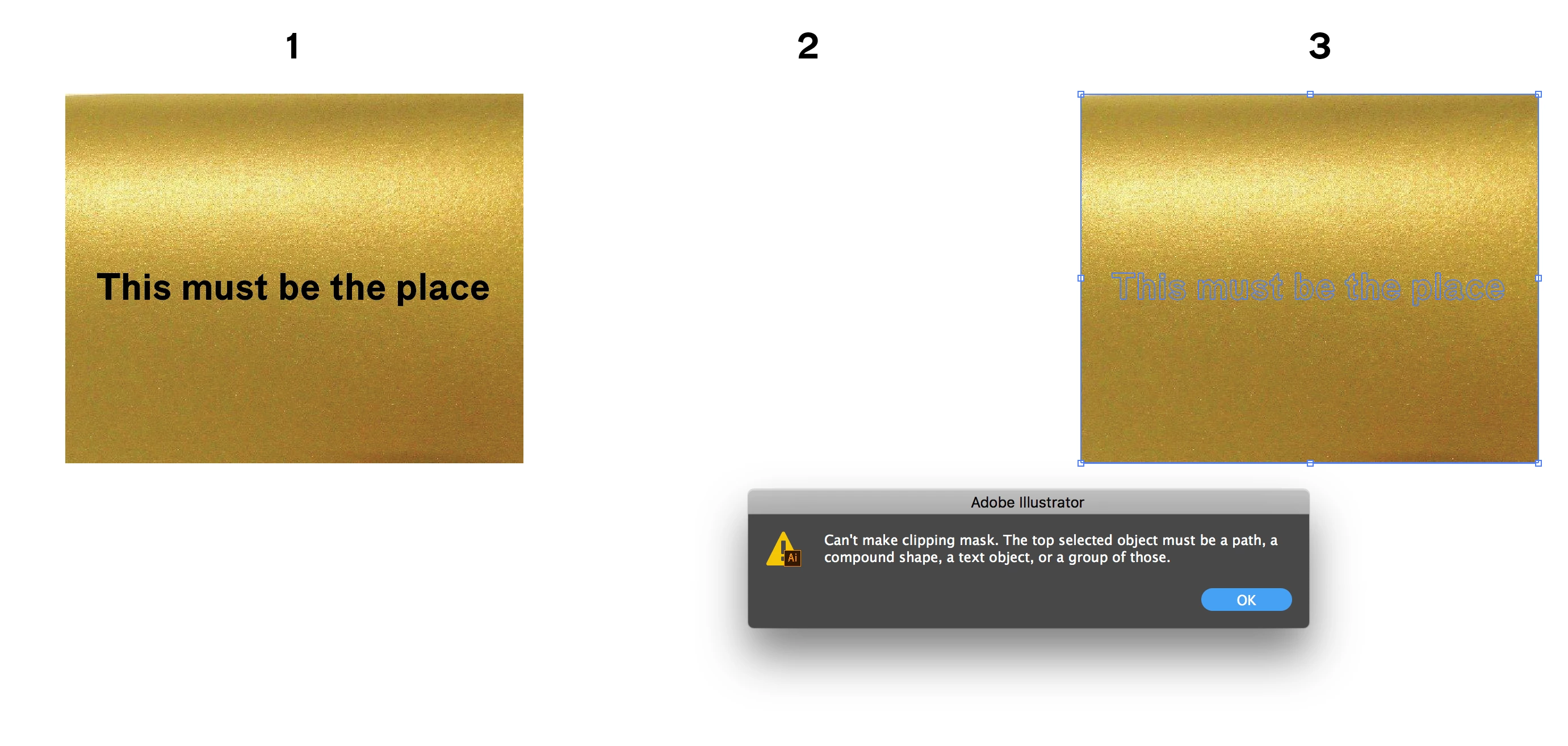
I cant seem to make a clipping mask in my illustrator at all. No matter what I do, it keeps doing it wrong so I hop you can help me.
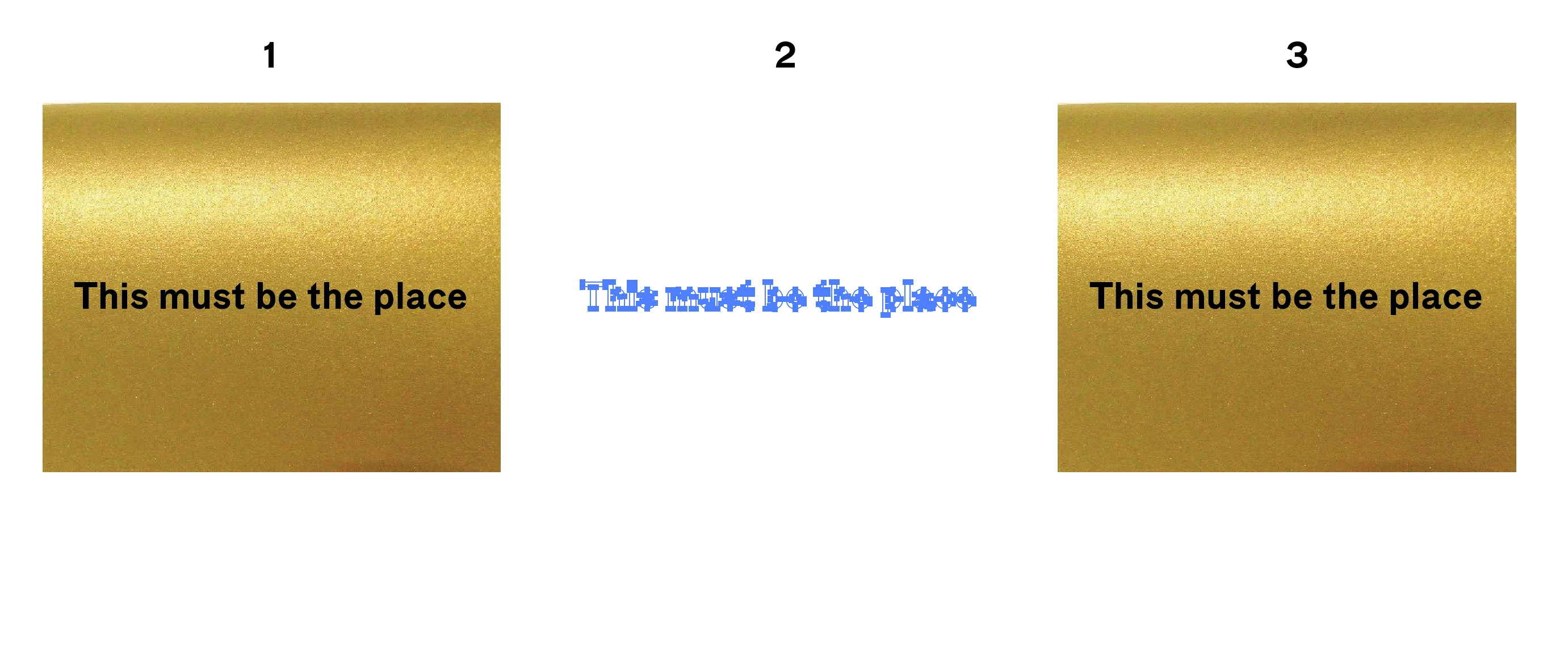
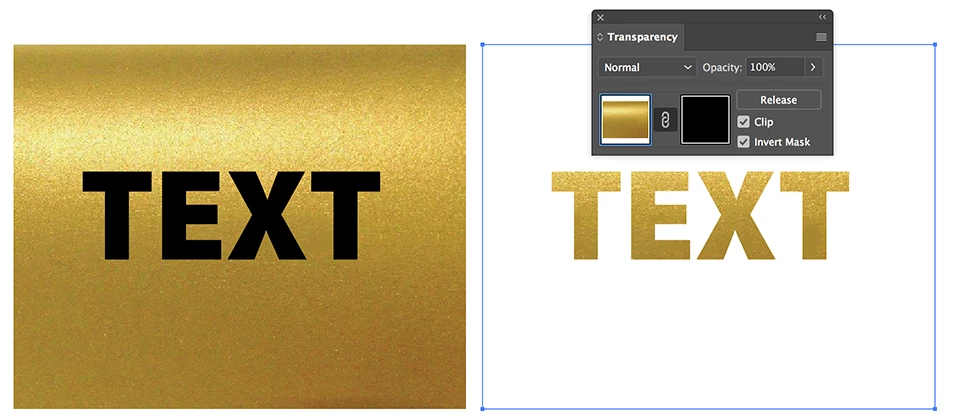
I want to create a mask within the gold image, so the text becomes gold. Super simple — I used to this all the time in pathfinder.
Whenever I place the object (outlined text box) on the image and make the mask, it turns white. Or it does not "catch" the image inside.
Whenever I put the image on top of my object and press create outline it tells me that the top object must be a path.
Is there something wrong with my imported image, since I cannot make the mask?
Thank you 
 AdChoices