
Answered
Creating a colour fill of a shape/s?
I have joined all the corners of my shapes, But when I try to fill them with a colour; the fill just goes haywire like in SS-2.
Please help, Jamesp.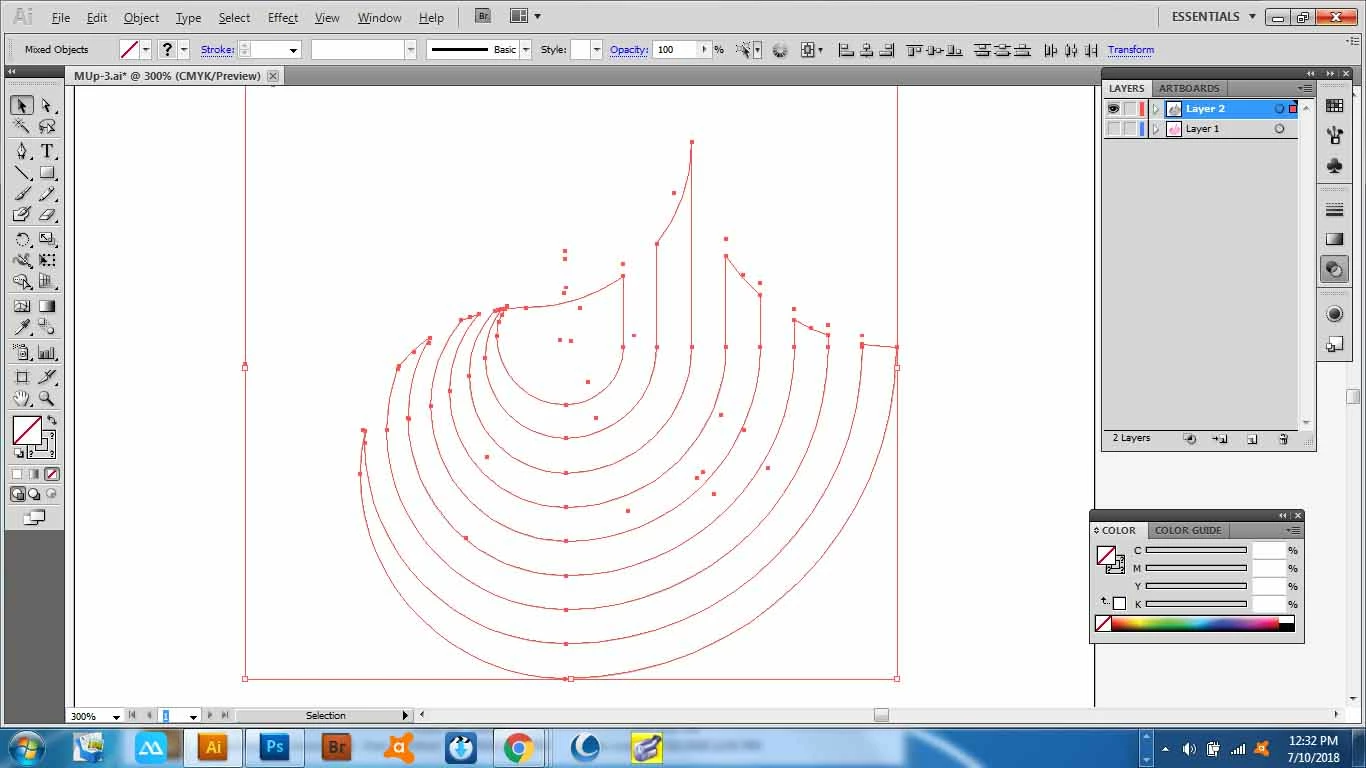
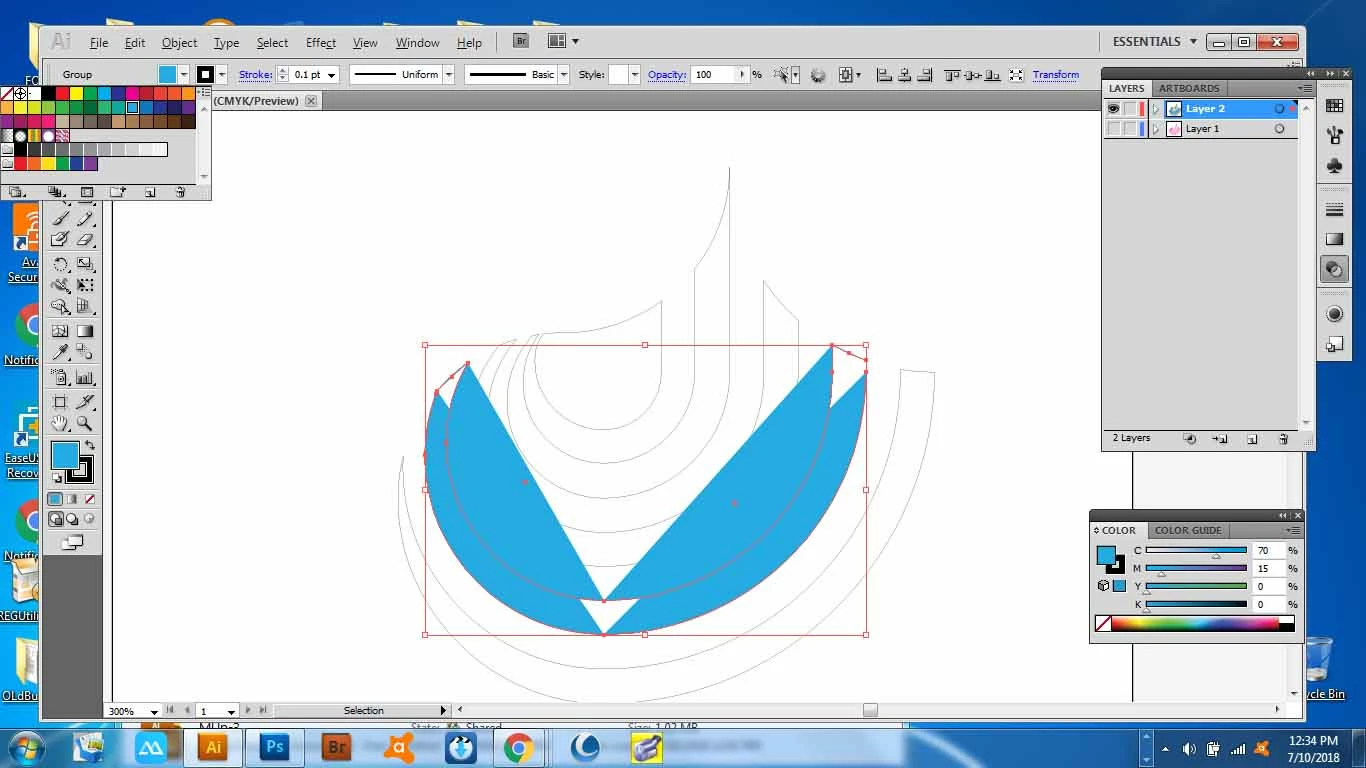
I have joined all the corners of my shapes, But when I try to fill them with a colour; the fill just goes haywire like in SS-2.
Please help, Jamesp.
switch to the outline mode ( ctrl + Y ) and select two end Points ( with the direct selection Tool ) and Use the join command,
and it is much easier to use the Live Paint bucket tool to fill the shapes.
Already have an account? Login
Enter your E-mail address. We'll send you an e-mail with instructions to reset your password.
 AdChoices