
Participant
August 17, 2023
Question

Creating a DXF for sheet metal perforation from Photo or graphic

  • August 17, 2023
  • 2 replies
  • 2133 views

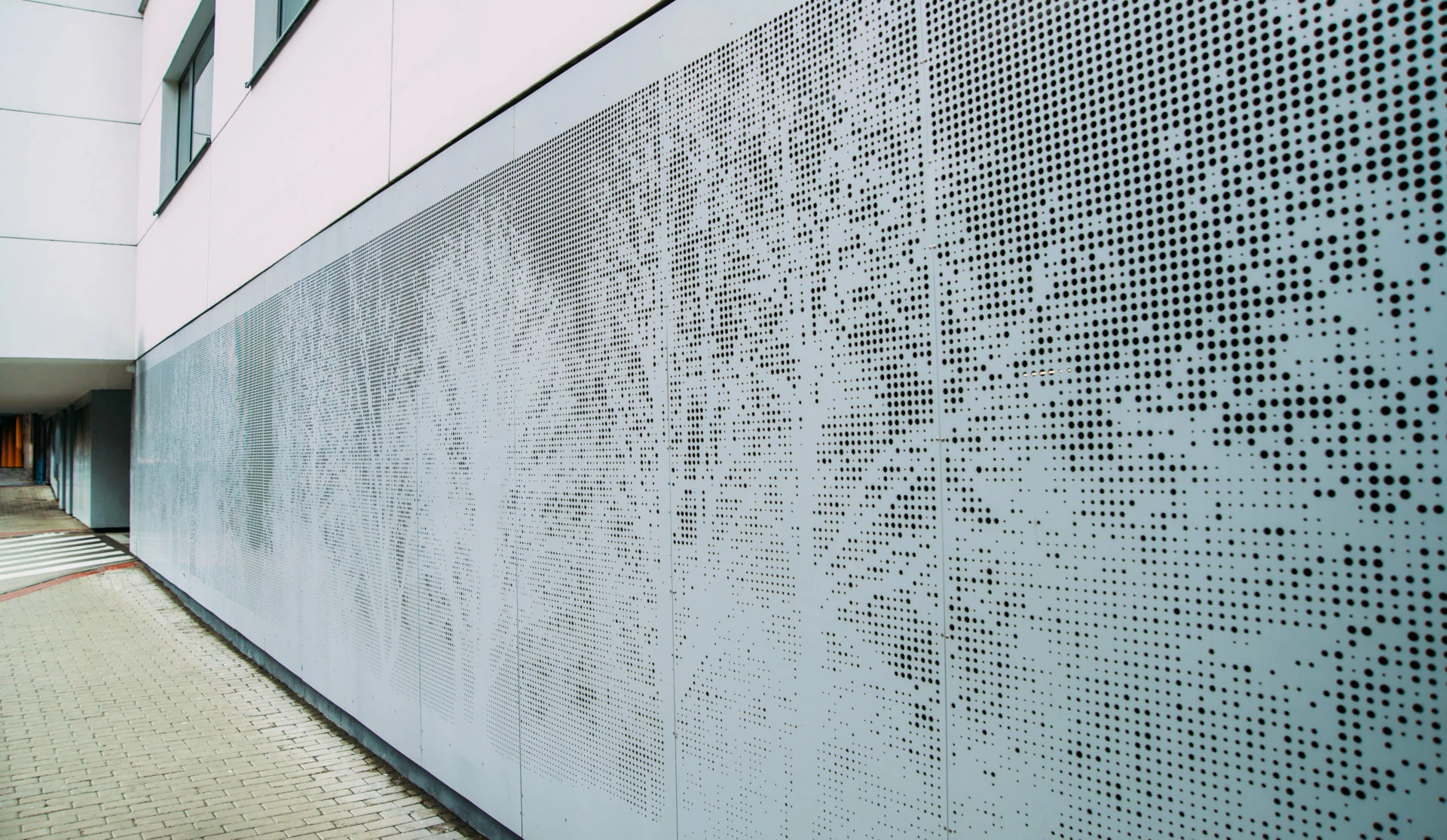
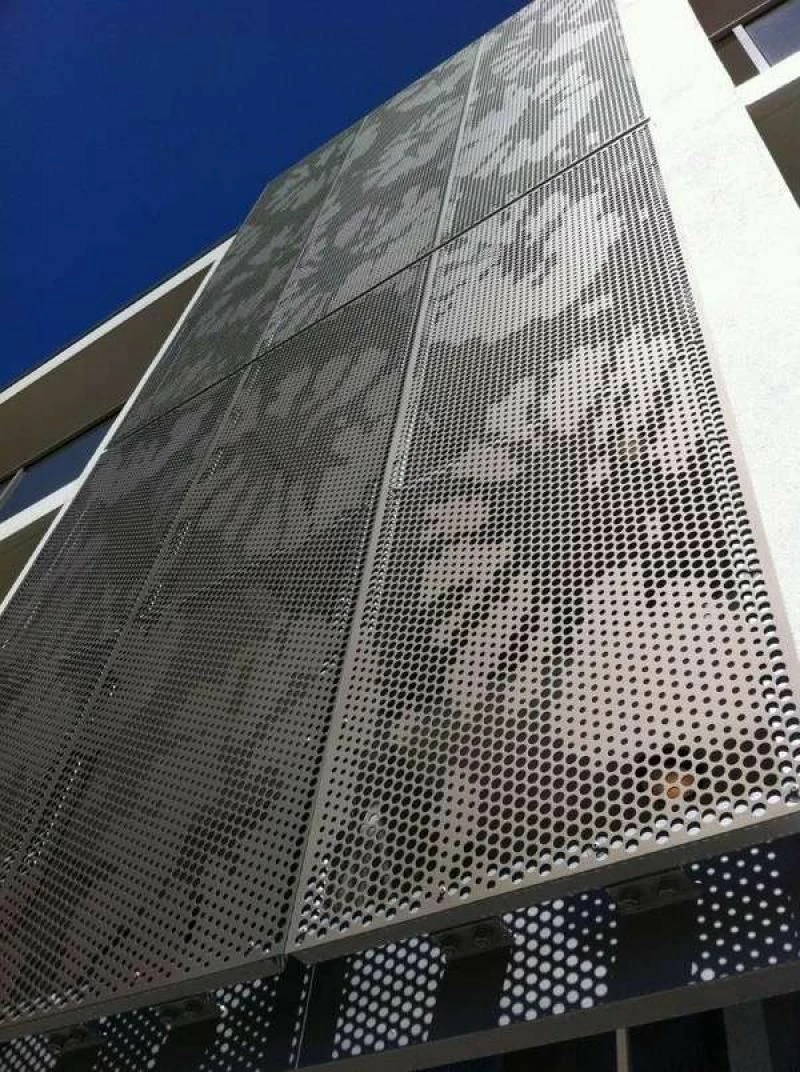
Hello!  I am looking for a process that will allow me to take a graphic or photo and convert it into a dxf/dwg perforated pattern for sheet metal production.  I've attached images of the effect I'm looking for, and wondering if there is a process involving illustrator that would support this.  I have experimented with color halftone filters, but am wondering if there are ways to better control the sizing and spacing of the dots.  I would love to hear if other have worked on things like this and what approach has worked well!
This topic has been closed for replies.

2 replies

femkeblanco
Legend
August 17, 2023

Script-wise, it's easy in theory: Create a grid (2D array) of pixels, by iterating through so many pixels at a time, getting their positions and gray colors, then drawing circles at those positions with diameters proportional to the gray colors.


In practice, pixels need to be accessed throught Photoshop and the above requires at least one back-and-forth between Illustrator and Photoshop through BridgeTalk. My Photoshop and BridgeTalk experience is limited.

Community Expert
August 17, 2023

Astute Graphics has an Adobe Illustrator plugin called Phantasm which can generate vector-based halftone effects from pixel-based images or vector-based objects. The resulting vector halftones can then be exported in DXF/DWG format.

Community Expert
August 17, 2023

To add to my suggestion about the Phantasm plugin, the rival CorelDRAW application has a pretty decent Pointillizer effect filter that does some of the same vector halftone effects as Phantasm, but with some different controls. It will literally let me map new vector objects 1 to 1 with each pixel in a sample image, which is handy for creating things like vector simulations of LED jumbotron displays.