Creating a fillable shape from mutiple pen tool lines
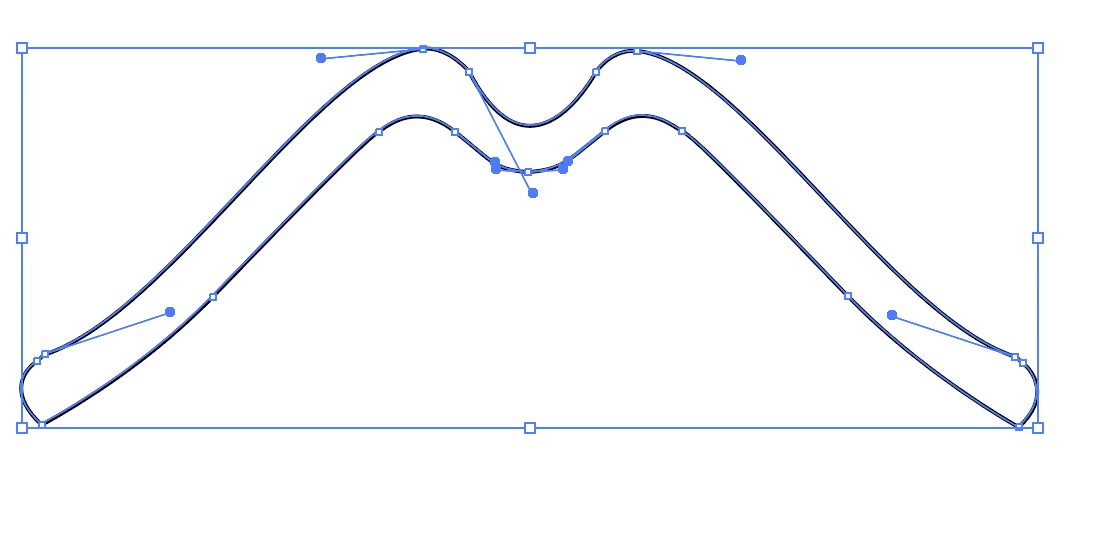
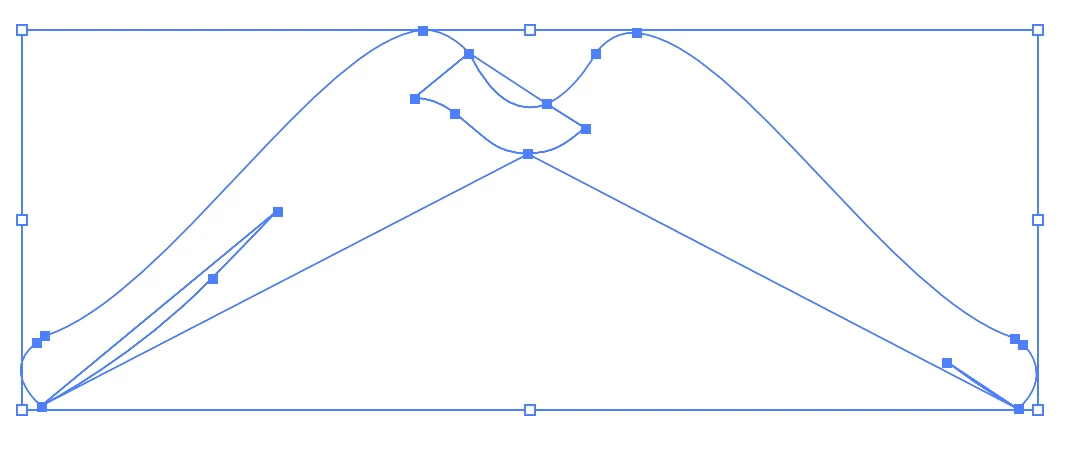
Howdy. I've solved this before but it's been years and I've since forgotten how. I've also come close to finding this answer in other posts but not quite so here's what I'm trying to do: I create line drawings using the pen tool set to- outline black, no fill. I then draw several individual lines that I want to join to create a single object that I can fill with a color (pic 1 below). I tried selecting all of the lines then using Pathfinder > Merge but that didn't work then I tried Pathfinder > Unite which also didn't work. Both resulted in pic 2 below. I also tried Pathfinder > Outline which looks good until I fill it with a color and that gives me the same result as Merge and Unite. Any help would be greatly appreciated. Thanks in advance!
Pic 1. My individual lines positioned in the desired shape that I want to fill with a color.
Pic 2. same lines after Pathfinder > Merge. (Unite yields a similar result.)
 AdChoices