


Inspiring
October 29, 2025
Question

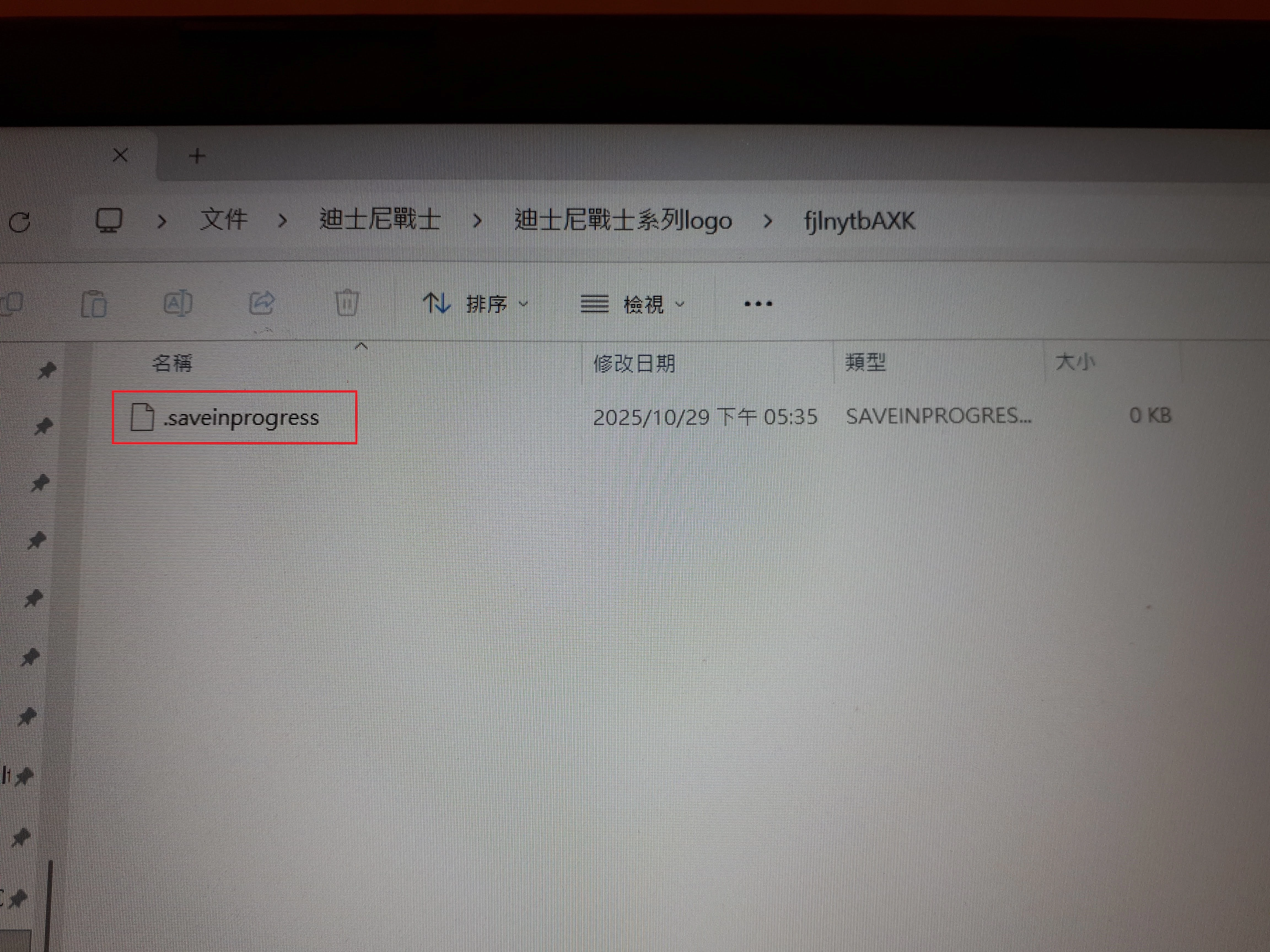
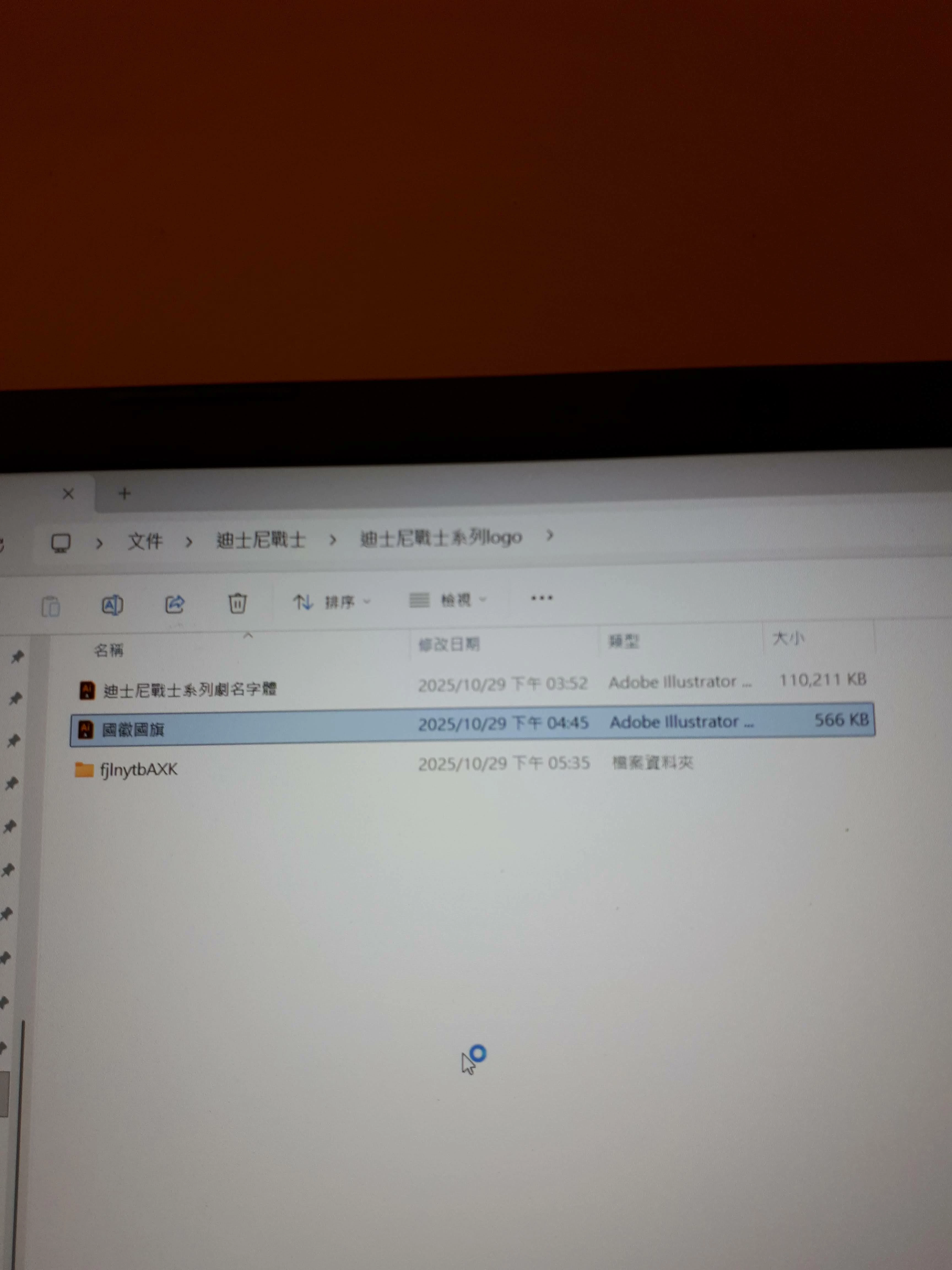
Creating a new Adobe Illustrator file will create an additional folder containing the file .saveinpr
  • October 29, 2025
  • 2 replies
  • 171 views

When I create a new Adobe Illustrator file or save an existing one, an extra folder appears containing a file named “.saveinprogress.” What does this mean? It has happened several times. I usually delete it, and when I open the Adobe Illustrator file again, there’s no problem.

    2 replies

    Abhishek Rao
    Community Manager
    Community Manager
    October 29, 2025

    Hi @Flawless_Odyssey6941,


    Thanks for sharing the details. Could you please confirm which version of Illustrator you're using and the details of your Windows operating system? I tested this on version 30.0 on Windows but couldn't reproduce the issue. Please try manually resetting Illustrator preferences and then test again to see if the extra folder still appears. You can follow the steps here: https://adobe.ly/4oIg7Ru.


    Let me know how it goes after you try this.

    Abhishek

    Inspiring
    October 30, 2025

    @Abhishek Rao I've tried it, and the problem persists. It doesn't seem to have any effect, so I'm giving up.

    Ton Frederiks
    Community Expert
    Community Expert
    October 29, 2025

    Have not seen this. Does it also happens when you turn off Save in Background in Preferences?

    Inspiring
    October 29, 2025

    @Ton Frederiks This is the first time I've encountered this. I click on it (sometimes), then save.