Participant
January 14, 2020
Answered

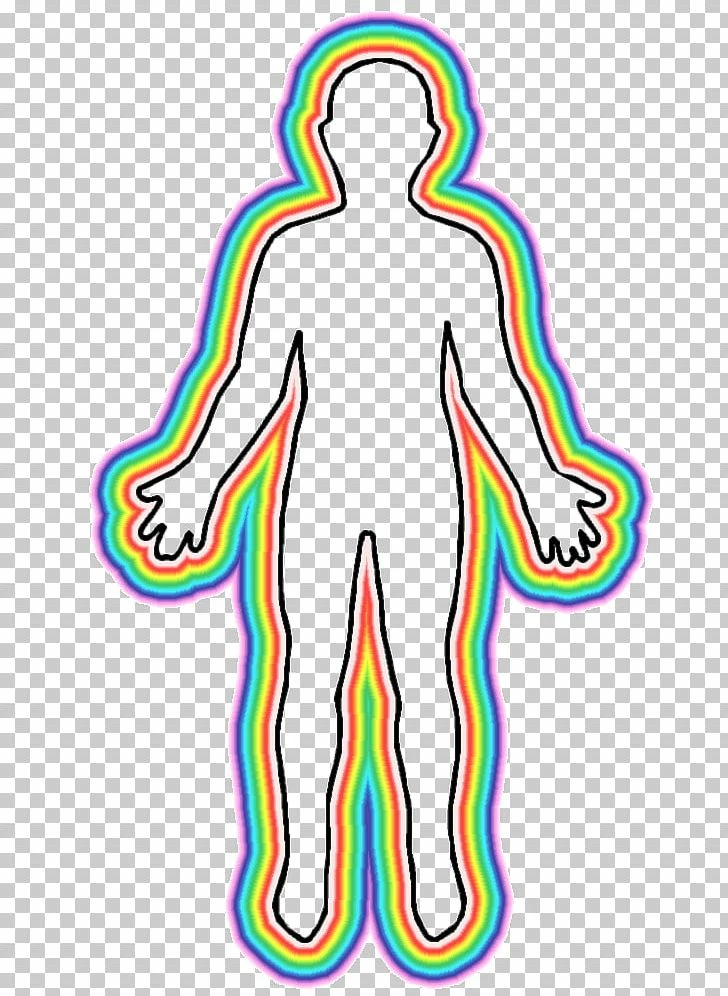
Creating an 'aura' type rainbow look in Illustrator
  • January 14, 2020
  • 2 replies
  • 2656 views


Hey everyone! This is my first time posting.

Does anyone know the easiest way to create this multiple coloured line around a path in illustrator? I have created a goat with the pen tool in black and I want it to look like it has an 'aura'...

Any tips?

Thank you!

Florrie

This topic has been closed for replies.
Correct answer Rishabh_Tiwari

Hi there,


Thanks for reaching out. There are multiple ways to achieve this, one of them would be using the Appearance Panel. You can create a Path and then adding multiple strokes with different colors. However, I did find a video tutorial that you can refer to for achieving the desired effect:


https://www.youtube.com/watch?v=kDZuqQQVyQk


Regards

Rishabh

2 replies

Ton Frederiks
Community Expert
Community Expert
January 14, 2020

Maybe a gradient from the Swatches > Gradients > Spectrums across a stroke?

Rishabh_Tiwari
Rishabh_TiwariCorrect answer
Legend
January 14, 2020

Hi there,


Thanks for reaching out. There are multiple ways to achieve this, one of them would be using the Appearance Panel. You can create a Path and then adding multiple strokes with different colors. However, I did find a video tutorial that you can refer to for achieving the desired effect:


https://www.youtube.com/watch?v=kDZuqQQVyQk


Regards

Rishabh