Creating border silhouette for cut path on printer
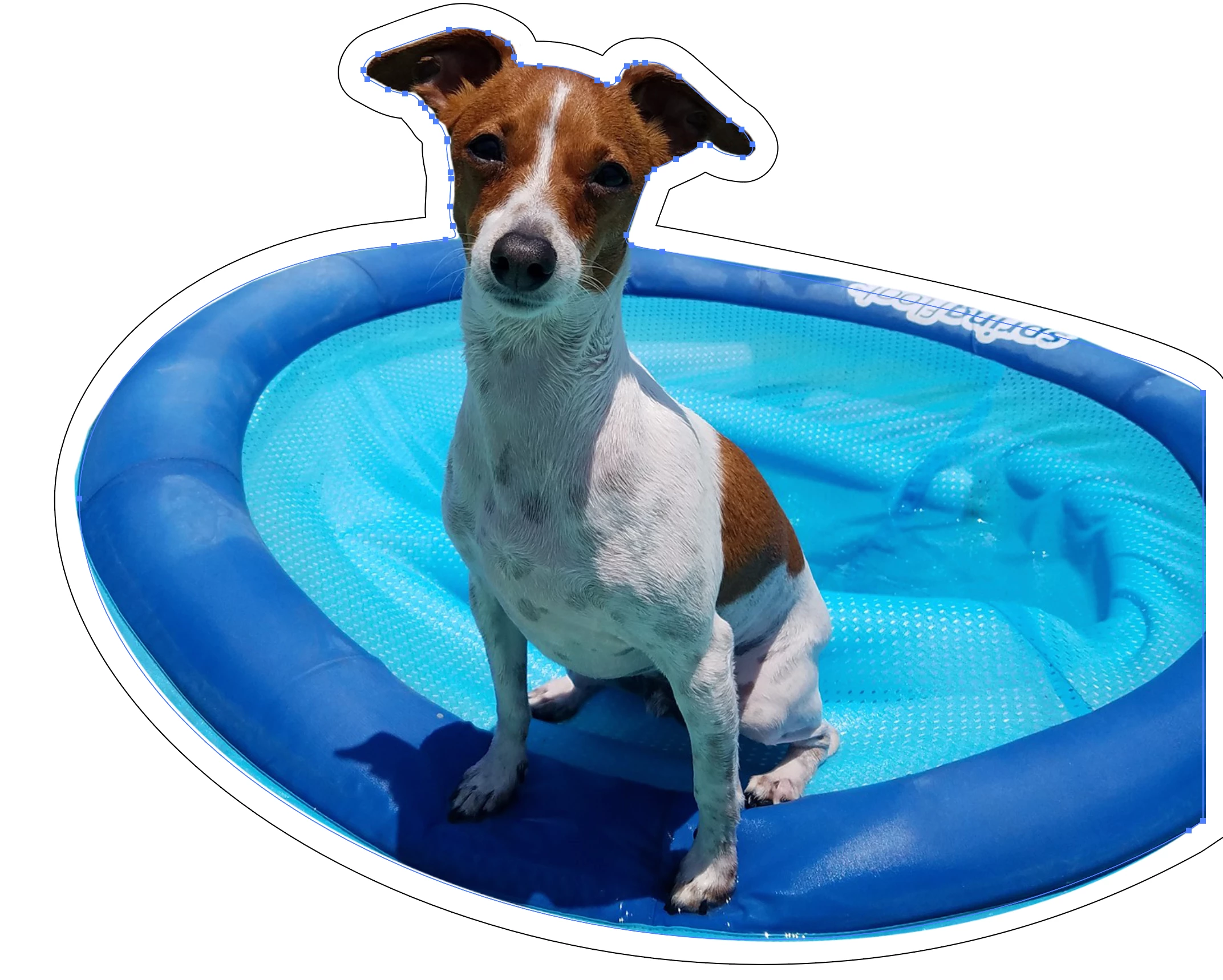
Hello! So heres whats going on in the image below. (This is a quick example of what i actually need.)
I have a cropped image from ps. I dropped it in illustrator and did a quick trace to get the sillhoutte path. The black line is an offset path stroke from the appearance panel for the actual blue path which is RIGHT on the edge of the image. I need the actual path to be where the offset path is, but if i just grab a copied layer of the path and pull it from the bounding box is doesnt expand equally. I have a plotter that reads path spot colors for cutting and even if i change the black stroke to the color i need, it will cut along the path. Imagine that im basically trying to make a custom sticker with a white border and need the cut path to be where the black line is, and all i have to work with without tracing the entire image by hand, is the path from the live trace.
Thanks!
 AdChoices