bruceyma1226
Participant
February 24, 2026
Question

Creating inverted design for logo/t-shirt

  • February 24, 2026
  • 1 reply
  • 12 views

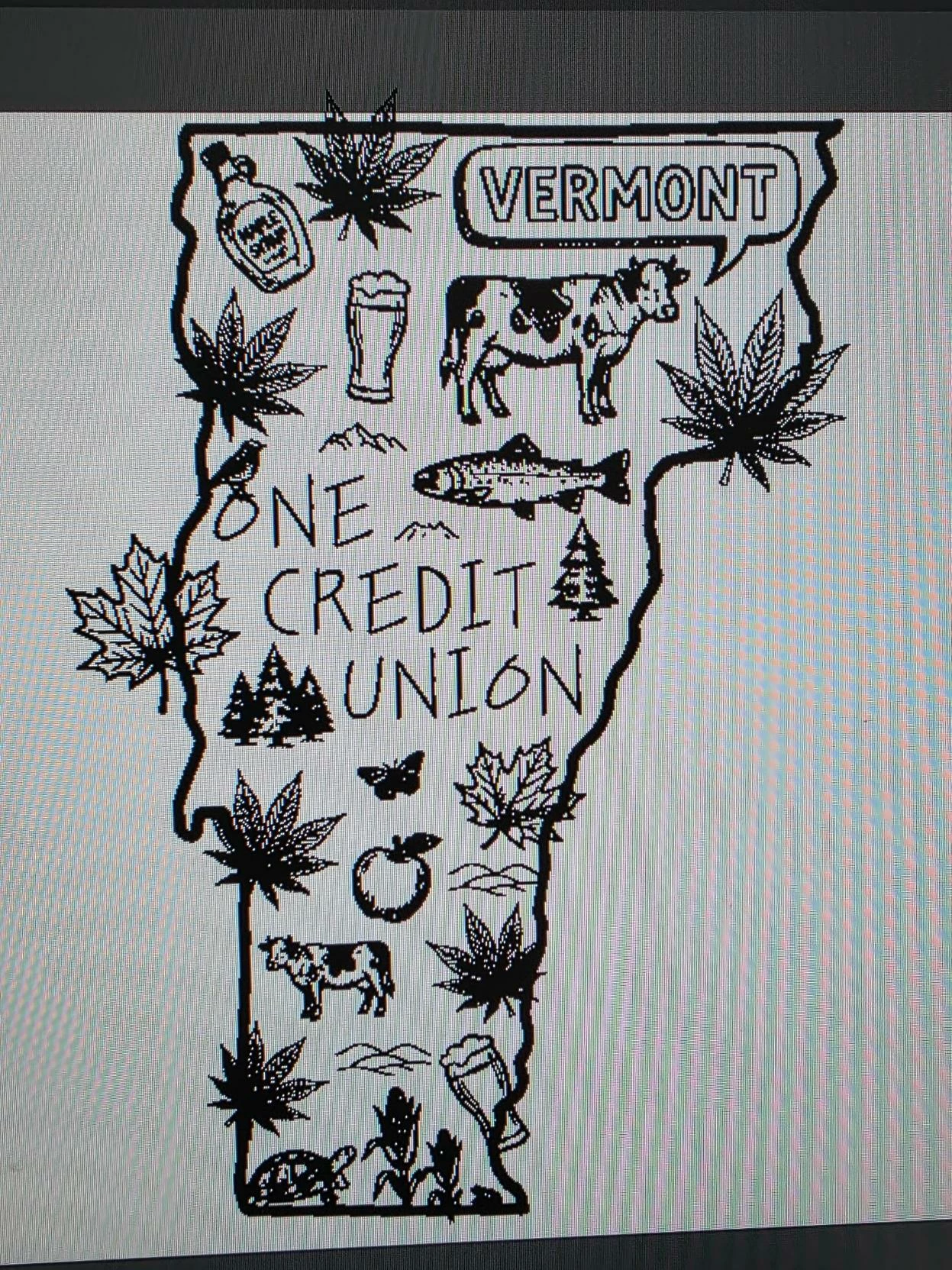
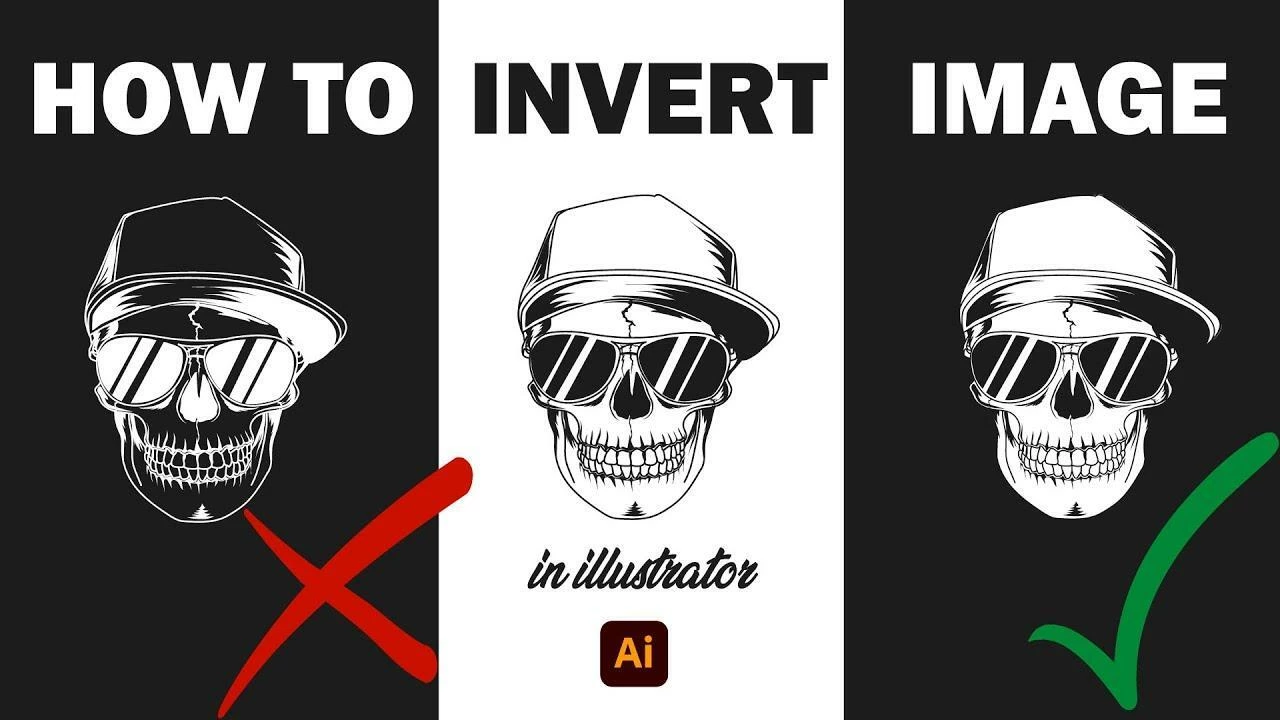
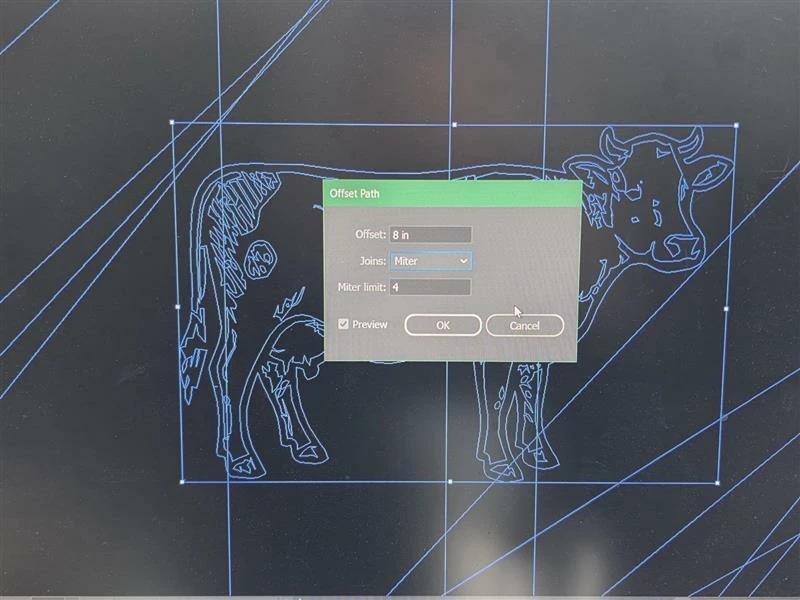
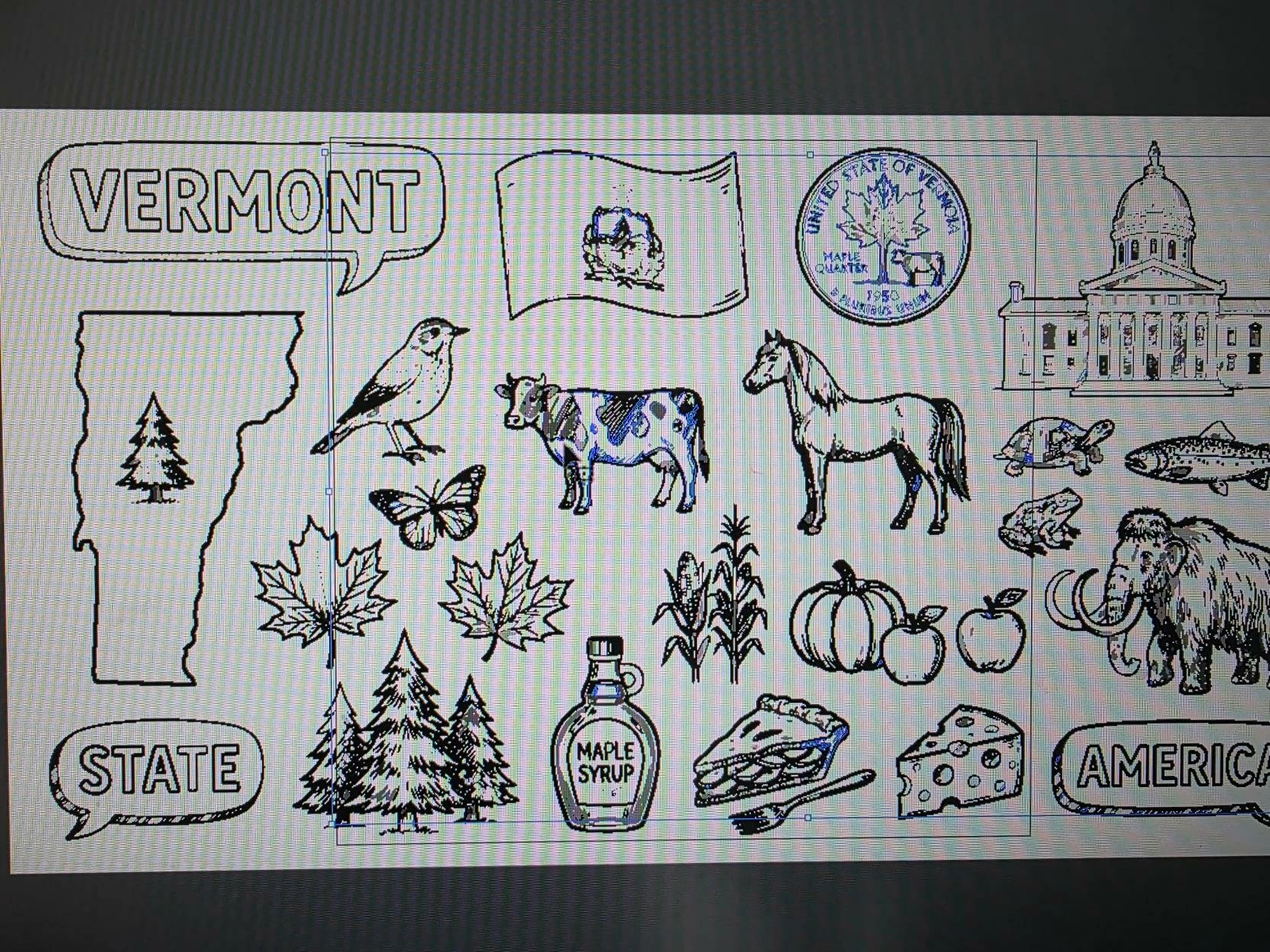
I’m an Ai newbie (only a few months of inconsistent use)and I’m trying to create an inverted version of this design so we can use it on a dark-colored t-shirt. I used a set of images from Adobe Stock and rearranged them, as you can see. I’ve tried the knockout/offset path method, but each element of this design is group of paths and/or compound paths (we’re talking dozens for each little picture, such as the cow) and… I just can’t sort it out. 
This is the method I have been trying

    1 reply

    Monika Gause
    Community Expert
    Community Expert
    February 24, 2026

    That video is crap. All you need to do is group each of those artworks.

    Then open the Appearance panel.

    Add a new fill 

    Make it white

    Put it in the background 

    Add some pathfinder effects.

    Make a graphic style in order to apply to the other shapes.

    Depending on what you need to export in the end, you might need to select them and expand the appearance.