
Answered
Creating shapes from effect in Appearance Panel
Hi there 🙂
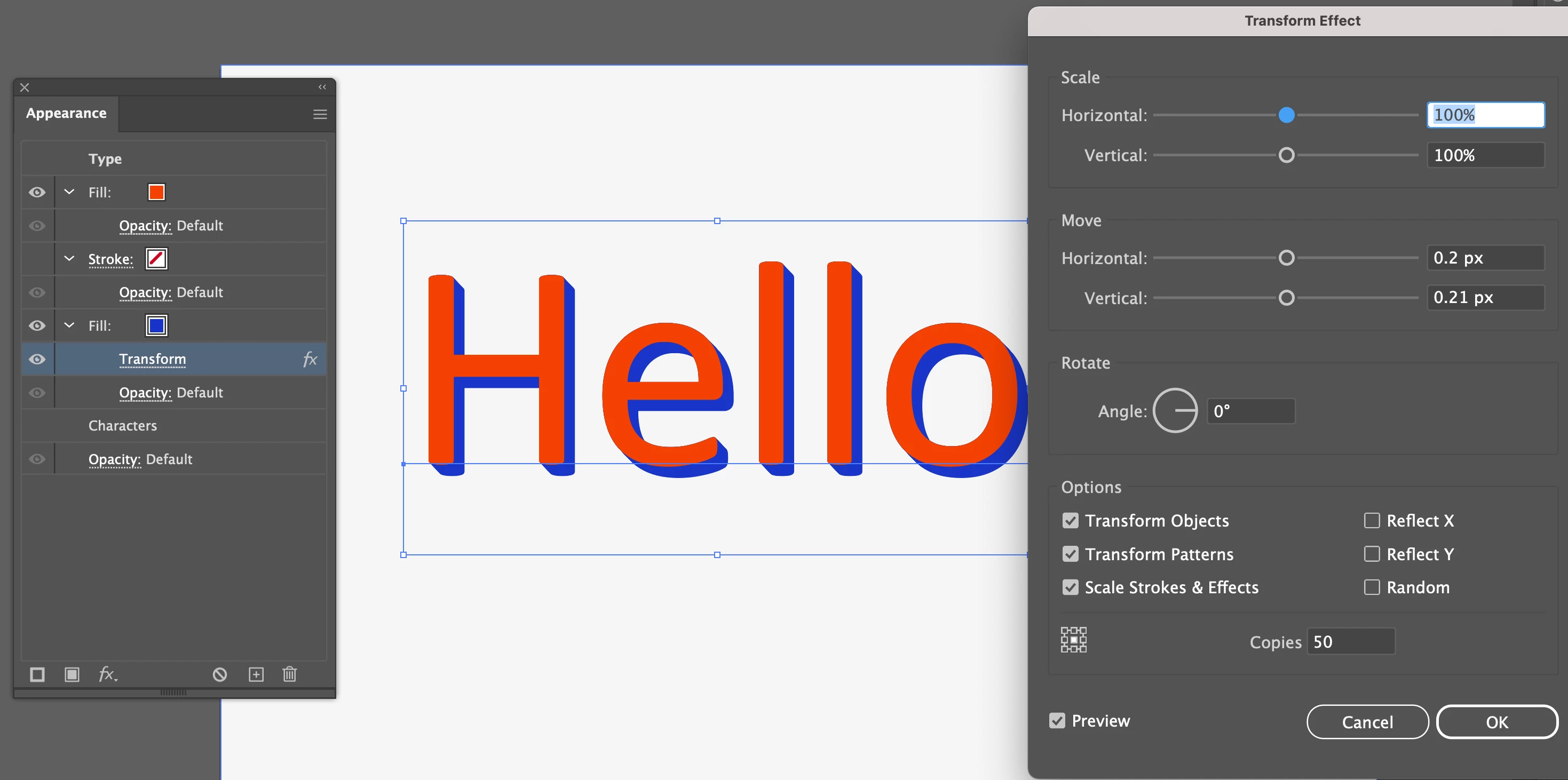
I have some text as shown in the picture below. I've put a '3d effect' on it using the Transform, Copies tool in the appearance tab.
I need to be able to convert this to a shape to get it into after effects. I'm struggling to figure how to do this. The type will convert no problems, but it leaves behind the transform effect in the appearance tab.
Unfortuntely I'm working into someone elses AE project so I need it prepared in this particular way.
Any one know a way?
Appreciate any help.

 AdChoices