


Question
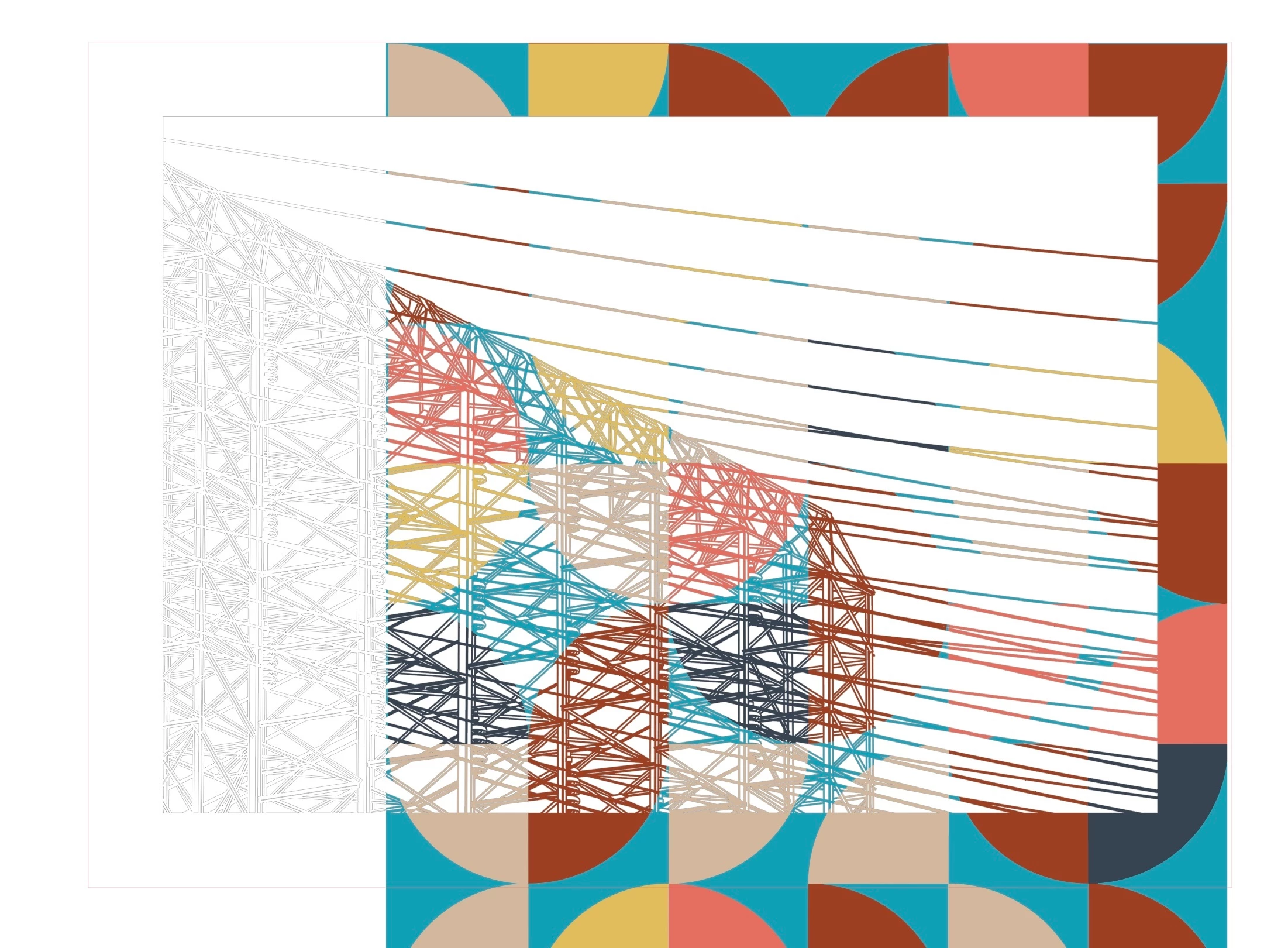
creating transparency through to image/design below
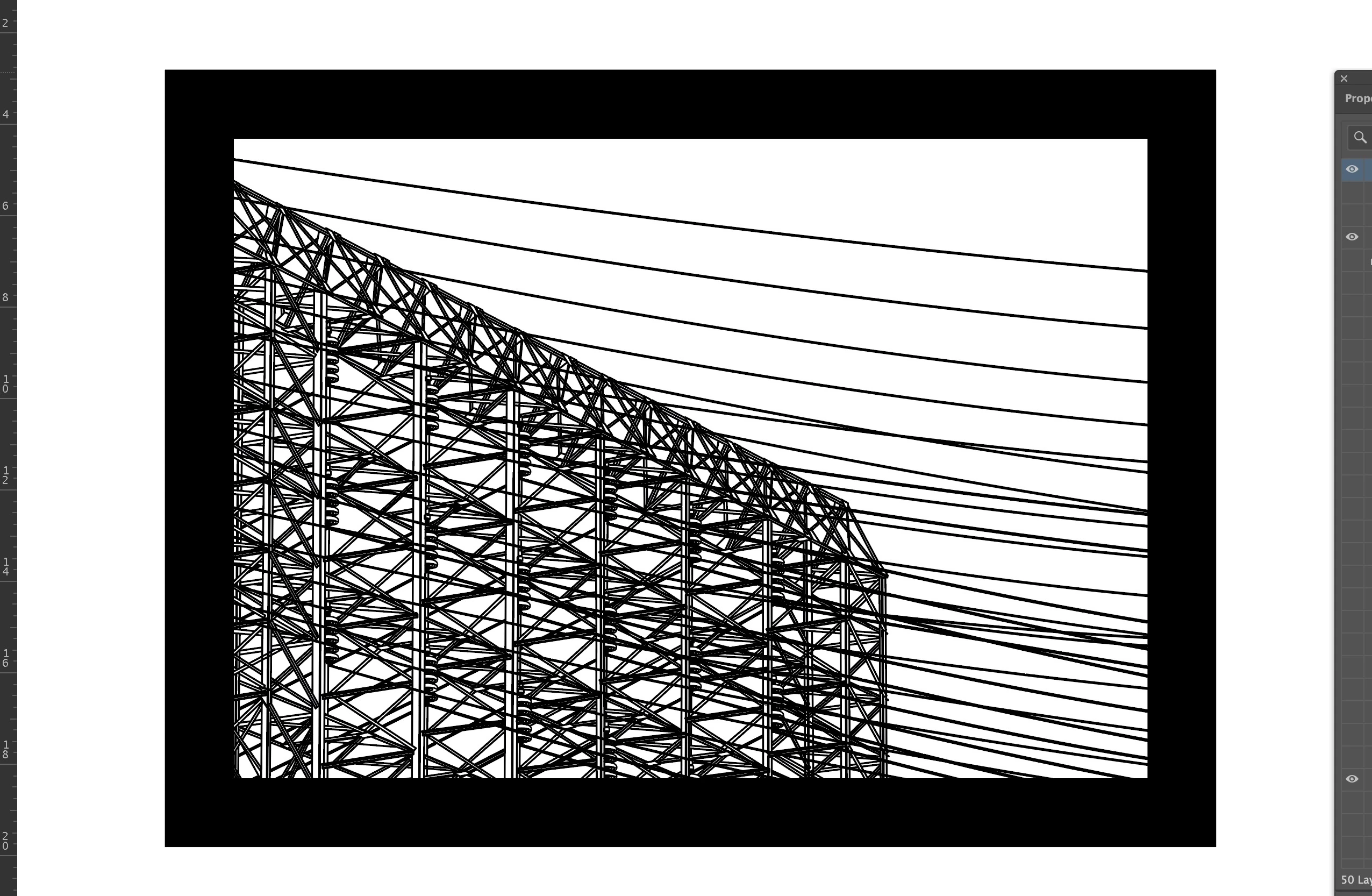
I have a layer in my design that is behaving exactly how I would like. Unfortunately I cannot seem to figure out how I got it to behave that way or how to replicate the behavior on other layers. I have a layer with positive and negative space. For the first example below, I filled all the positive space with black. I would like all the positive (black) to transparently show the image/design below and for all the negative to block it. I can create a mask or clip to do this to one specific image, but I would like ANY image /design to show through in the area that is black now so that I can move around images below and play with composition… Again, I got this to work on one layer, I just cant figure out how…
 AdChoices