

Question
Creative masking techniques?
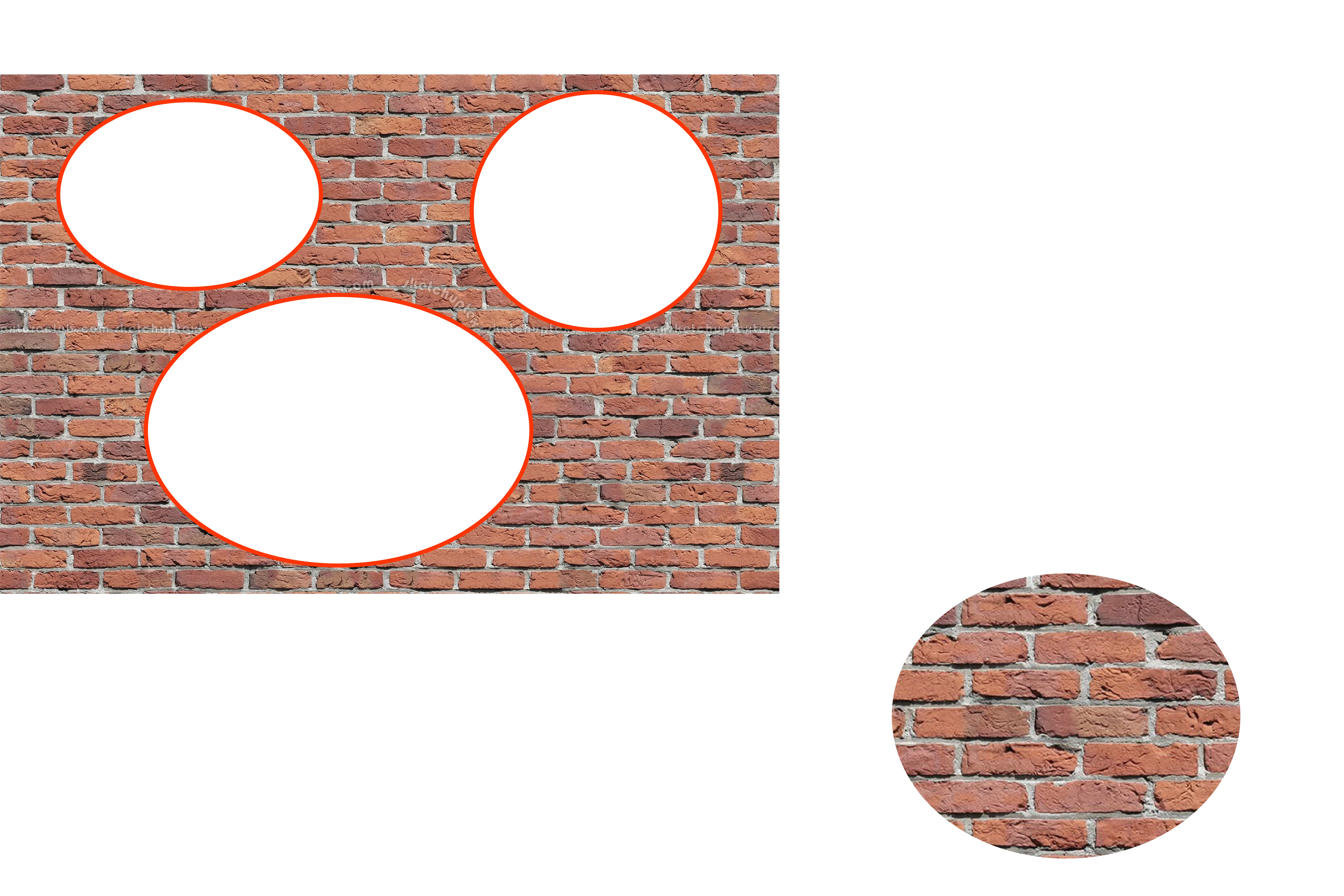
So here is what’s driving me crazy. I want to have multiple shapes/objects on multiple layers, and I want the background layer to only be visible where there is another layer on top of it. Then I want to be able to cut the objects out just as they appear.
I can think of one or two really time consuming, imprecise ways of doing this, but there has to be something I am forgetting/not understanding. Can anyone think of an easy way to do this?
Normal masks can’t work because sometimes the paths of the object aren’t closed or are too complicated. I also don’t want to have to duplicate the background layer 12 times and fix the mask of 12 objects and then mask them out etc.
There has to be some way of doing this, if not in AI then in PS or AE..?
 AdChoices