Crop tool works on shapes - but not on imported images. How to resolve?
Hi Everyone,
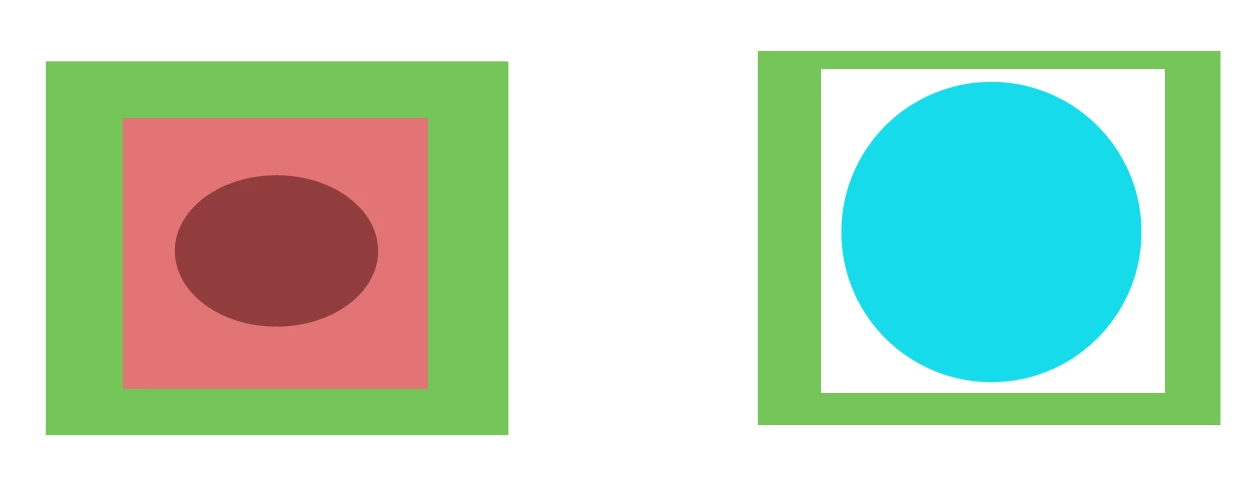
So the crop tool appears to work well enough with shapes. You place a shape upon another, press crop, and there you go: the underlying shape gets cropped according to the shape on top.
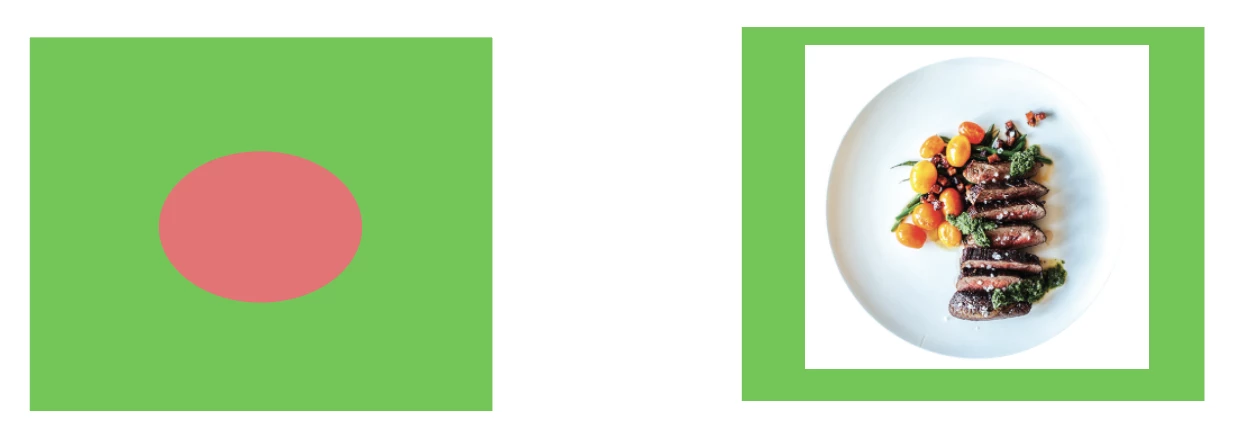
Strangely enough I can't get this functionality to work on an image I opened in AI - in this particular case of a plate with food. Please see the image above to see what I mean. On the left you see what I expected to happen.
As for the food image, the white outer rectangle stays firmly where it is, and I have not a clue why.
Any solutions? Or alternatively, any other way I could rid myself of the white rectangle around my plate of food while not using the crop tool? The eraser tool I tried, but also seemed utterly impotent in altering this imported image in any way (and even if it worked it be impossible to make a nice round shape of it).
Many thanks!
 AdChoices