
Answered
"Cropping" in Illustrator
How does one "crop" an image in illustrator? I have this image, I'd like to convert it a square shape.
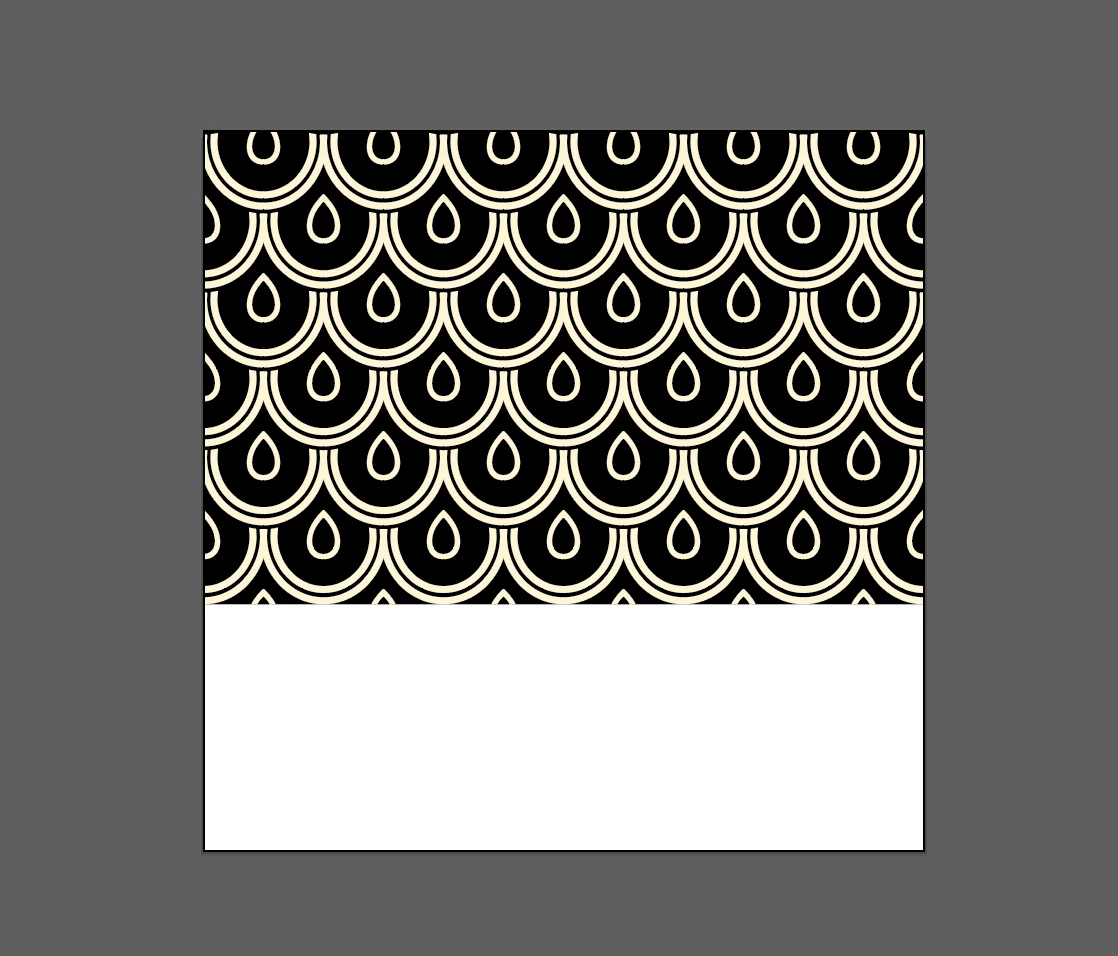
I thought I could just draw a square rectangle over the top of it (no fill, no stroke) and use either the "divide" or "crop" functions in Pathfinder, but that doesn't work. I end up with some of the paths divided and some not, so I have no easy way to clear away all stuff that don't want to be there.
Here is a link to the original file.
 AdChoices