Erm F1 - help. Not sure if it happens in Illustrator but it cetainly does in Photoshop https://help.adobe.com/en_US/photoshop/cs/using/WS58a04a822e3e5010-1f09756312695358696-8000.html . It's theft, paid £3k for software and the help files have been deleted files after a few years.
Help for older versions is here for download: Help for older versions of Adobe Illustrator
As for your snapping issue.
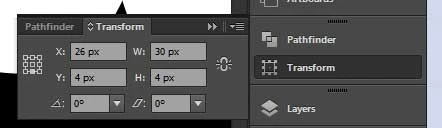
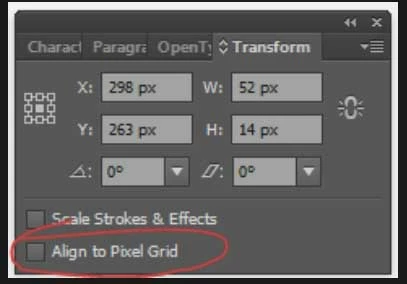
It's an object based setting. You have to select the objects and then turn it off. You have to also turn it off for new objects by unchecking the "Align new artwork to the pixel grid" in the transform panel's menu.
Or even better turn that option off in your new document profile, so you don't have to care for it again.
And if that doesn't help, please post example screenshots of where snapping is not working for you.




 AdChoices