
jorgem35206964
Participant
November 16, 2017
Question

Ctrl+D Option

  • November 16, 2017
  • 1 reply
  • 9162 views

Hello,

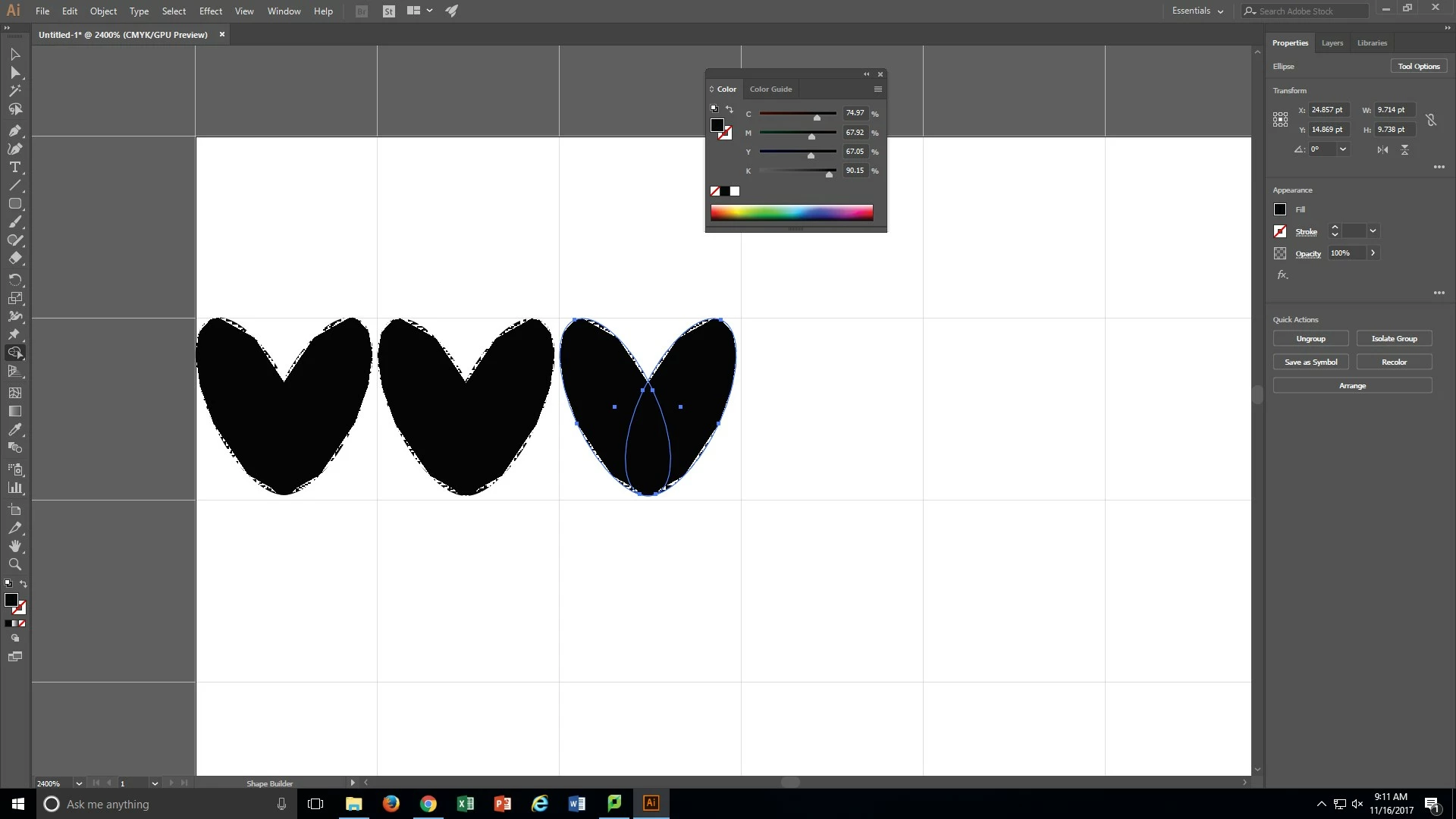
I had been working a project last week where I was using the Ctrl + D command to duplicate shapes in a straight line. I was working on Illustrator 2017, but this week the library at my school got new computers and they got Illustrator 2018. The Ctrl + D option is not working. Also my shapes won't fill in the color completely.
    This topic has been closed for replies.

    1 reply

    Doug A Roberts
    Community Expert
    Community Expert
    November 16, 2017

    the fill thing is a bug with illustrator using certain graphics cards. turn off GPU performance to check.

    for ctrl + D, what do you see listed in the keyboard shortcuts (Edit>Keyboard shortcuts) for transform again?

    jorgem35206964
    Participant
    November 16, 2017

    For the fill I accidentally pressed ctrl + e and now I get a complete fill . For the Transform again, I don't see that at all in the keyboard shortcuts I only see free transform

    Raghuveer_Singh
    Community Manager
    Community Manager
    November 16, 2017

    Hi,

    Can you please post the snapshot of the Keyboard Shortcuts dialog as displayed as an helpful screenshot?

    Thanks & Regards,

    Raghuveer Singh

    Illustrator Team