Inspiring
Sep 28, 2016 6:20 PM UTC
Answered

Current Document Tabs Disappeared

Hi,

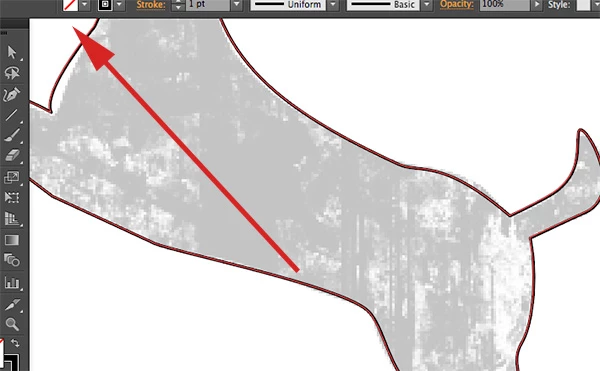
I've noticed a couple of times in illustrator recently my current document tab has disappeared (with/without images below).  When I quit the application and re-open it, it comes back, but it's starting to happen more often.  Is there anyway to show the document tabs without having to quit the application?

Many thanks in advance for any help.
Barb Binder
Barb BinderCorrect answer
Community Expert
Sep 28, 2016 6:58 PM UTC

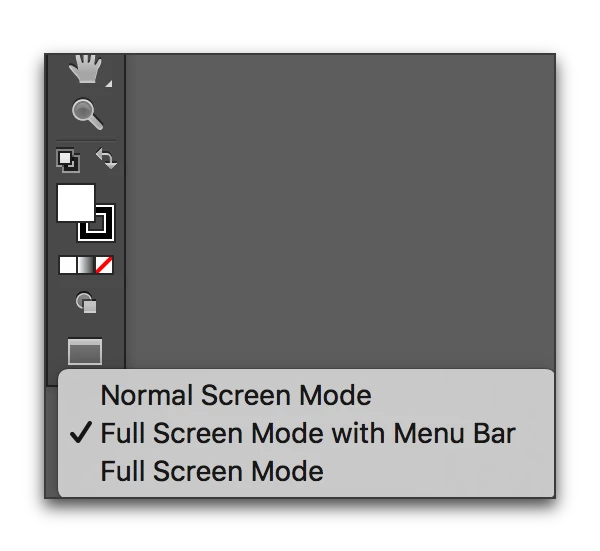
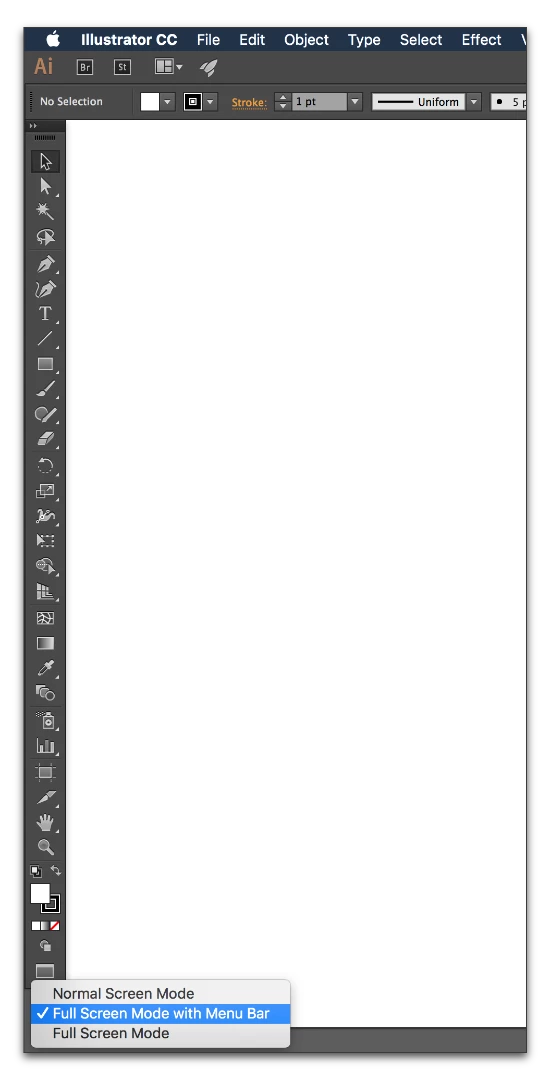
Or as I think about it, more likely, you have moved into Full Screen with Menu bar, which happens from this button or by simply tapping the letter F. Tap F until the tab bar returns.

This versus:

this:

~Barb at Rocky Mountain Training

10 replies

R Fowler
Participant
Nov 5, 2021 8:53 PM UTC

It worked for me. Crisis avoided! lol

Translate
Participant
Nov 5, 2018 8:59 AM UTC

thanks! it really helps

Translate
Participant
Jun 17, 2021 8:12 PM UTC

Thank You!!! What a nutty thing to happen. It was driving me nuts.

Translate
Barb Binder
Community Expert
Barb BinderCommunity ExpertCorrect answer
Community Expert
Sep 28, 2016 6:58 PM UTC

Or as I think about it, more likely, you have moved into Full Screen with Menu bar, which happens from this button or by simply tapping the letter F. Tap F until the tab bar returns.

This versus:

this:

Translate
~Barb at Rocky Mountain Training
saenzs35209736
Participant
Sep 28, 2016 9:15 PM UTC
Barb Binder
Community Expert
Community Expert
Sep 28, 2016 6:55 PM UTC

I wonder if the file is undocking and sliding behind the toolbar and control panel? Next time it happens try clicking this button on the Application bar.

Arrange Documents button > Consolidate All (to tabs)

Translate
~Barb at Rocky Mountain Training
rjgajsek
Known Participant
Sep 22, 2020 12:12 AM UTC

This is the one that worked for me. Just wish this was available in the menu system instead of scrolling, clicking and pausing on icons


Translate