
Answered
Curved Corners - outer area in png are not transparent
Fairly new to AI.
using v 2017.0.1.
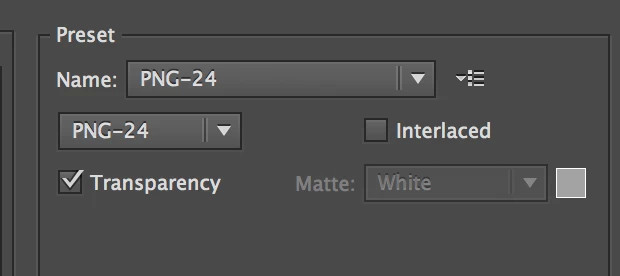
I have one art board. I have created a rectangle with curved corners and successfully placed my text and line segments in it. The background within the rectangle also has a nice fill in it. The artboard is pretty tight with the rectangle. I export it as png. Everything is great except for the artboard corners are not transparent. Since you cannot curve artboard corners I am not sure how to prevent this.
Any advice?
 AdChoices