
Curved lines in illustrator appear jagged and it appears in other abode apps too
Suddenly a few days ago my curved lines in Illustrator started to appear jagged/pixilated. I exported it as a high-quality JPEG but it's still there. 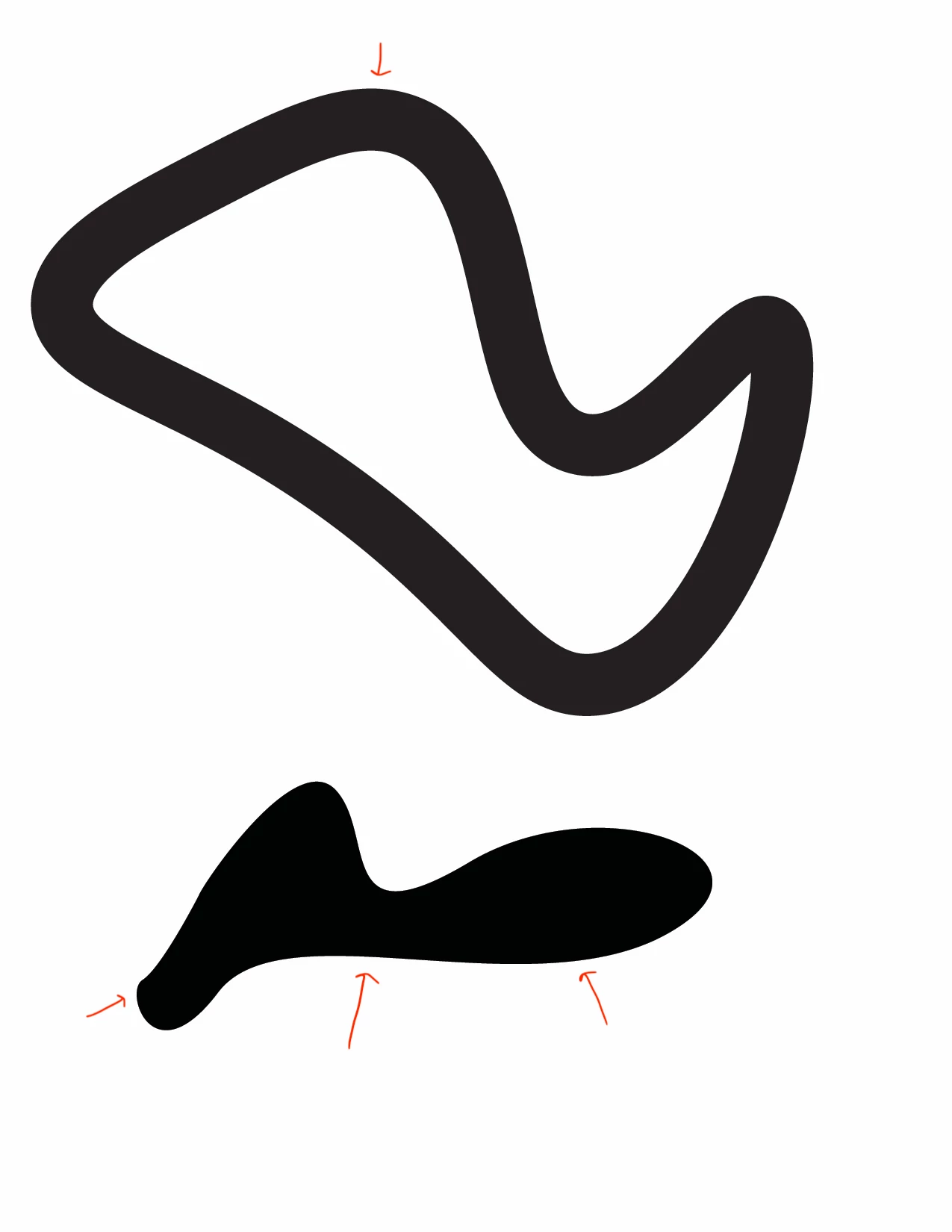 I viewed it on one of my college's good computers to see if it was just a GPU/CPU/screen resolution thing on my computer. It still appeared in the JPEG so it appears to be actually affecting the artwork but I'm no expert. I wanted to make them copy artwork into animate and it also appears in animate before and after I export it. Actually, it looks a lot worse when I put and render it in animate.
 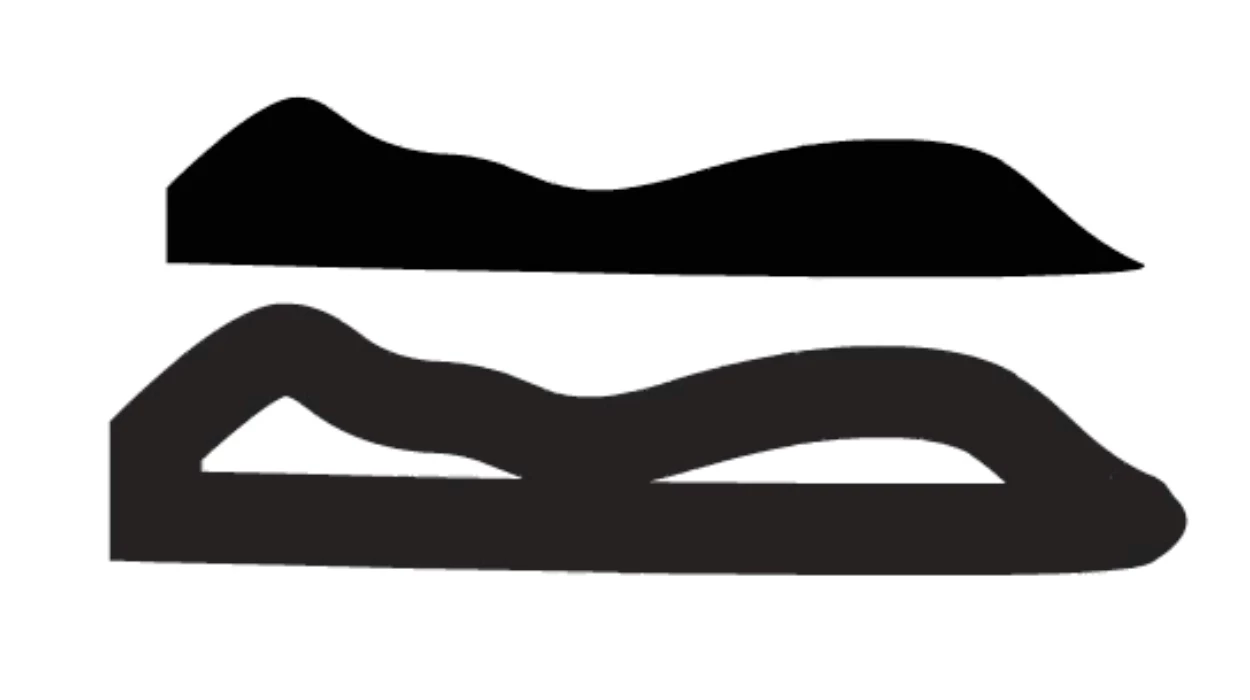 Does anyone know if this is a bug or maybe a virus? Can anyone else see the jagged/pixilated edges? It's not that bad but it still makes the artwork blurry. If you can't see it then it might be a screen resolution issue. I tried uninstalling, reinstalling, and restarting my computer but it didn't do anything. It also appears in InDesign but I don't think as bad. Also, it doesn't appear on any artwork I did before a few days ago when it started but it does on anything new I make. Any ideas? I keep having different kinds of resolution issues with Illustrator even after getting a better computer and I'm getting pretty desperate.


 AdChoices