
Participating Frequently
June 3, 2019
Answered

Curves Printing as Angles

  • June 3, 2019
  • 5 replies
  • 3053 views

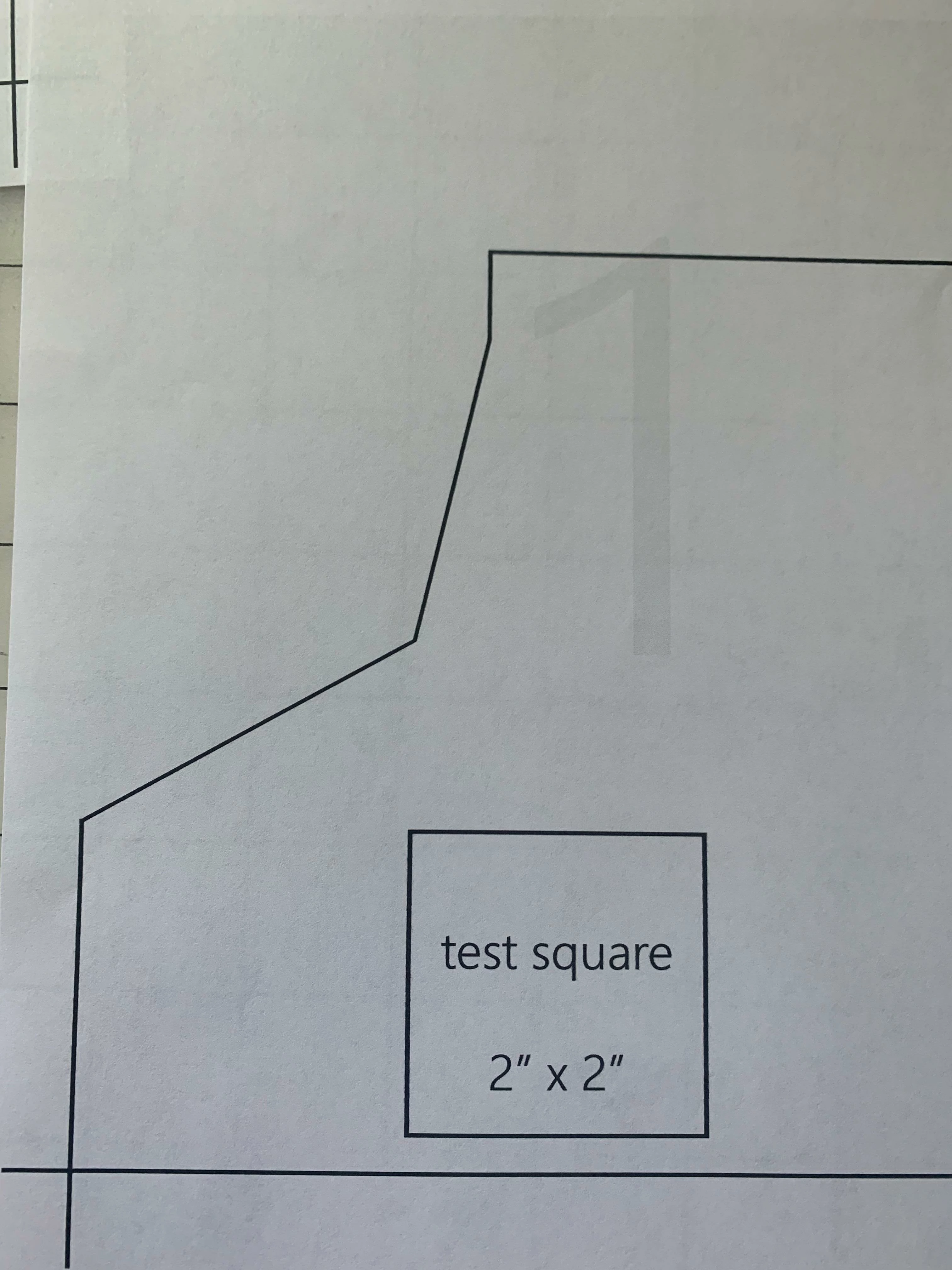
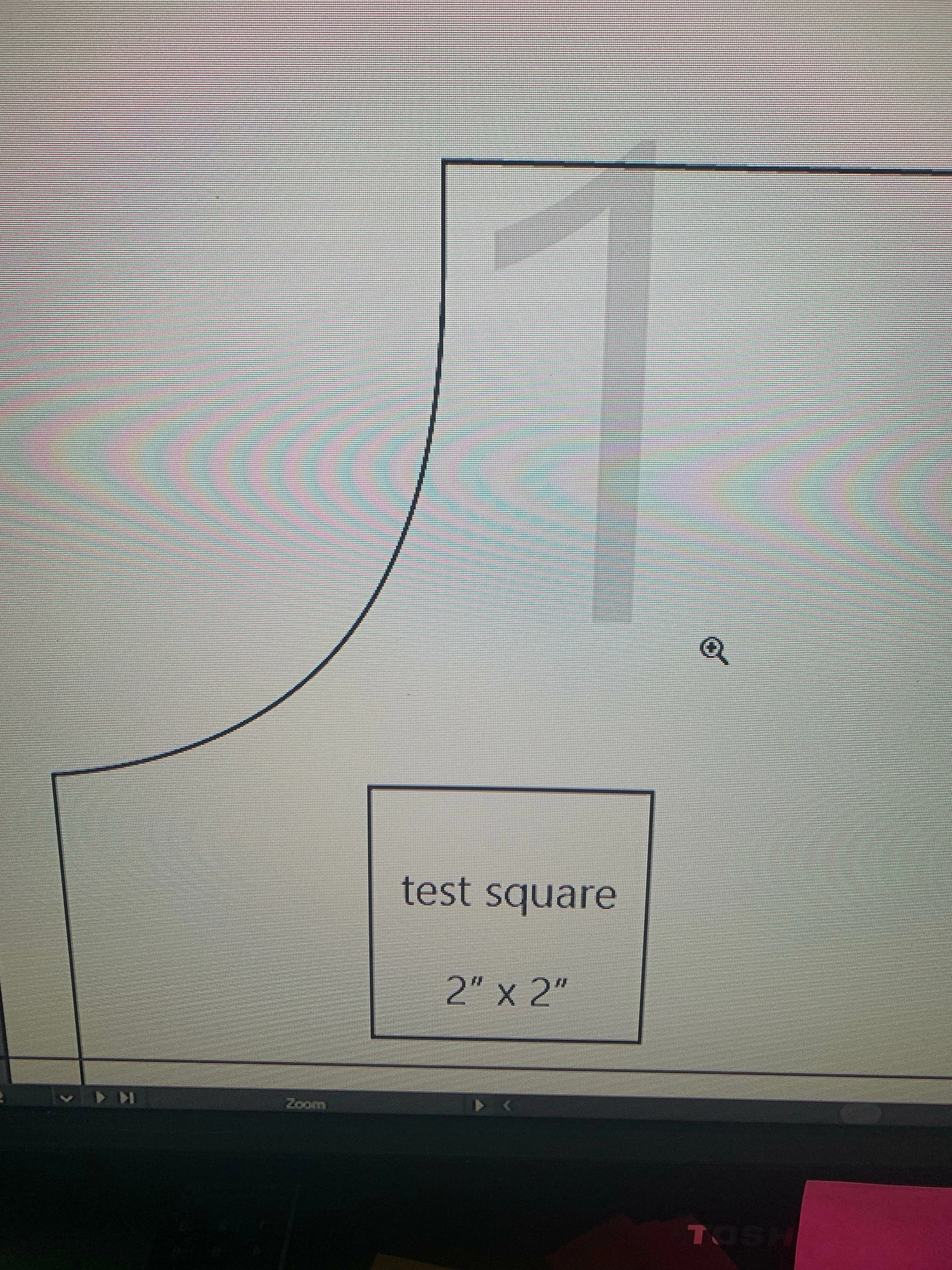
I'm trying to print off a project that I am working on but I have a problem with some of my curves printing out as strange angles. This is not happening with all of them just some and I have no idea how to fix it. TIA
Correct answer barbara_a7746676

If the Illustrator file is corrupt,you could try selecting everything and copying it into a new Illustrator file. You could also try copying and pasting just the problem paths into a new Illustrator file.

Another thing to check would be if you have the most current printer driver for your printer and if the driver is using the HP postscript simulator.

5 replies

Participant
January 8, 2023

Hello! Had the same issue. This worked for me:


In your printing settings window, go to Advanced.

Check -> Print as Bitmap 

Select Complex Graphics in the bottom list (Ajuste preestablecido)


Sorry, my Illustrator is in Spanish.

Hope this can fix your problem too.  I draw my patterns in illustrator as you! 🙂


barbara_a7746676
Community Expert
Community Expert
June 3, 2019

In your print dialog box, is Flatness set to Quality on the far left?

Participating Frequently
June 4, 2019

this is my graphics section of my Print dialog box.

barbara_a7746676
Community Expert
Community Expert
June 4, 2019

In that case, I would look to the printer as the culprit. On amazon.com it says nothing about that printer supporting postscript. You could contact HP to confirm that.

When working with Adobe applications, an important printer feature is a postscript driver, or at least a postscript simulator. Some HP printers do have a postscript simulator.

barbara_a7746676
Community Expert
Community Expert
June 3, 2019

This looks like a printer issue, not an illustrator issue. This should not be happening if your printer is a postscript printer. If it has a postscript simulator it may not be interpreting the postscript correctly.

Participating Frequently
June 3, 2019

I am using a HP officejet 3830. I would think it was a printer issue but some of the other curves print smoothly. I have done a realignment and that has not fixed it.

barbara_a7746676
Community Expert
barbara_a7746676Community ExpertCorrect answer
Community Expert
June 3, 2019

If the Illustrator file is corrupt,you could try selecting everything and copying it into a new Illustrator file. You could also try copying and pasting just the problem paths into a new Illustrator file.

Another thing to check would be if you have the most current printer driver for your printer and if the driver is using the HP postscript simulator.

Mike_Gondek10189183
Community Expert
Community Expert
June 3, 2019

Are you printing through Illustrator, or rip software? Can we please see your print settings.

Jacob Bugge
Community Expert
Community Expert
June 3, 2019

fth,

I wonder whether it may be some printer setting creating (very coarse) polylines or something.

Which kind of printer?

What happens if you Save a Copy in PDF and look at that on the monitor?

Participating Frequently
June 3, 2019

When viewed as a pdf it is still the same but prints slightly better but still not a smooth curve, just a series of smaller angles.

thanks for the reply