
Inspiring
July 29, 2021
Answered

Curvy zig zag stroke

  • July 29, 2021
  • 3 replies
  • 1473 views

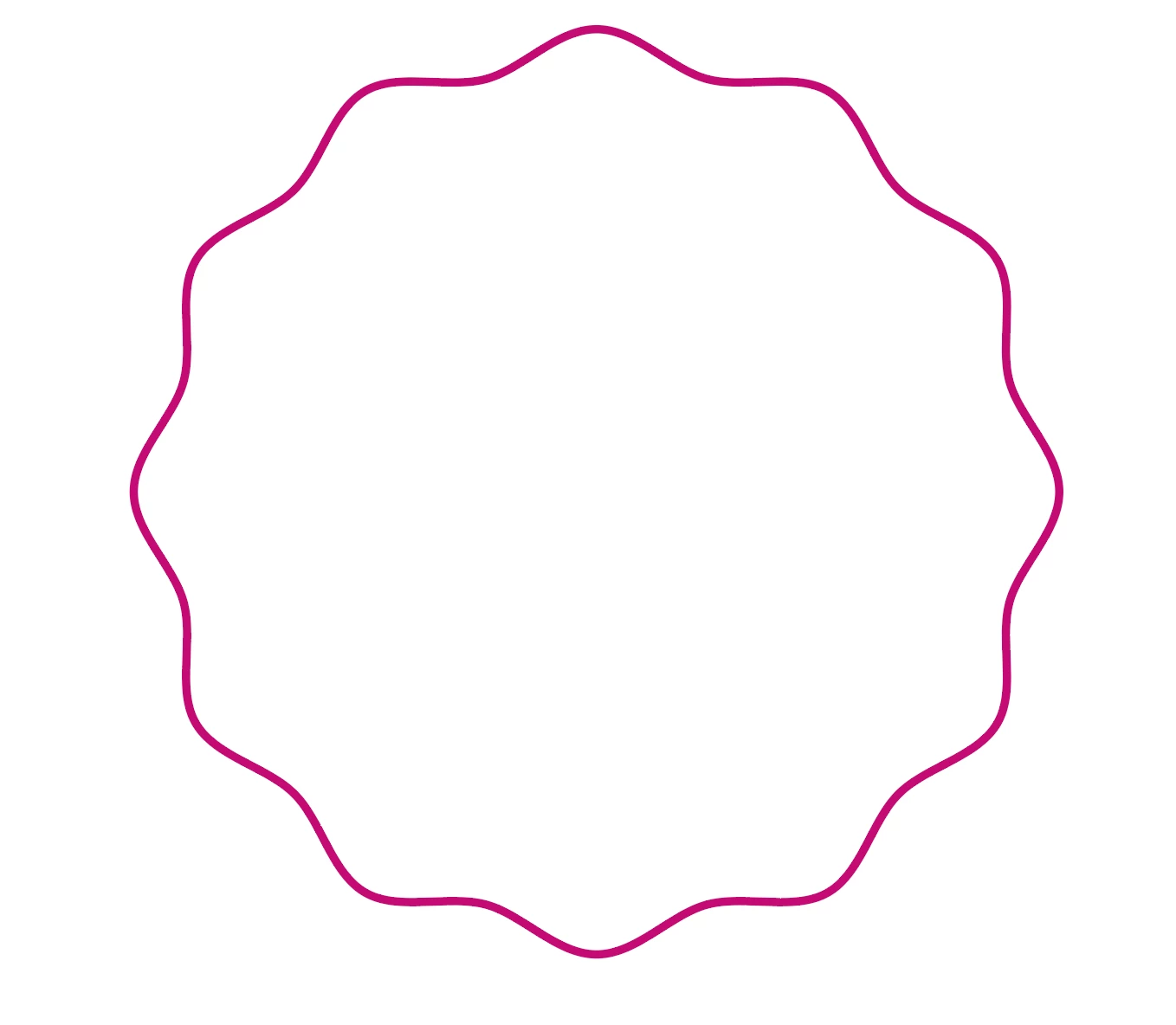
I'd like to make the width of the stroke larger at at peak and trough of the wavy zig zag stroke.


When i choose a profile of the stroke. It just changes the width on one side.


Please see attached. Image one is uniform stroke. and the other is with a stroke profile applied.

This topic has been closed for replies.
Correct answer Monika Gause

You need to apply the same effects to the fill in the Appearance panel.

3 replies

kphotopage
Legend
July 30, 2021

Summayah, Hi


Here I created a pattern brush and applied it to a circle.


The pattern brush was created with stroke using a custom variable width.


K

Inspiring
August 5, 2021

Interesting. Thank you.

Kurt Gold
Community Expert
Community Expert
July 29, 2021

The Width tool and width profiles are very useful, without any doubt.


But in this case you may consider to convert the stroked object to a filled compound path (Object menu > Path > Outline Stroke) and edit (probably some added) individual anchor points to get the desired appearance.


Mohammad.Harb
Community Expert
Community Expert
July 29, 2021

You can use the width tool ( shift + w ) . You can also double click on any point you created with the wodth tool to specify yhe side you want to change.

Inspiring
July 29, 2021


I just want the areas of the line that i have highlighted in yellow to be a bit wider.