


Question
Custom sizes greyed out when printing from Illustrator on a Canon ImagePROGRAF GP-6600S
Hello everyone,
I think people have had this issue before on older printers and Mac OS.
We’re on Mac OS Tahoe 26.5.2, and we are using Adobe Illustrator and InDesign to print various documents. The printer we are using is the Canon imagePROGRAF GP-6600S, and we’re trying to print directly from these applications. This is the screen we get:
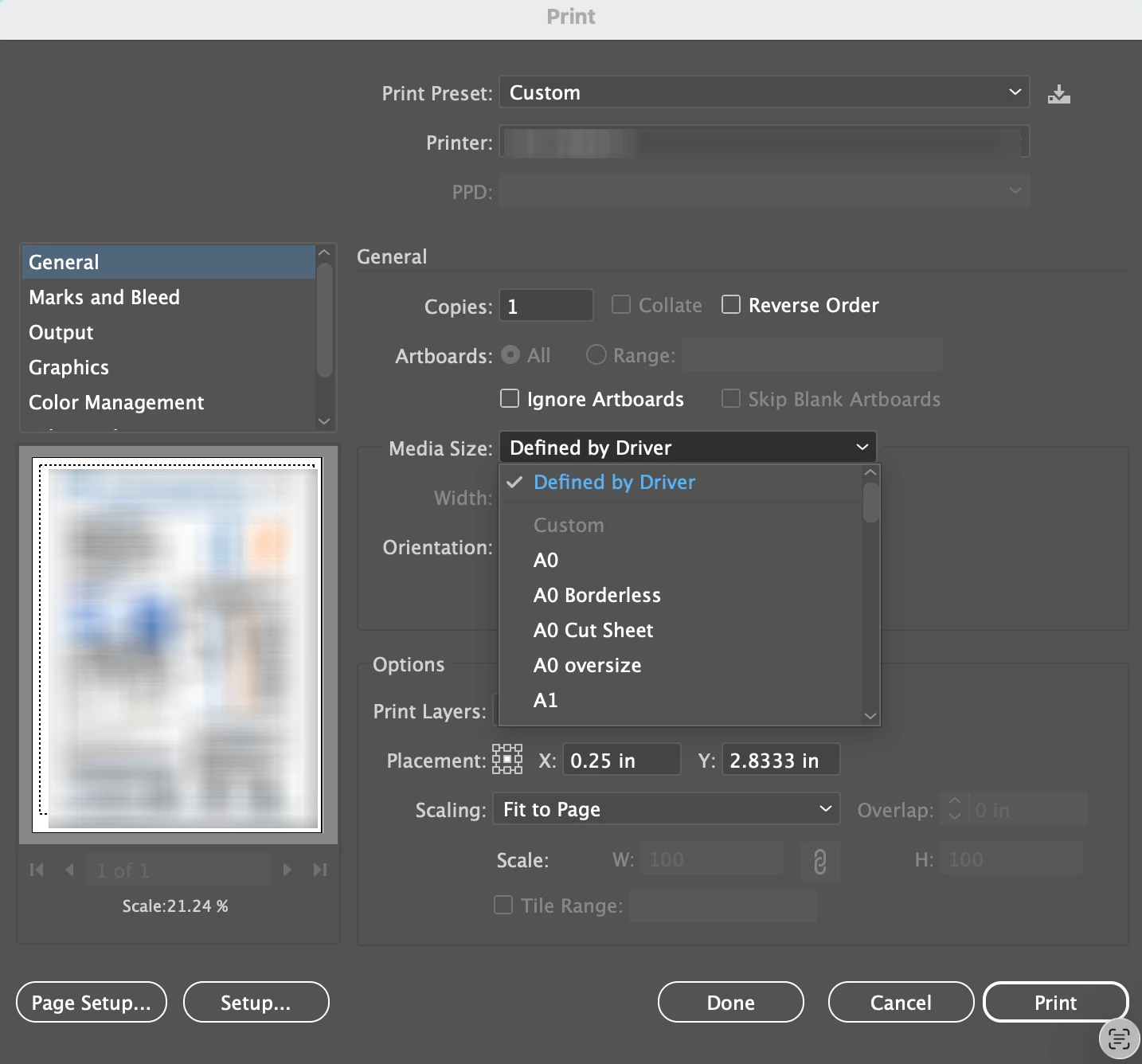
In the media size, the custom size is greyed out.
I know there is a workaround, and that’s by going into the Page Setup button at the lower left, but while that works, we’d have to create custom sizes every single time, which isn’t optimal, and just wanted to see if there is a better alternative.
If anyone has a solution, we’d greatly appreciate it!
Thanks everyone
 AdChoices