



TenTin
Known Participant
August 19, 2025
Question

Custom Toolbar

  • August 19, 2025
  • 1 reply
  • 300 views

How can I restore my custom Toolbar? There was a Toolbar folder in the AppData directory, and I was restoring my custom toolbar by copying and pasting it into that folder. But it doesn't work anymore.
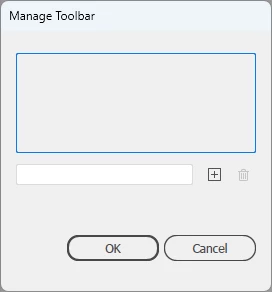
By copying and pasting, my custom Toolbar (with its name) was appeared in this Window.

1 reply

creative explorer
Community Expert
Community Expert
August 21, 2025

@TenTin how old was your Illustrator to allow the simple copying and pasting a custom toolbar folder into the AppData directory? You can try a couple different of ways:

1. Import your custom toolbar instead. Select your custom toolbar file and click Ok or Import. Illustrator will then add your custom toolbar to the list of available toolbars. Your custom toolbar will now appear in the list with its original name. I don't have a custom toolbar at the moment:


2. or try resetting the 'Workspace' 


m
TenTin
TenTinAuthor
Known Participant
August 21, 2025

I can't remember the exact version, but about 5 years ago, I was backing it up in this way. I use the old school to back up brushes, swatches, ... (I barely use the cloud stuff.) As far as I can remember, there was a folder in AppData/roaming/Ai settings preset directory, called Toolbar.


Where is the import option?! I can't see any "Import" word/symbol/icon...!


I created a custom toolbar to see where the Ai saves it, I searched the whole C drive, and I checked all AppData (Ai settings directories), but nothing was found!! Can anybody tell me where the hell is my custom toolbar that I created currently?!

If it is combined with Workspaces, it is ridiculous and nonsense..

silk-m
Community Expert
Community Expert
August 21, 2025

Find the old version "Tools Panel Presets".
Drag it into the ”Tools” Folder of the new version to replace it.


macOS:

  • ~/Library/Preferences/Adobe Illustrator <version> Settings\en_US\Tools\Tools Panel Presets
Windows:
  • %AppData%\Adobe\Adobe Illustrator <version> Settings\en_US\Tools\Tools Panel Presets


--Susumu Iwasaki