CutPath problem in AI 2017
I'm new to AI and first time posting.
I'm really hoping someone can guide me on this issue as it's quite urgent and I need to get this sorted in next day or so.
I'm using AI 2017 on a Windows laptop.
I use the following instructions to create CutPaths and this process has worked fine. But on this instance, the picture goes outside the oval shape.
https://www.wasatch.com/pdf/illustratorVectorCutPath.pdf
TestCutPath.jpg
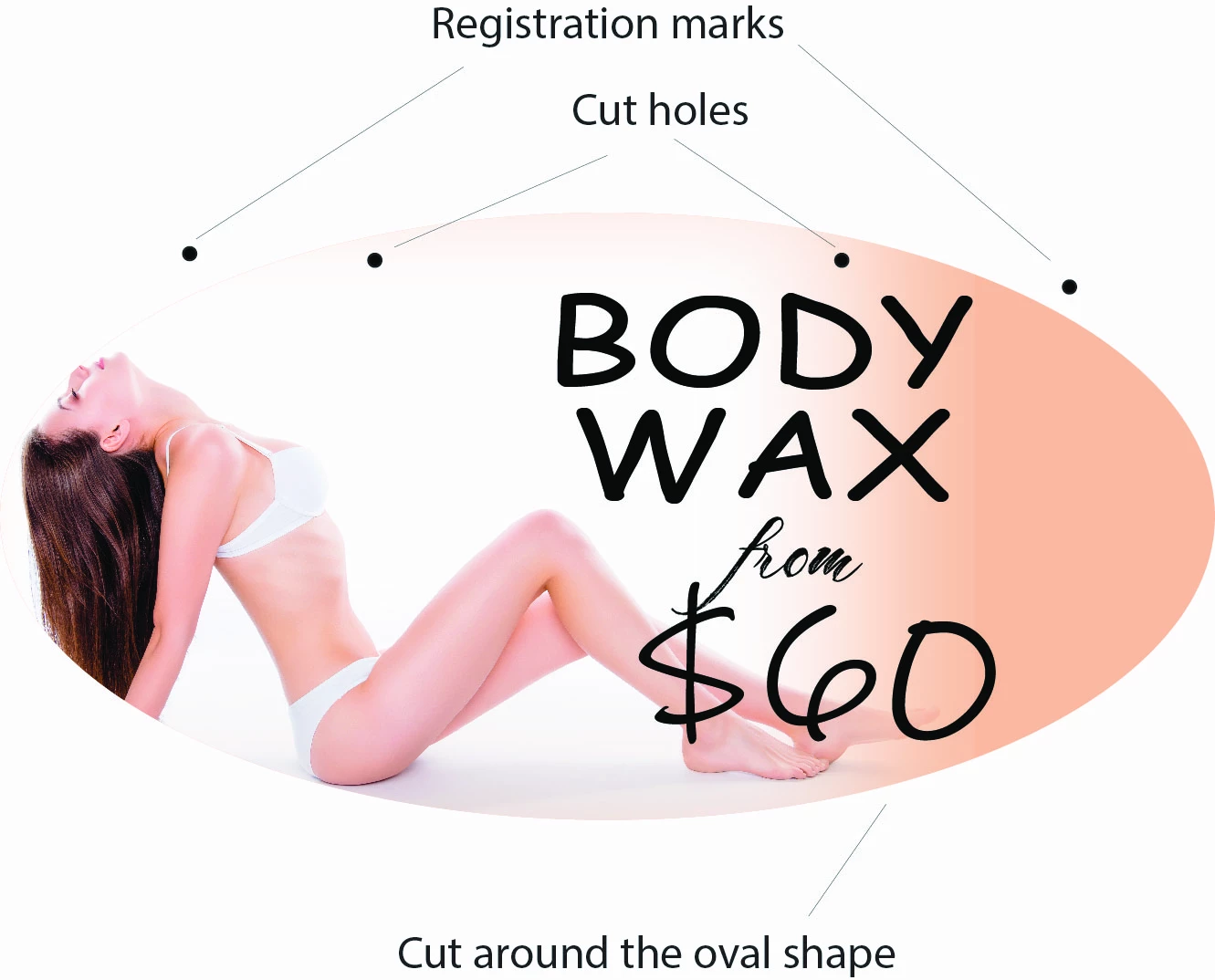
This file shows the oval shape that needs to be cut.
Dots outside the oval shape are the registration marks.
2 dots at top within the oval shape also need to be cut out.
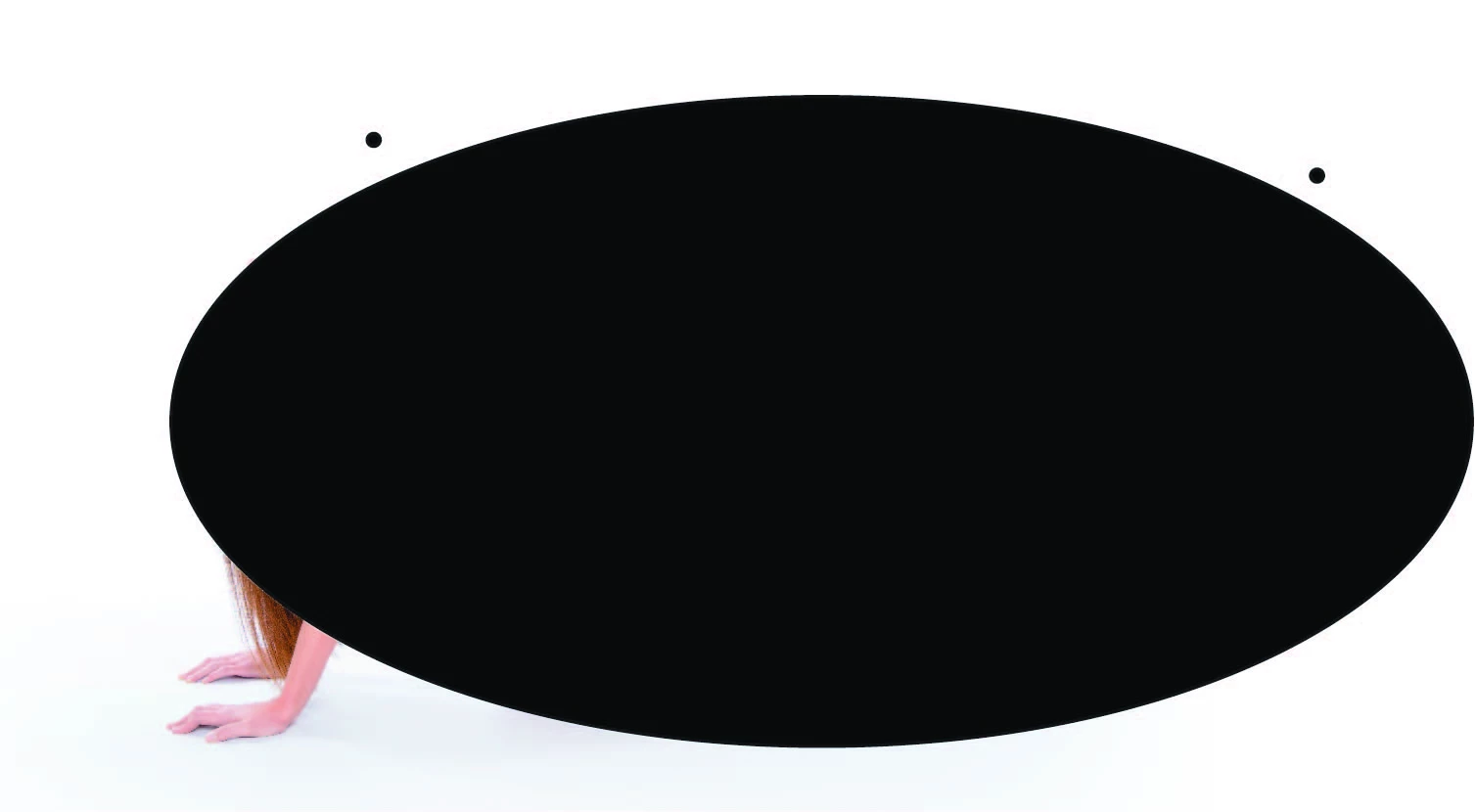
Following the instructions in the attached url above, when I select the MERGE option in pathfinder, the oval shape disappears, see below.

If I bypass MERGE in Pathfinder and select UNITE option, the 2 dots inside the oval shape, which also need to be cut, disappear.
I seem to be going in circles.
If there is a way to attach the ai file then I can do that, maybe there's a fault in how I've created the file.
Any guidance or support is appreciated.
Let me know if more details are needed.
 AdChoices