Participant
May 21, 2022
Answered

Cutting embedded images instead of cropping

  • May 21, 2022
  • 3 replies
  • 359 views

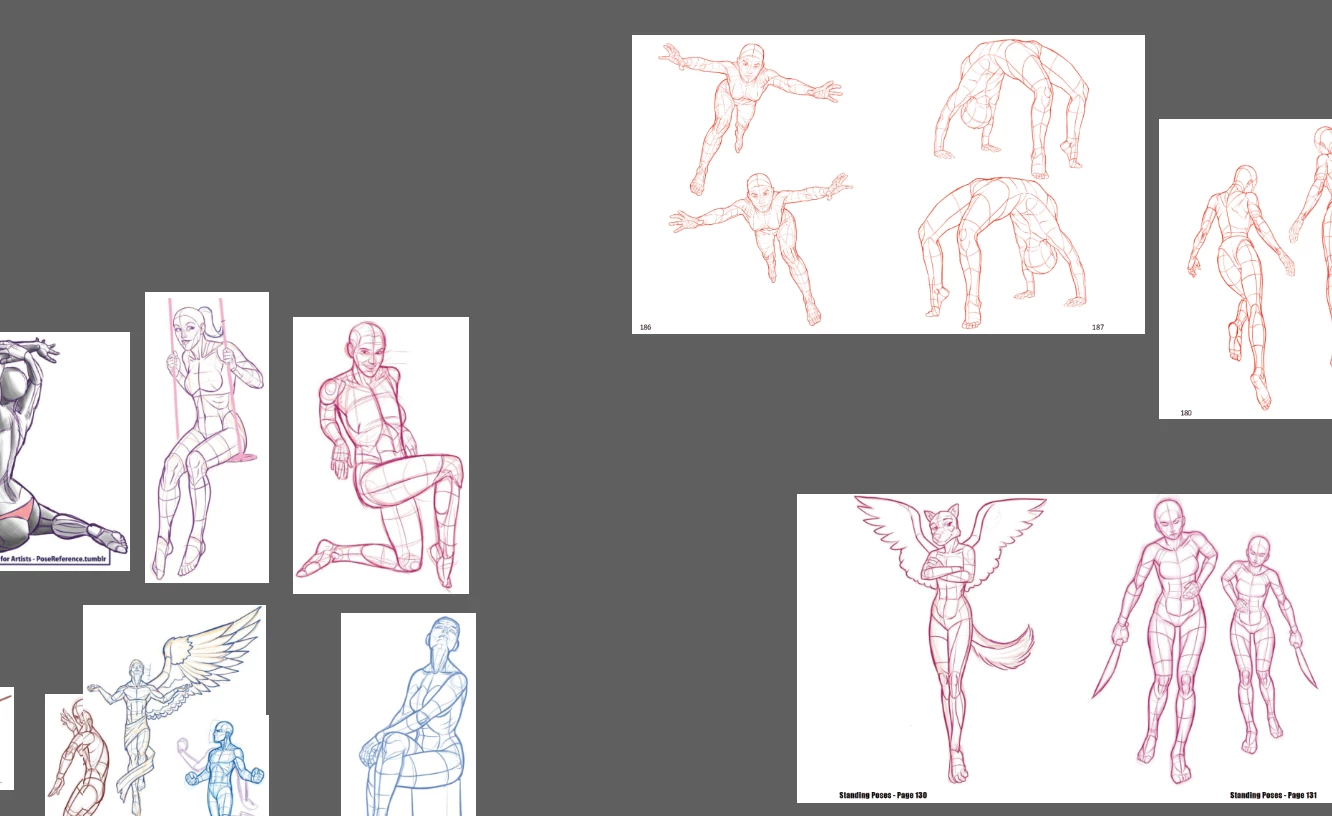
I have a bunch of embedded images and I'm trying to cut them apart. So far, the best way I've been able to do this is to copy and paste and then crop them individually.  There must be a way to cut the images apart and just separate out what I want rather than doing it this way.  I've included this image to explain it better.  I want to cut out the individual poses from the images on the right, so that they become like the individual poses on the left.


This topic has been closed for replies.
Correct answer Ton Frederiks

Or you can Copy > Crop; Paste > Crop; Paste > Crop in Illustrator until separated.

3 replies

Ton Frederiks
Community Expert
Ton FrederiksCommunity ExpertCorrect answer
Community Expert
May 21, 2022

Or you can Copy > Crop; Paste > Crop; Paste > Crop in Illustrator until separated.

marliton
Community Expert
Community Expert
May 21, 2022

Hi. You can do it easily using Photoshop.


Marlon Ceballos
Monika Gause
Community Expert
Community Expert
May 21, 2022

Easiest would be to open them in an image editor, select part of the image, copy and paste into Illustrator.