

francesvief
Participant
June 9, 2020
Answered

Cutting into a shape

  • June 9, 2020
  • 1 reply
  • 652 views

The other day, this worked perfectly fine, but today it doesn't: I wanted to cut a piece from this line by selecting a square where i wanted to cut with the rectangular tool, then selecting both the rectangle and the shape i wanted to cut, divide, done. Like i said, this worked perfect before, but now all i get is this
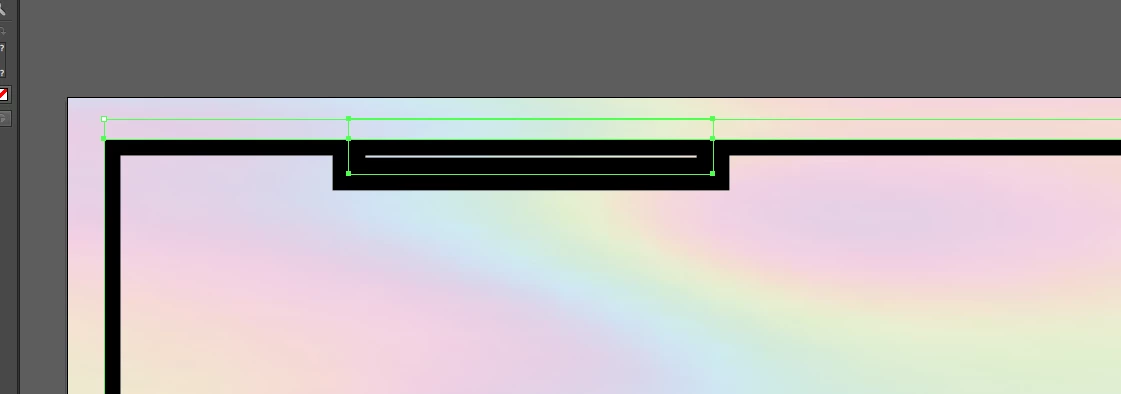
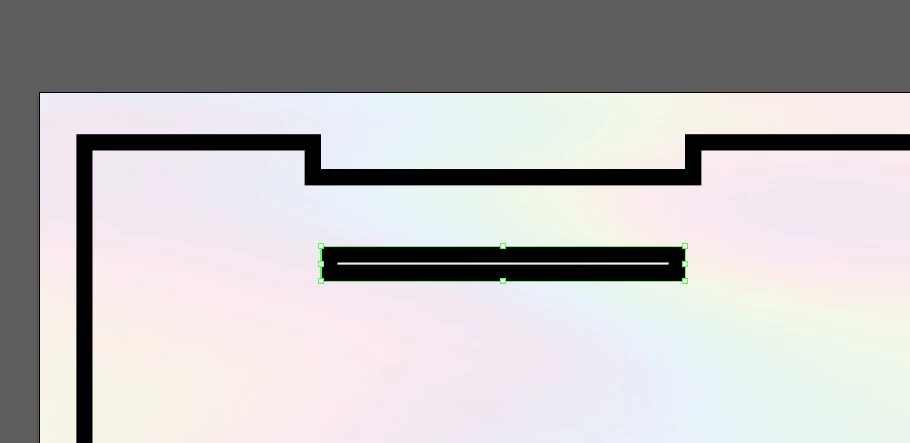
Also tried it with the linear tool, got the same kind of thing happening
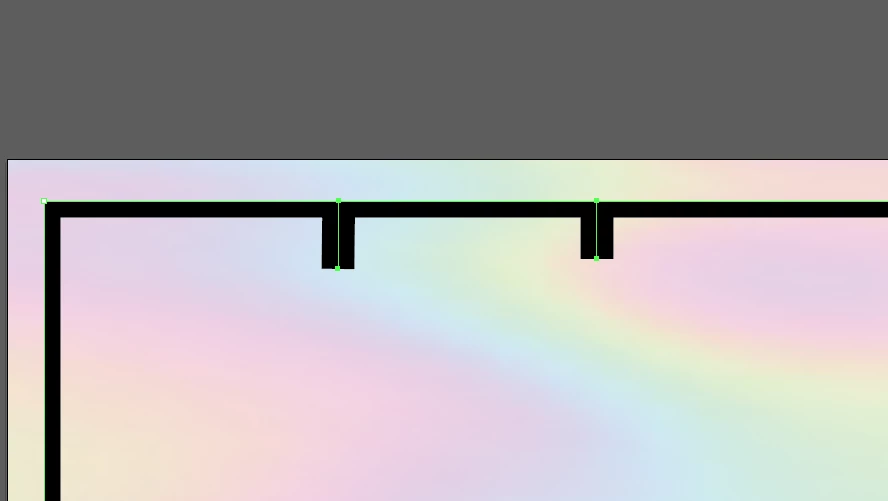
All i want is just an open space in between that shape

This topic has been closed for replies.
Correct answer edgrimley

Add two points where you want it removed. With the direct selection tool, select the line area between the two points. Hit delete.

1 reply

edgrimleyCorrect answer
Participating Frequently
June 9, 2020

Add two points where you want it removed. With the direct selection tool, select the line area between the two points. Hit delete.

francesvief
Participant
June 9, 2020

points as in anchors?

tromboniator
Community Expert
Community Expert
June 10, 2020

Yes.