sarahp59452335
Participant
November 21, 2018
Answered

Damaged files giving not enough memory error?

  • November 21, 2018
  • 1 reply
  • 643 views

I have a new client who's sent me 2 different sets of AI files and all result with the same "The operation cannot complete because there isn't enough memory available" error.

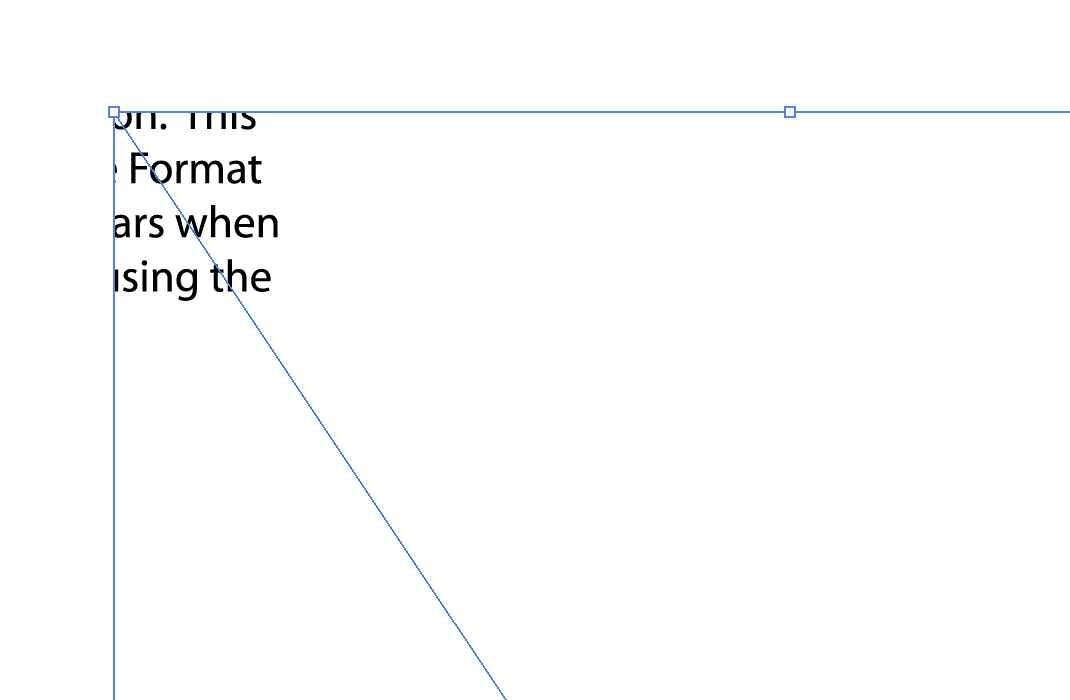
I've gone through How to fix damaged Illustrator files  and completed option #3 placing the AI file into a new AI file, doing so creates the image below. If this can't be fixed on my end how do I instruct my client to properly save the file so I can work on it?

-this is only happening with my clients AI files, other files are working

-using Illustrator 23.0.1

-GPU performance is off

-secondary scan disk is set, both have plenty of space

-Mac High Sierra has 16GB RAM
This topic has been closed for replies.
Correct answer Monika Gause

Which version of Illustrator are you both using?

Ask them to zip the file before sending.

Ask them if the file still opens on their side. It maybe old and they haven't opened it in this century.

1 reply

Monika Gause
Community Expert
Monika GauseCommunity ExpertCorrect answer
Community Expert
November 21, 2018

Which version of Illustrator are you both using?

Ask them to zip the file before sending.

Ask them if the file still opens on their side. It maybe old and they haven't opened it in this century.

sarahp59452335
Participant
November 27, 2018

Pretty sure the files were old AF. Once the originals arrived everything was golden. Thank you!