Question
Dashed lines not consistent
this is a single path with 5 length dash and 6 length gap but the dashes are not consistent through out, I tried changing the properties of the dashes and length etc but still this end is larger dash. How to fix?
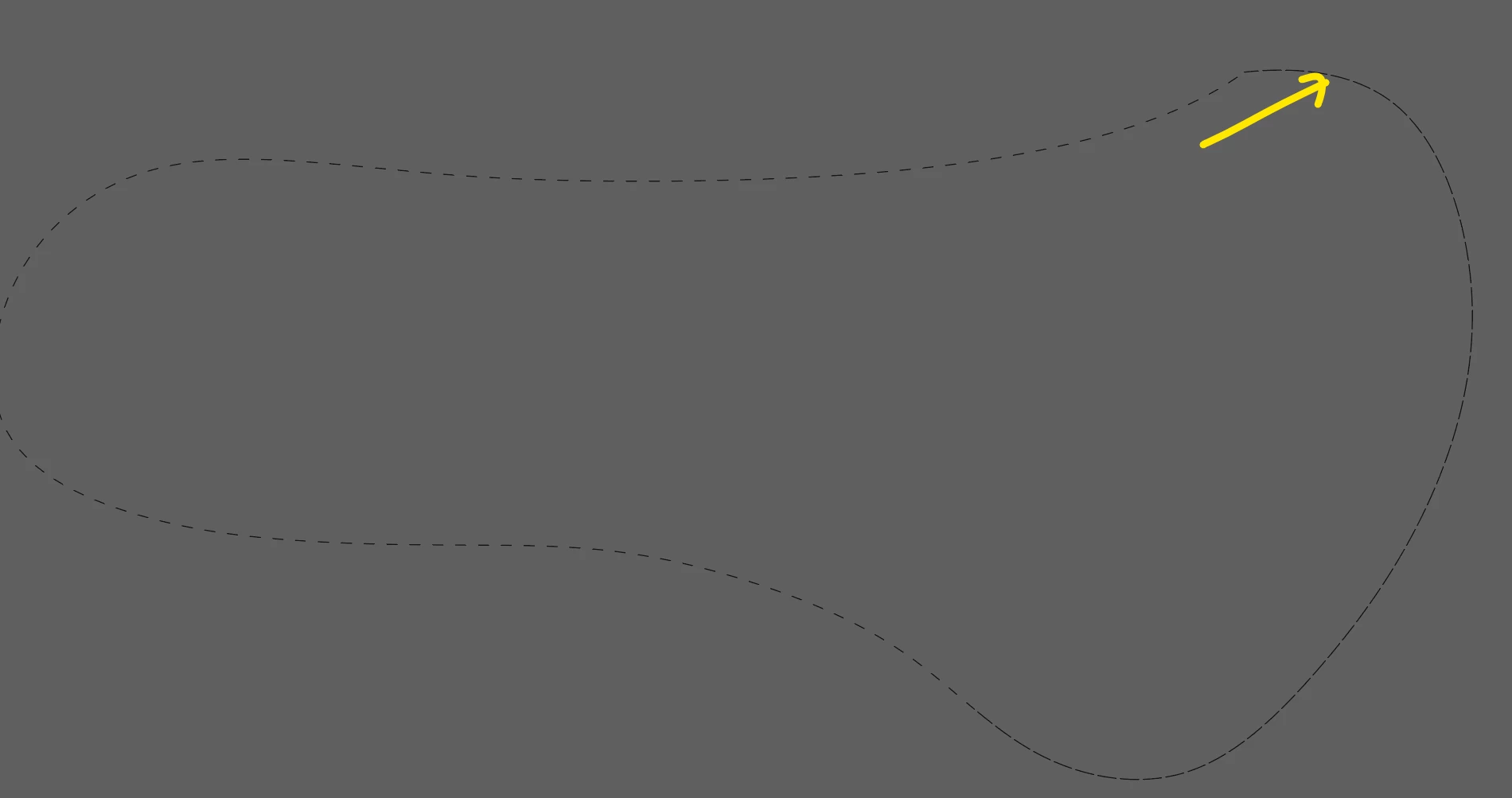

this is a single path with 5 length dash and 6 length gap but the dashes are not consistent through out, I tried changing the properties of the dashes and length etc but still this end is larger dash. How to fix?
Already have an account? Login
Enter your E-mail address. We'll send you an e-mail with instructions to reset your password.
 AdChoices